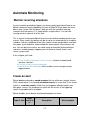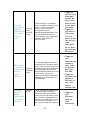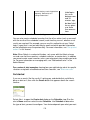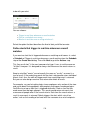
1
Basic table drilldown functionality
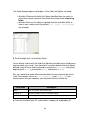
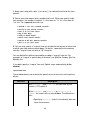
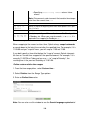
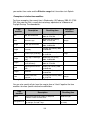
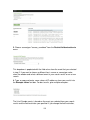
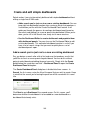
As we explain above, you have three basic drilldown options when you define
chart visualization types with the Visualization Editor:
• None - Drilldown functionality is turned off.
• Row - A click on a row launches a drilldown search on the x-axis value
(the value in the first column of the table) for that row.
• Cell - A click on a cell launches a drilldown search on both the x-axis and
y-axis values represented in that cell.
In general, when the search involved in the creation of the original table uses
transforming commands, the drilldown wipes out the final transforming
command and replaces it with arguments that drill down on the specific x-axis
value or x- and y-axis value combination caught by the click. See the subsections
below for examples of how this works.
Row drilldown
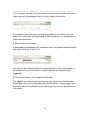
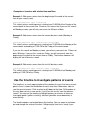
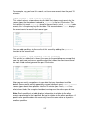
When a table in a dashboard panel has a Drilldown value of Row, you can
initiate drilldown searches along whole rows by clicking on them.
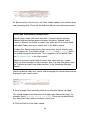
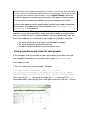
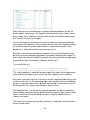
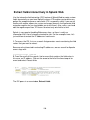
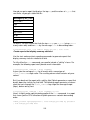
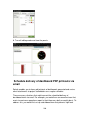
Imagine that you have a dashboard table that is based on this search:
index="_internal" group="per_sourcetype_thruput" | chart sum(kbps) over
series
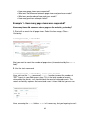
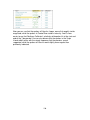
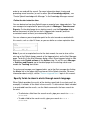
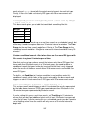
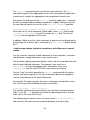
In this table, a "row click" drilldown search would concentrate on the x-axis value
of the selected row, which in this case would be a value of the series field, such
as fs_notification:
243