1
Common services
230
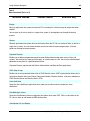
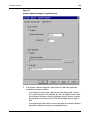
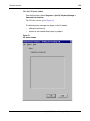
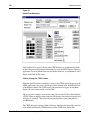
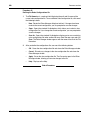
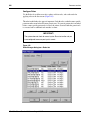
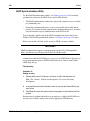
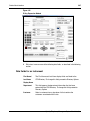
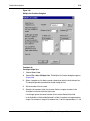
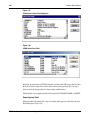
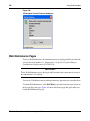
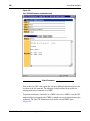
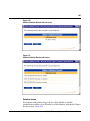
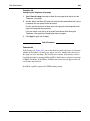
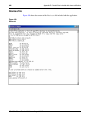
The Save Configuration and Save Configuration As menu items are only available if you
have selected a user-defined terminal type (as defined as the Other VT220 type from the
OTM System Properties Communications tab). Otherwise, they appear grayed.
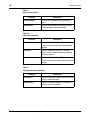
Edit menu
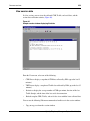
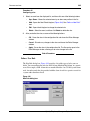
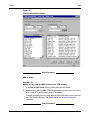
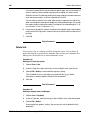
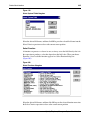
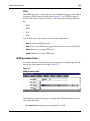
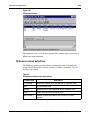
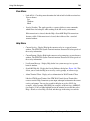
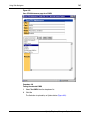
The Edit menu contains editing commands used to manipulate the text appearing in the
main window.
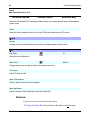
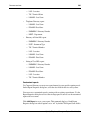
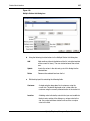
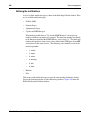
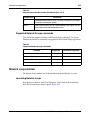
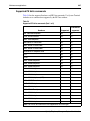
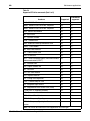
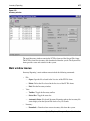
The following is a summary of these functions:
•
Copy
•
Paste
•
Select All
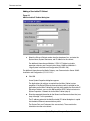
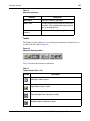
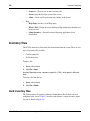
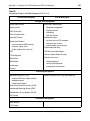
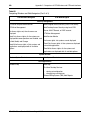
Configuration menu
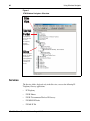
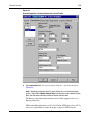
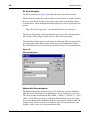
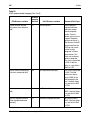
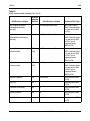
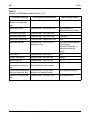
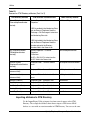
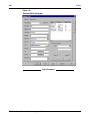
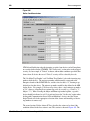
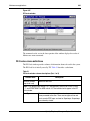
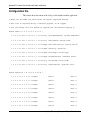
Once you start VT220 from the system window of the OTM Navigator with a user
defined type of terminal (as defined as the Other VT220 type from the OTM System
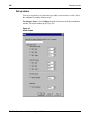
Properties Communications tab), then you can use the Configuration functions to
customize the VT220 settings to suit your needs. The purpose of having the Other type
is to allow you to create multiple types of settings based on generic settings.
If you do not select Other or a user-defined type, then you do not require these functions
to run VT220. The Configuration command, therefore, appears grayed.
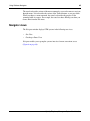
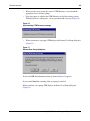
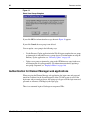
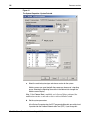
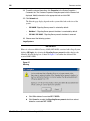
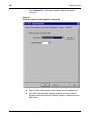
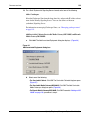
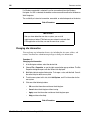
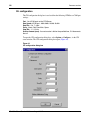
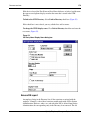
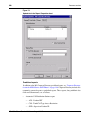
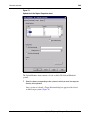
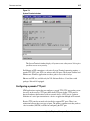
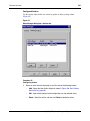
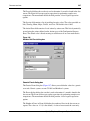
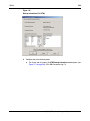
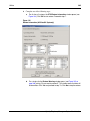
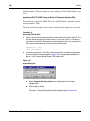
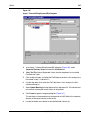
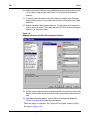
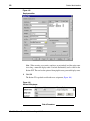
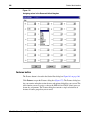
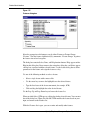
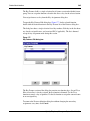
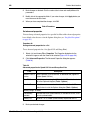
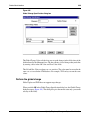
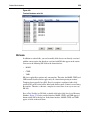
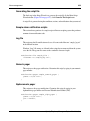
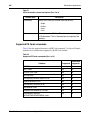
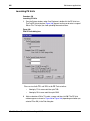
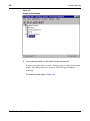
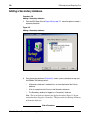
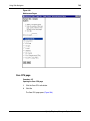
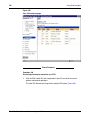
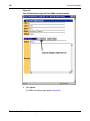
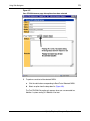
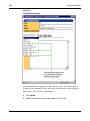
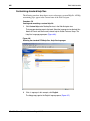
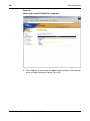
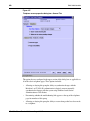
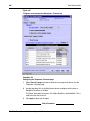
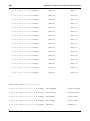
Before you can customize the VT220 settings, you must first select the custom VT220
settings file OTHER.INI using the Communications tab from the OTM Navigator
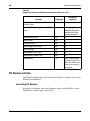
System Properties application. Refer to “Accessing VT220” on page 228 for more
details on selecting this option. This file appears in the VT220 settings drop-down list
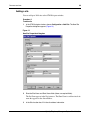
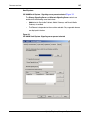
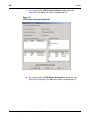
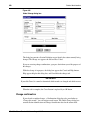
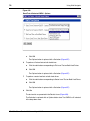
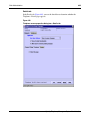
box. When you launch VT220 from this customizable terminal, you can then use the
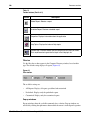
commands which appear in the Configuration drop-down menu to change the settings
for VT220.
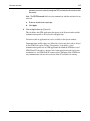
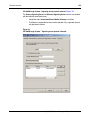
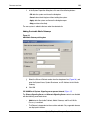
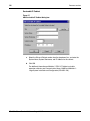
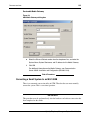
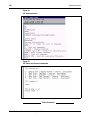
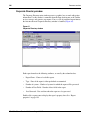
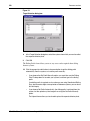
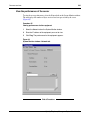
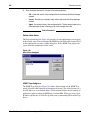
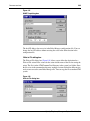
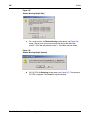
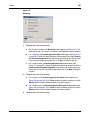
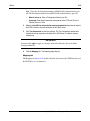
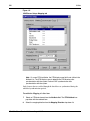
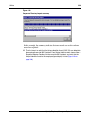
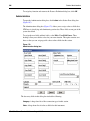
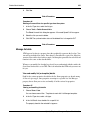
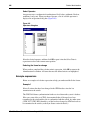
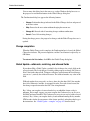
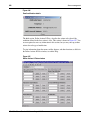
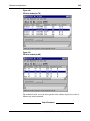
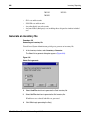
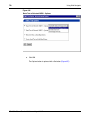
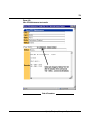
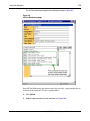
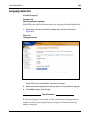
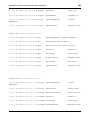
Once you have edited the VT220 settings using these functions, you must then save the
customized configuration file using the Save Configuration As command. Use this
command to enter the name of this configuration file for use in later sessions.
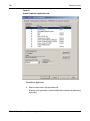
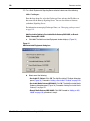
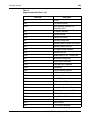
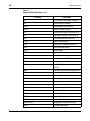
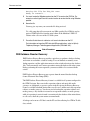
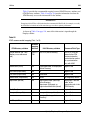
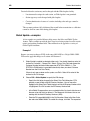
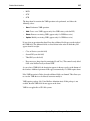
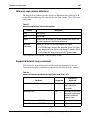
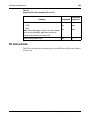
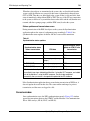
VT220 includes a number of setting files that are predefined, depending on the system
to which you are connected. For example, M1.INI is a predefined setting file used for a
VT220 terminal emulation session with the system, and MMAIL.INI is a predefined
setting file for Meridian Mail. These setting files provide the required VT220 settings
and cannot be edited.
553-3001-330
Standard 3.00
August 2005