1
Common services
143
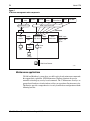
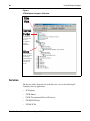
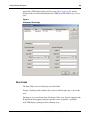
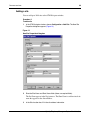
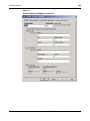
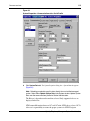
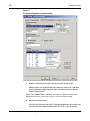
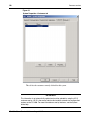
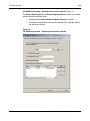
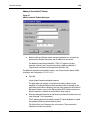
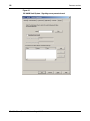
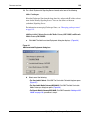
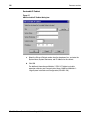
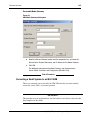
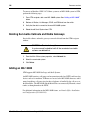
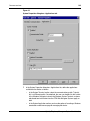
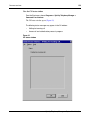
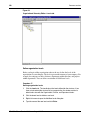
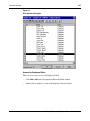
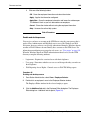
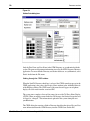
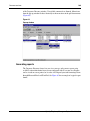
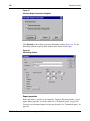
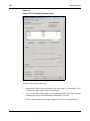
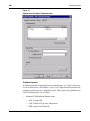
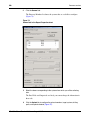
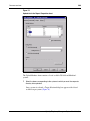
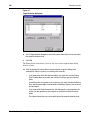
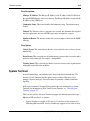
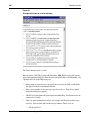
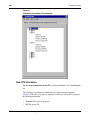
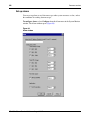
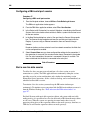
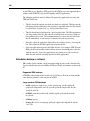
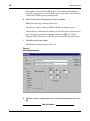
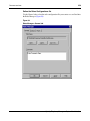
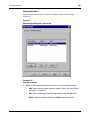
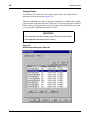
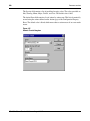
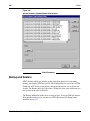
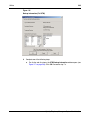
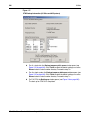
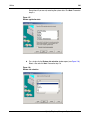
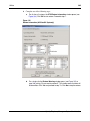
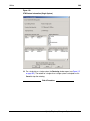
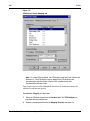
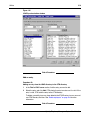
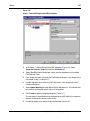
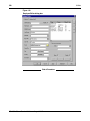
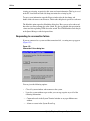
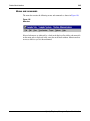
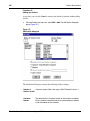
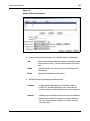
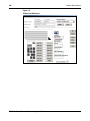
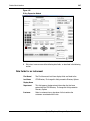
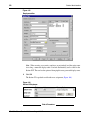
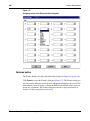
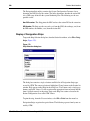
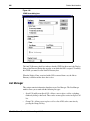
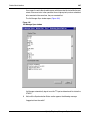
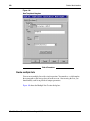
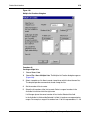
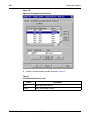
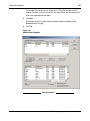
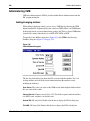
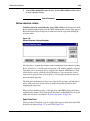
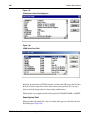
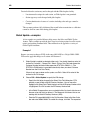
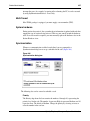
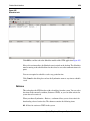
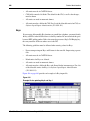
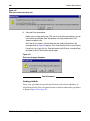
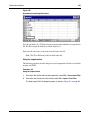
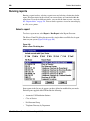
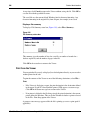
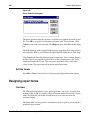
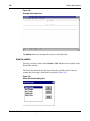
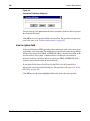
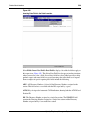
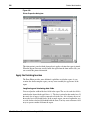
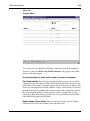
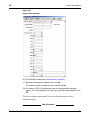
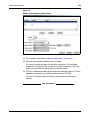
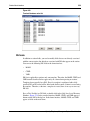
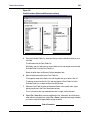
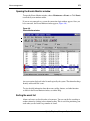
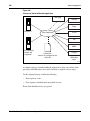
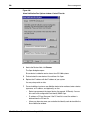
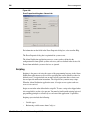
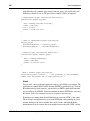
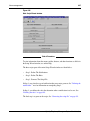
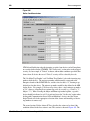
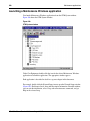
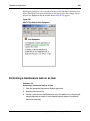
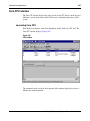
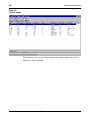
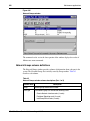
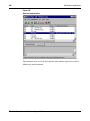
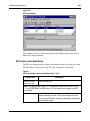
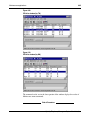
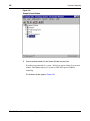
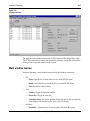
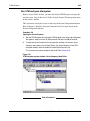
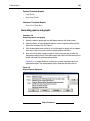
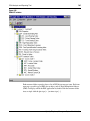
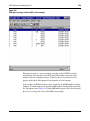
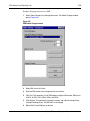
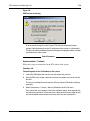
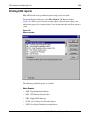
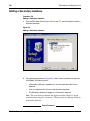
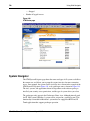
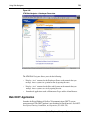
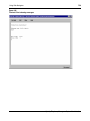
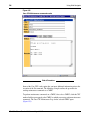
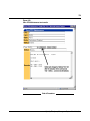
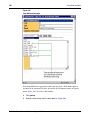
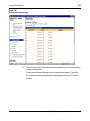
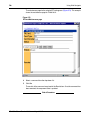
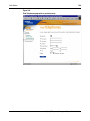
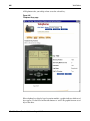
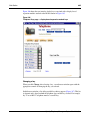
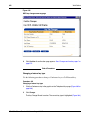
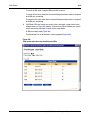
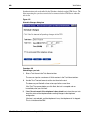
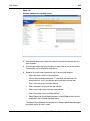
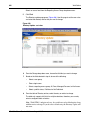
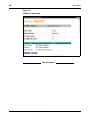
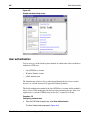
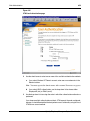
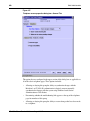
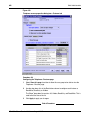
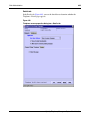
Figure 42
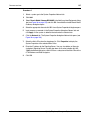
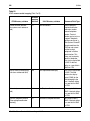
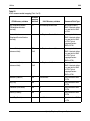
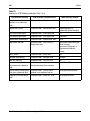
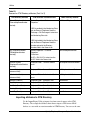
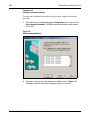
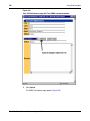
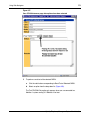
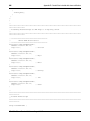
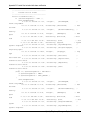
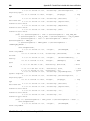
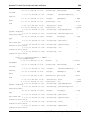
System Properties dialog box—Applications tab
7
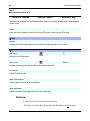
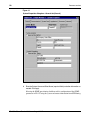
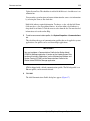
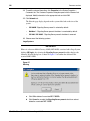
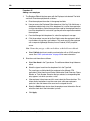
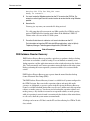
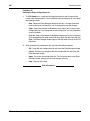
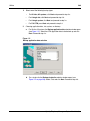
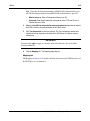
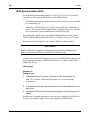
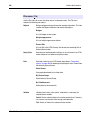
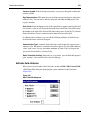
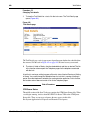
In the System Properties dialog box—Applications tab, define the applications
available for the device as follows:
•
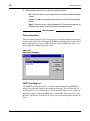
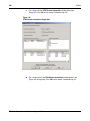
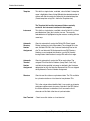
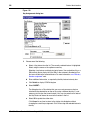
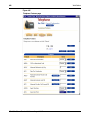
In the System Terminal section, select the communications profile. Typically,
this is an Ethernet profile. Once defined, the user can double-click the system
in the Windows Navigator to launch the Windows System Terminal, or open a
web-based terminal window from the OTM Web Navigator Systems page, or
both.
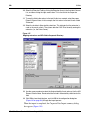
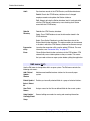
•
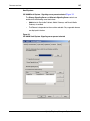
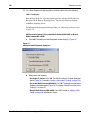
In the System Application section, you have the option of launching a Windows
executable or web browser page for managing the device.
Optivity Telephony Manager
System Administration