1
Maintenance applications
652
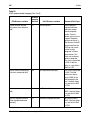
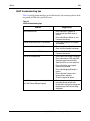
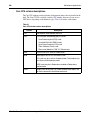
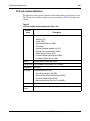
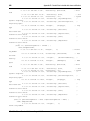
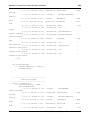
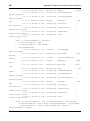
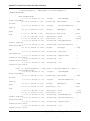
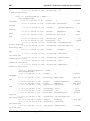
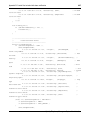
Table 43
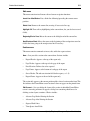
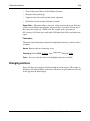
I/O Ports window column descriptions (Part 2 of 2)
Column
name
Description
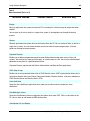
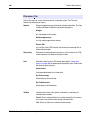
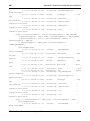
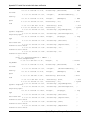
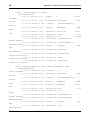
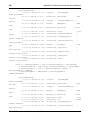
Card Status
Current maintenance status of the card. Applies only to MSDL Cards.
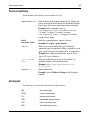
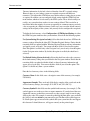
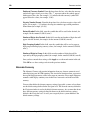
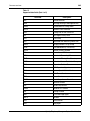
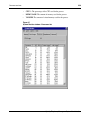
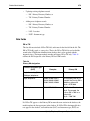
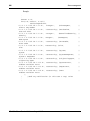
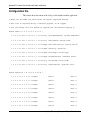
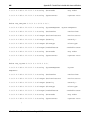
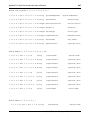
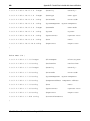
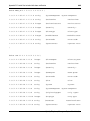
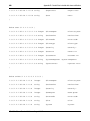
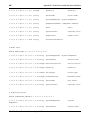
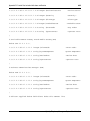
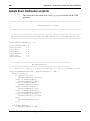
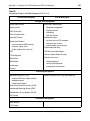
User Type
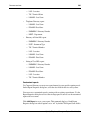
Indicates current port usage.
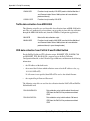
•
•
•
•
•
•
•
•
•
•
•
•
•
•
•
•
•
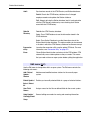
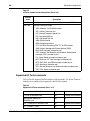
ACD: Automatic Call Distribution printer
APL: Auxiliary Processor Link
ICP: Intercept Computer Update Link
LSL: Low-speed AUX link
HSL: High-speed AUX link
XSM: System monitor
BGD: Background terminal
CTY: Call Detail Recording (CDR) TTY for CDR records
PMS: Property Management System Interface (PMS)
BUG: BUG messages included on port
CSC: Automatic Set Relocation and Attendant Administration
messages (CSC) included on port
FIL: Output filtered messages included on port
MCT: Malicious Call Trace messages included on port
MTC: AUD, BUG, and ERR messages included on port
NOO: No overlay allowed on port
SCH: Service Change or any database change included on port
TRF: Traffic reports included on port
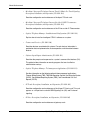
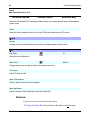
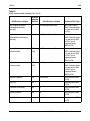
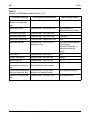
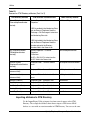
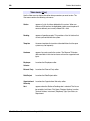
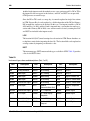
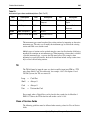
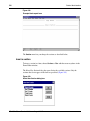
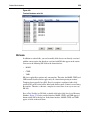
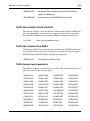
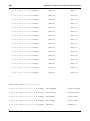
Supported I/O Ports commands
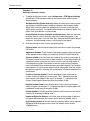
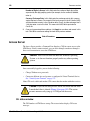
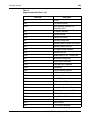
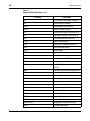
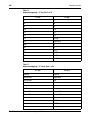
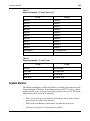
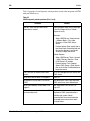
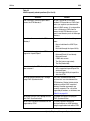
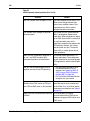
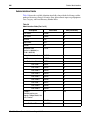
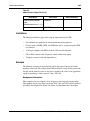
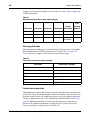
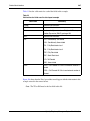
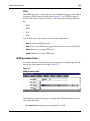
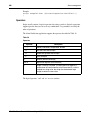
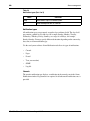
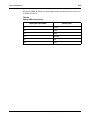
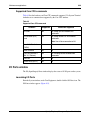
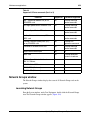
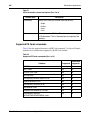
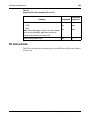
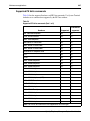
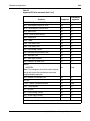
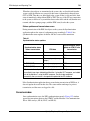
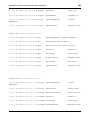
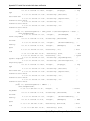
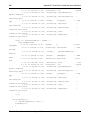
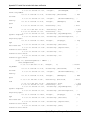
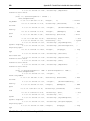
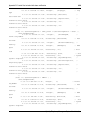
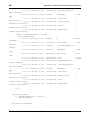
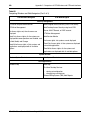
Table 44 lists the supported I/O Ports hardware and commands. Use System Terminal
for hardware or commands not supported by the I/O Ports window.
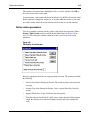
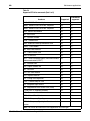
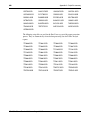
Table 44
Supported I/O Ports commands (Part 1 of 2)
Hardware
553-3001-330
Supported
Commands supported
TTY port on SDI/MSDL card
Yes
All except test command
XSM (System Monitor) on
SDI/MSDL card
Yes
All
PRT - Printer port on SDI/MSDL card
Yes
All except test command
PTY - Pseudo TTY port
Yes
All
Standard 3.00
August 2005