1
Web Administration
852
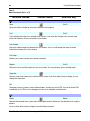
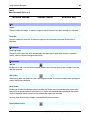
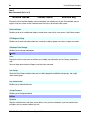
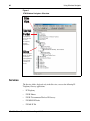
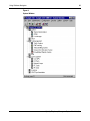
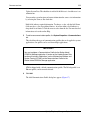
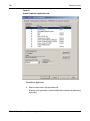
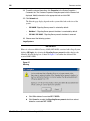
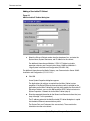
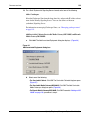
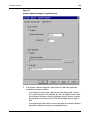
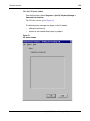
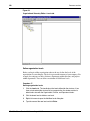
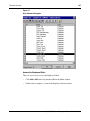
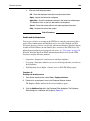
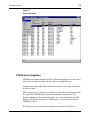
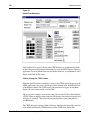
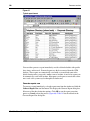
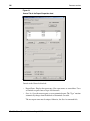
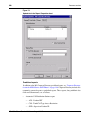
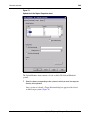
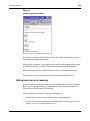
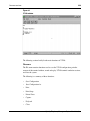
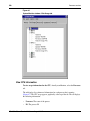
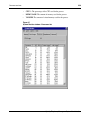
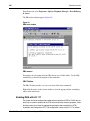
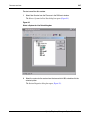
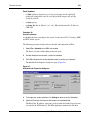
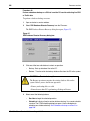
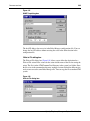
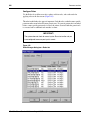
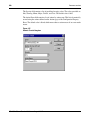
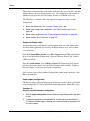
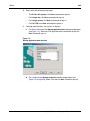
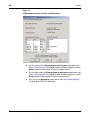
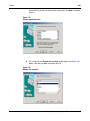
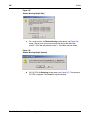
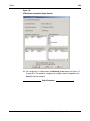
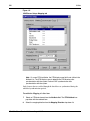
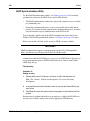
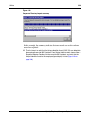
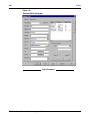
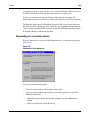
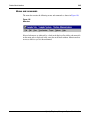
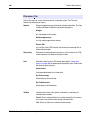
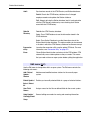
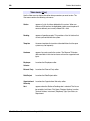
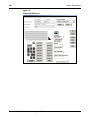
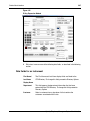
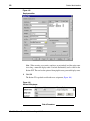
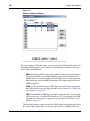
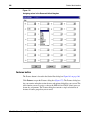
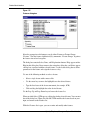
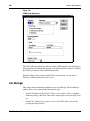
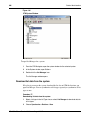
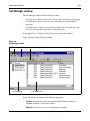
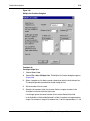
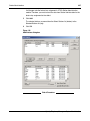
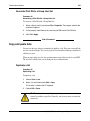
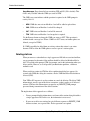
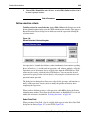
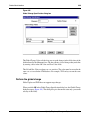
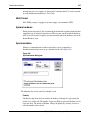
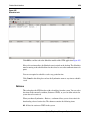
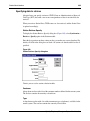
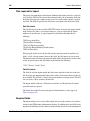
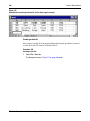
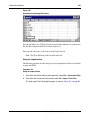
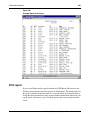
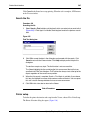
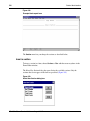
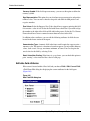
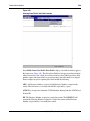
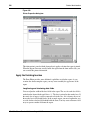
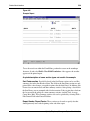
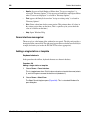
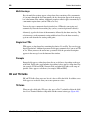
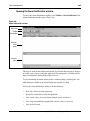
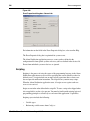
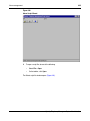
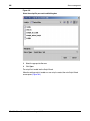
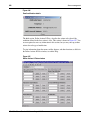
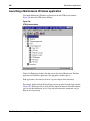
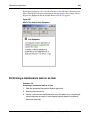
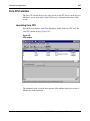
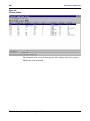
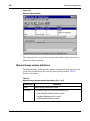
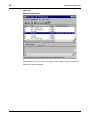
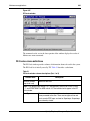
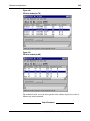
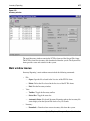
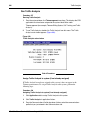
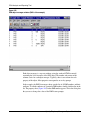
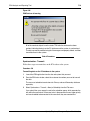
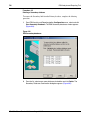
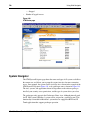
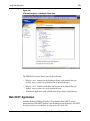
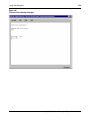
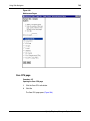
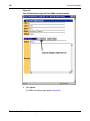
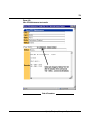
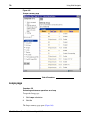
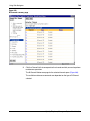
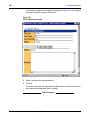
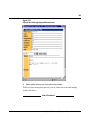
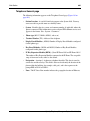
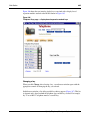
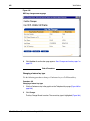
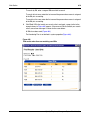
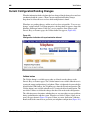
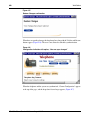
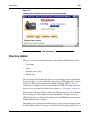
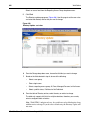
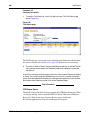
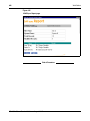
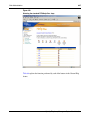
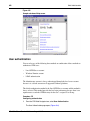
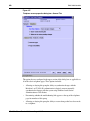
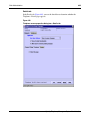
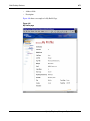
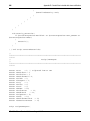
Figure 433
Sample web-based Help screen
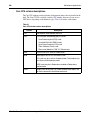
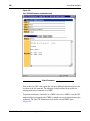
User authentication
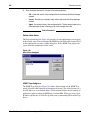
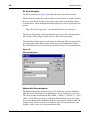
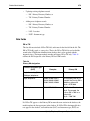
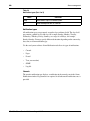
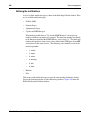
You can select any of the following three methods or combination of these methods to
authenticate OTM users:
•
Local OTM Server account
•
Windows Domain account
•
LDAP authentication
The Administrator account is always authenticated through the local server account
because it is a default account on all supported Windows platforms.
The default authentication method is the Local OTM Server account and this method is
always selected. This method provides the best login performance because there is no
requirement to search the OTM directory for the user’s assigned User Group..
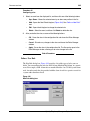
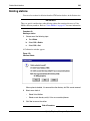
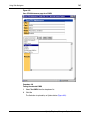
Procedure 175
Configuring authentication
1
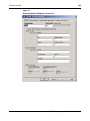
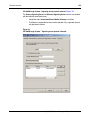
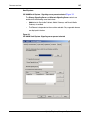
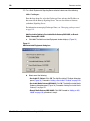
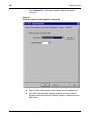
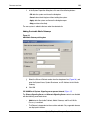
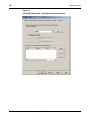
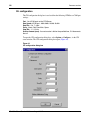
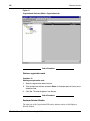
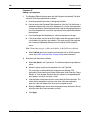
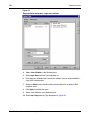
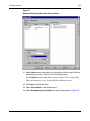
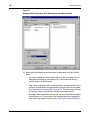
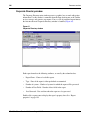
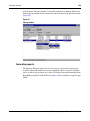
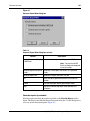
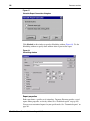
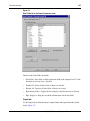
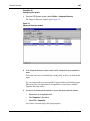
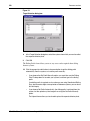
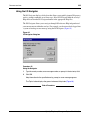
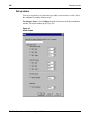
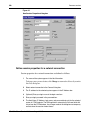
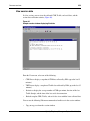
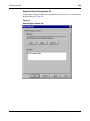
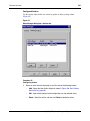
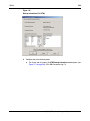
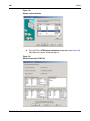
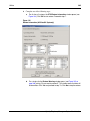
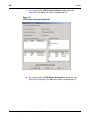
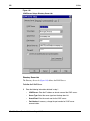
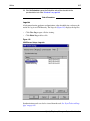
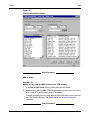
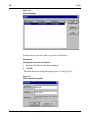
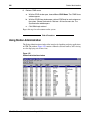
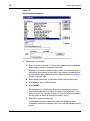
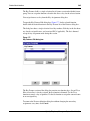
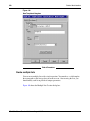
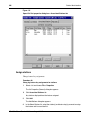
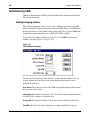
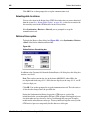
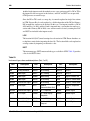
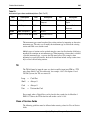
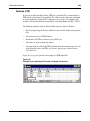
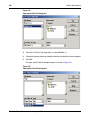
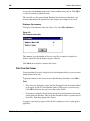
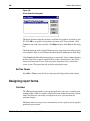
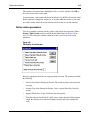
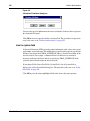
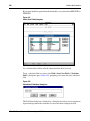
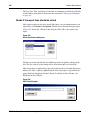
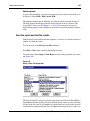
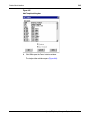
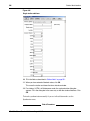
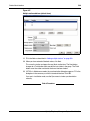
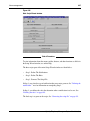
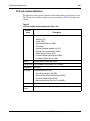
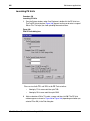
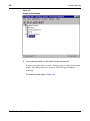
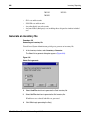
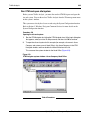
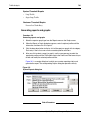
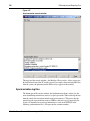
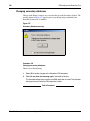
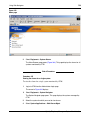
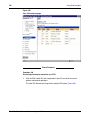
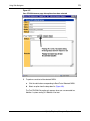
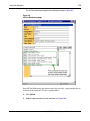
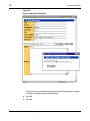
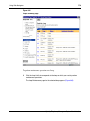
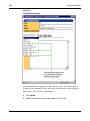
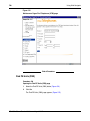
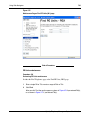
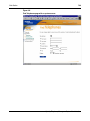
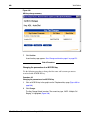
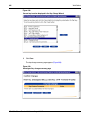
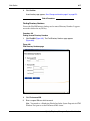
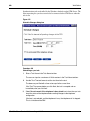
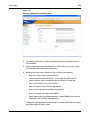
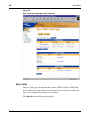
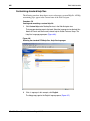
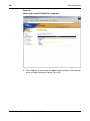
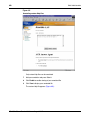
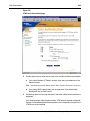
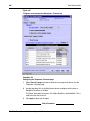
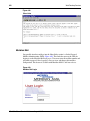
From the OTM Web Navigator tree, select User Authentication.
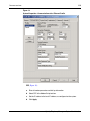
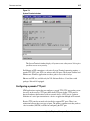
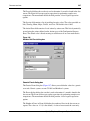
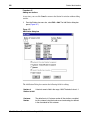
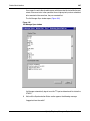
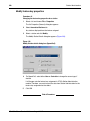
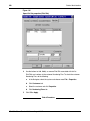
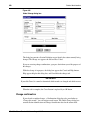
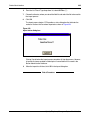
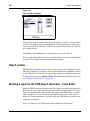
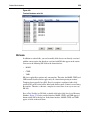
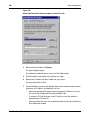
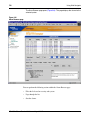
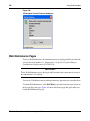
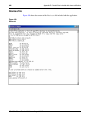
The User Authentication page opens (Figure 434).
553-3001-330
Standard 3.00
August 2005