1
Station Administration
488
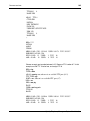
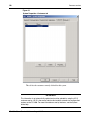
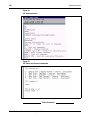
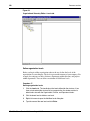
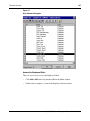
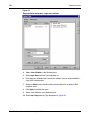
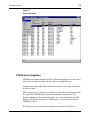
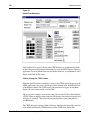
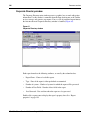
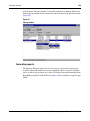
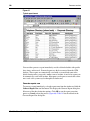
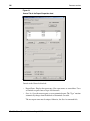
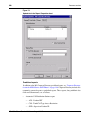
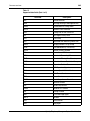
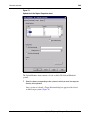
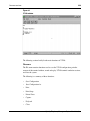
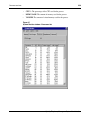
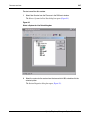
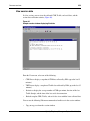
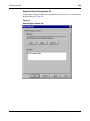
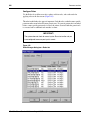
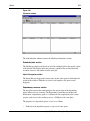
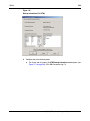
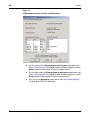
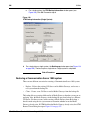
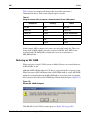
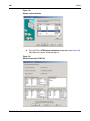
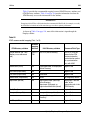
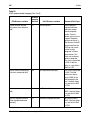
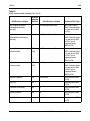
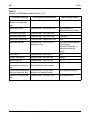
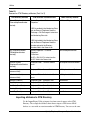
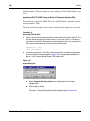
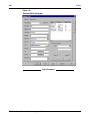
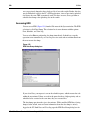
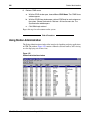
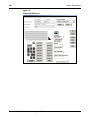
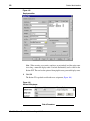
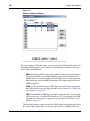
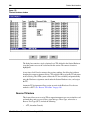
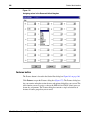
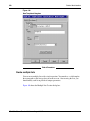
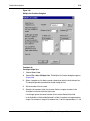
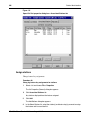
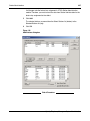
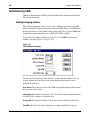
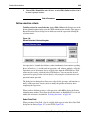
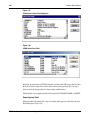
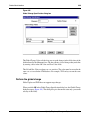
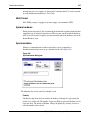
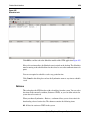
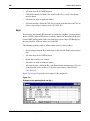
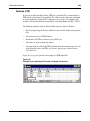
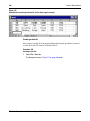
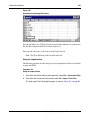
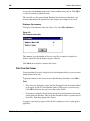
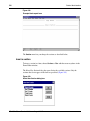
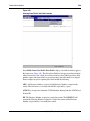
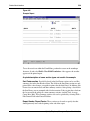
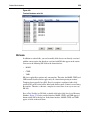
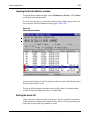
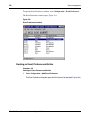
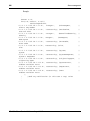
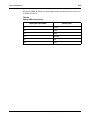
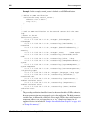
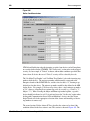
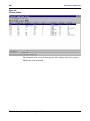
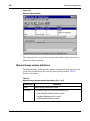
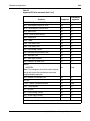
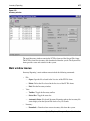
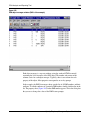
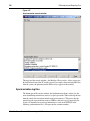
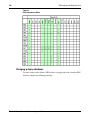
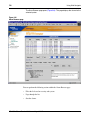
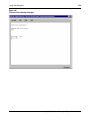
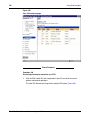
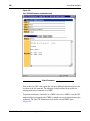
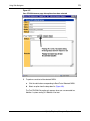
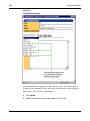
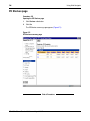
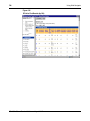
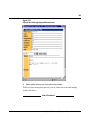
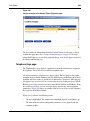
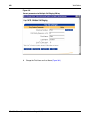
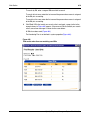
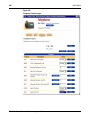
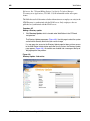
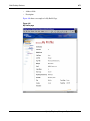
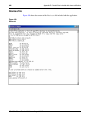
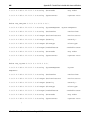
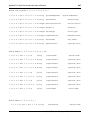
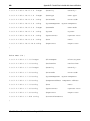
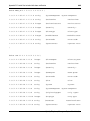
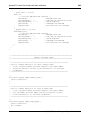
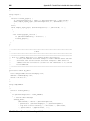
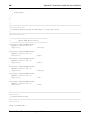
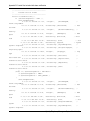
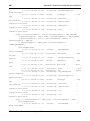
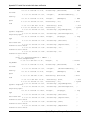
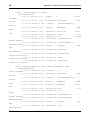
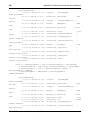
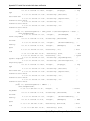
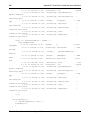
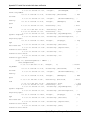
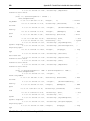
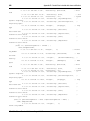
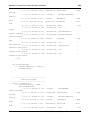
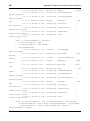
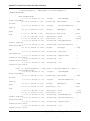
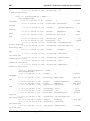
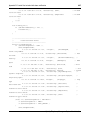
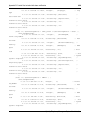
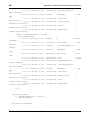
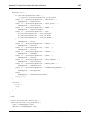
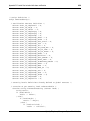
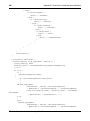
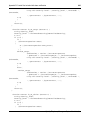
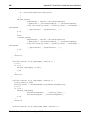
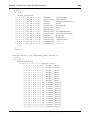
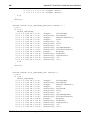
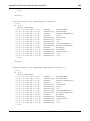
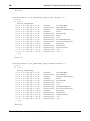
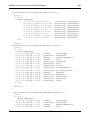
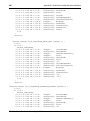
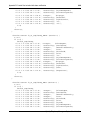
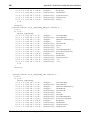
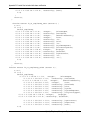
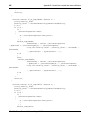
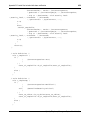
Figure 216
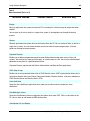
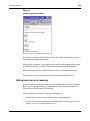
Spreadsheet containing information for the data import example
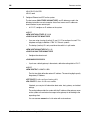
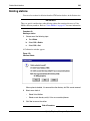
Creating a data file
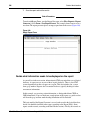
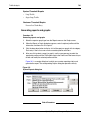
Once you have entered all of the required information into the spreadsheet, you must
save the file in the CSV format. To do this in Excel:
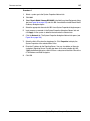
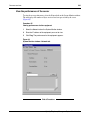
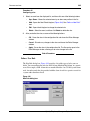
Procedure 100
Creating a data file
1
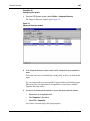
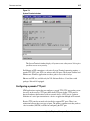
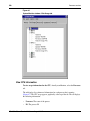
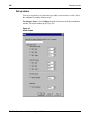
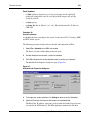
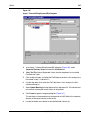
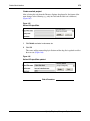
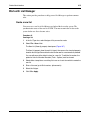
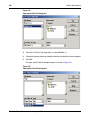
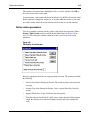
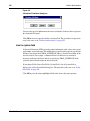
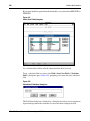
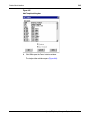
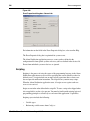
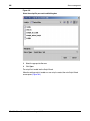
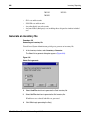
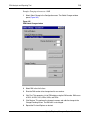
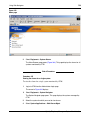
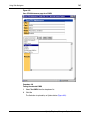
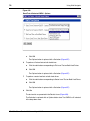
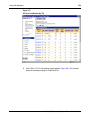
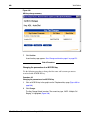
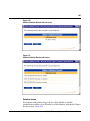
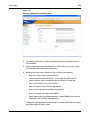
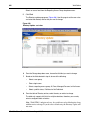
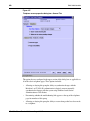
Select File > Save As.
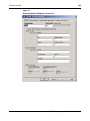
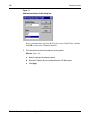
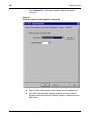
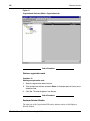
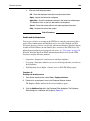
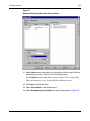
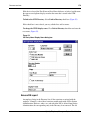
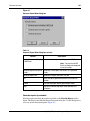
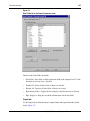
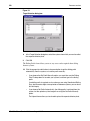
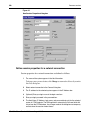
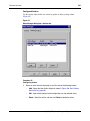
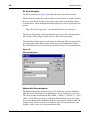
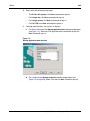
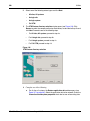
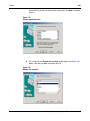
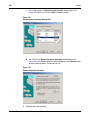
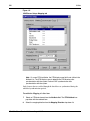
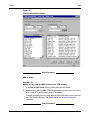
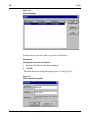
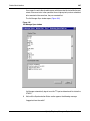
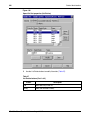
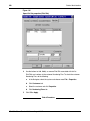
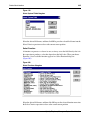
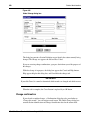
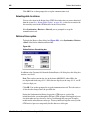
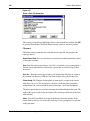
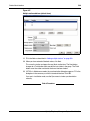
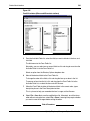
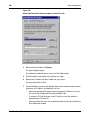
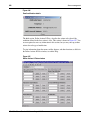
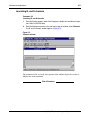
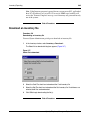
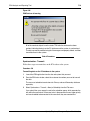
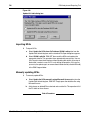
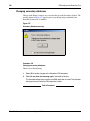
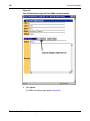
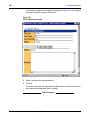
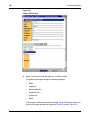
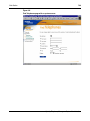
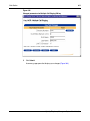
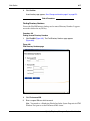
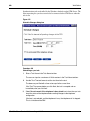
The dialog box shown in Figure 217 on page 489 opens.
553-3001-330
Standard 3.00
August 2005