1
Station Administration
554
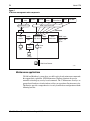
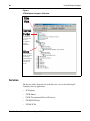
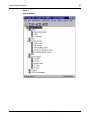
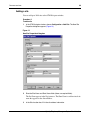
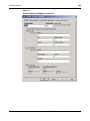
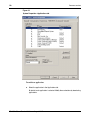
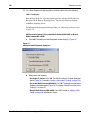
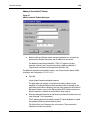
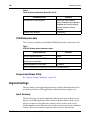
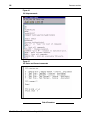
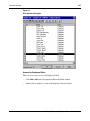
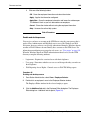
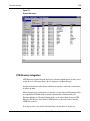
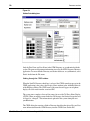
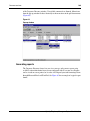
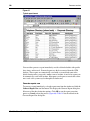
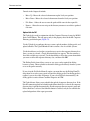
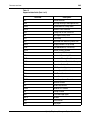
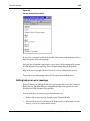
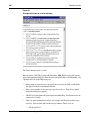
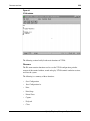
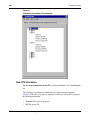
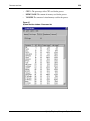
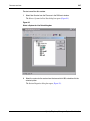
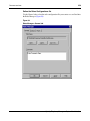
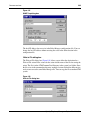
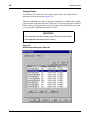
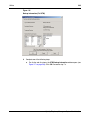
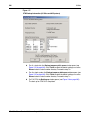
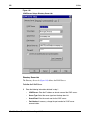
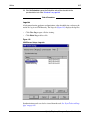
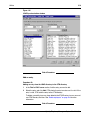
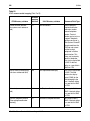
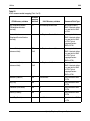
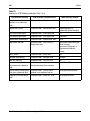
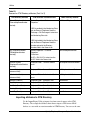
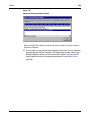
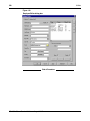
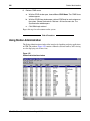
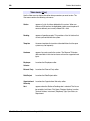
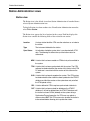
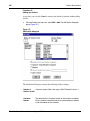
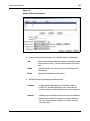
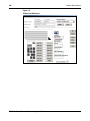
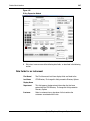
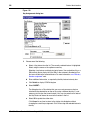
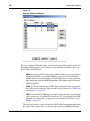
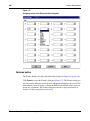
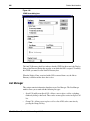
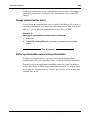
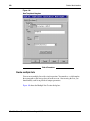
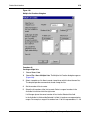
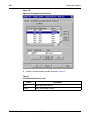
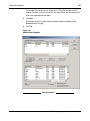
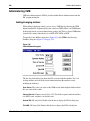
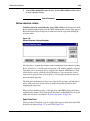
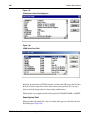
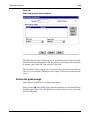
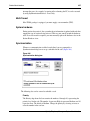
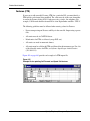
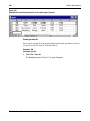
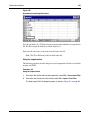
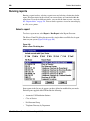
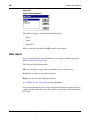
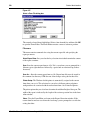
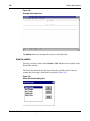
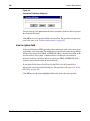
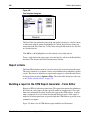
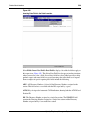
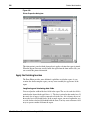
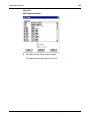
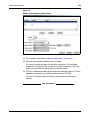
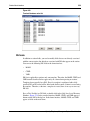
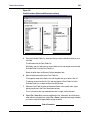
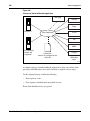
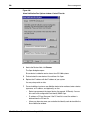
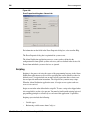
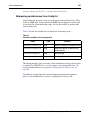
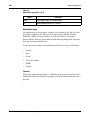
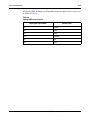
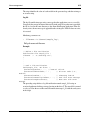
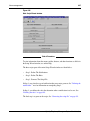
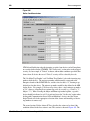
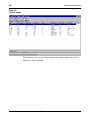
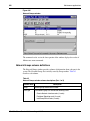
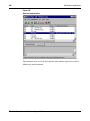
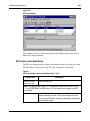
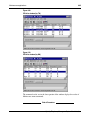
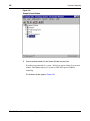
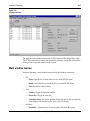
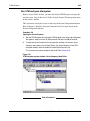
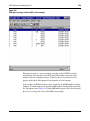
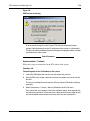
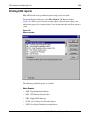
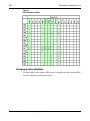
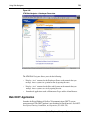
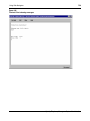
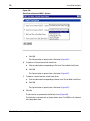
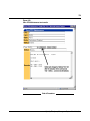
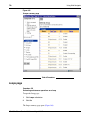
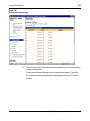
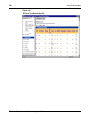
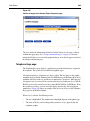
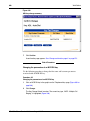
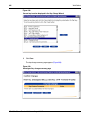
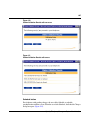
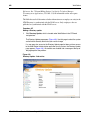
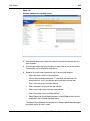
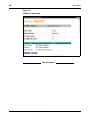
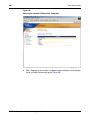
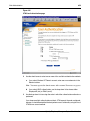
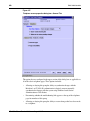
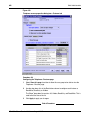
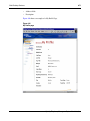
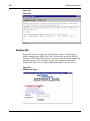
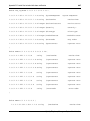
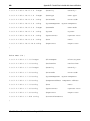
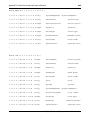
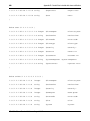
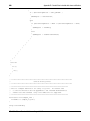
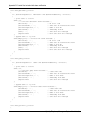
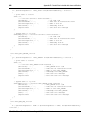
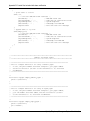
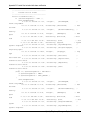
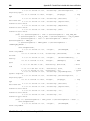
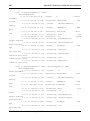
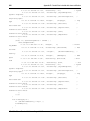
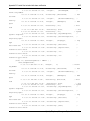
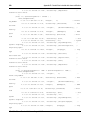
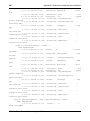
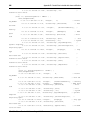
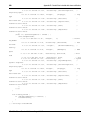
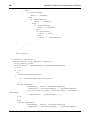
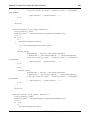
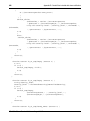
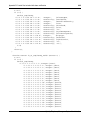
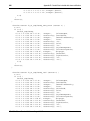
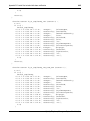
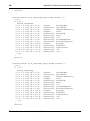
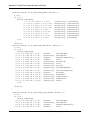
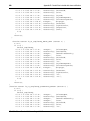
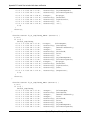
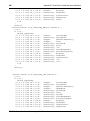
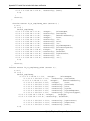
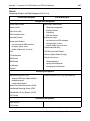
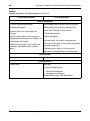
Figure 270
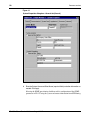
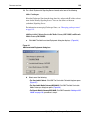
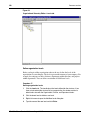
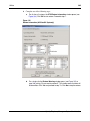
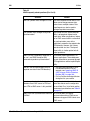
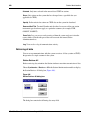
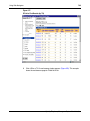
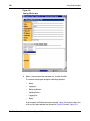
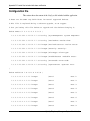
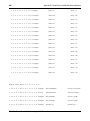
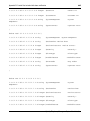
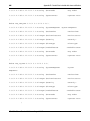
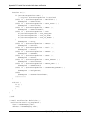
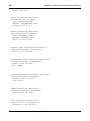
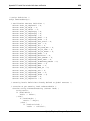
Directory Numbers value list
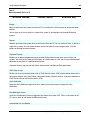
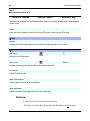
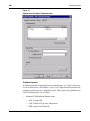
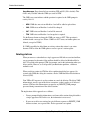
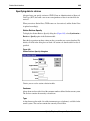
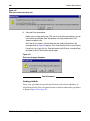
MARP
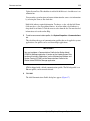
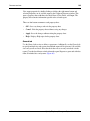
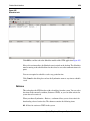
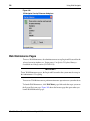
The MARP drop-down list appears below the DN field with which it is associated.
Multiple appearance DNs can have values of Yes or No. Single appearance DNs can
have a value of Yes. The MARP field appears below the DN field of a single-line station
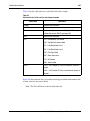
and below the following multi-line keys:
553-3001-330
•
MCN
•
MCR
•
PVN
•
PVR
•
SCN
•
SCR
•
HOT_L_2WAY
•
HOT_D_2WAY
Standard 3.00
August 2005