1
Web Station
831
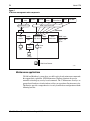
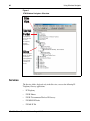
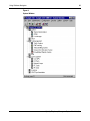
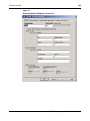
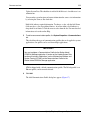
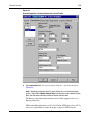
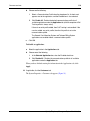
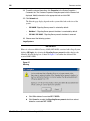
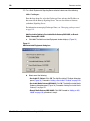
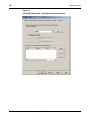
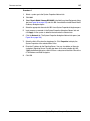
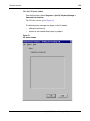
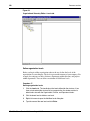
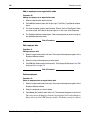
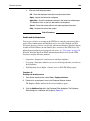
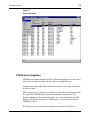
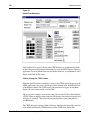
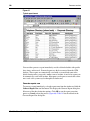
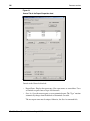
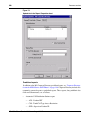
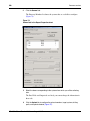
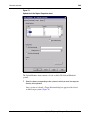
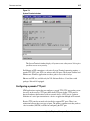
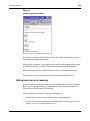
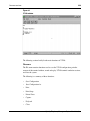
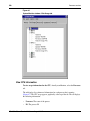
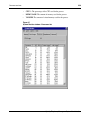
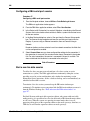
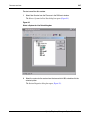
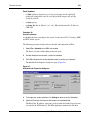
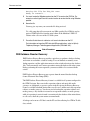
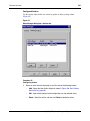
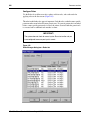
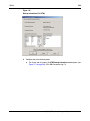
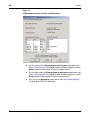
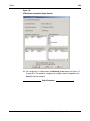
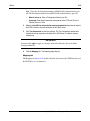
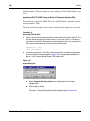
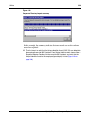
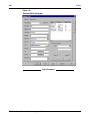
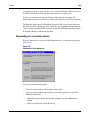
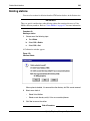
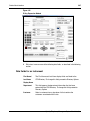
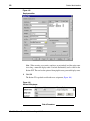
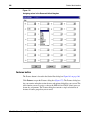
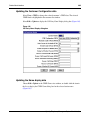
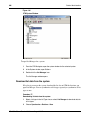
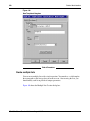
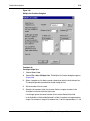
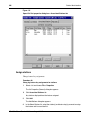
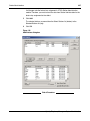
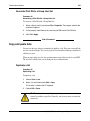
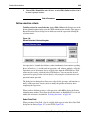
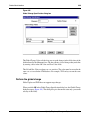
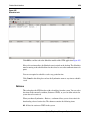
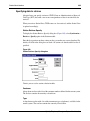
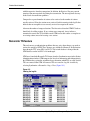
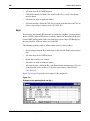
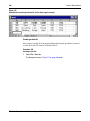
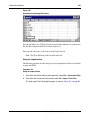
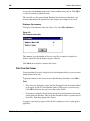
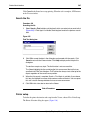
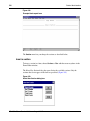
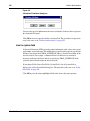
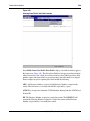
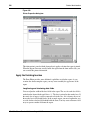
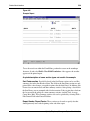
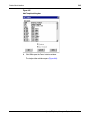
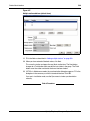
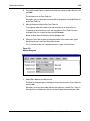
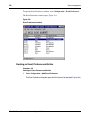
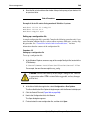
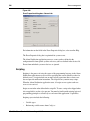
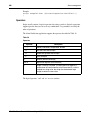
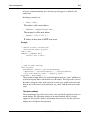
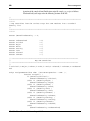
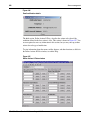
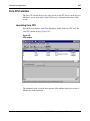
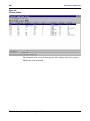
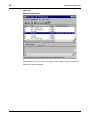
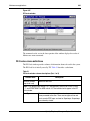
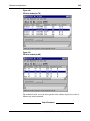
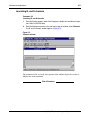
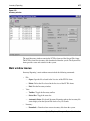
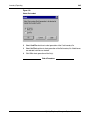
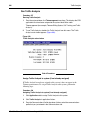
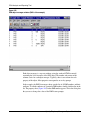
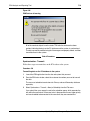
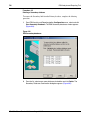
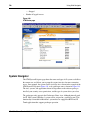
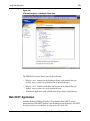
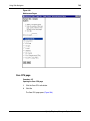
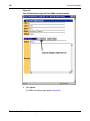
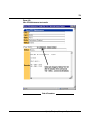
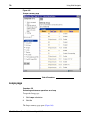
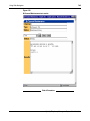
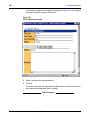
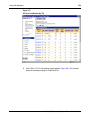
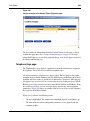
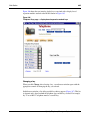
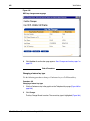
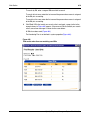
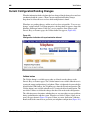
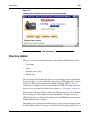
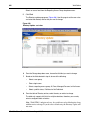
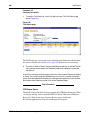
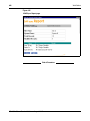
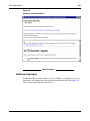
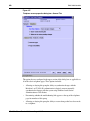
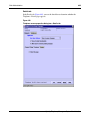
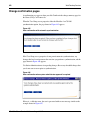
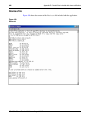
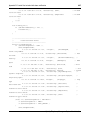
Figure 417
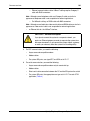
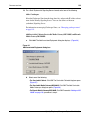
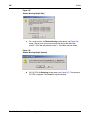
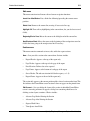
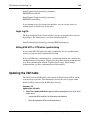
Configuration indication when there are no pending changes
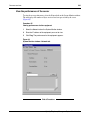
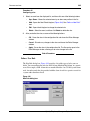
End of Procedure
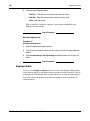
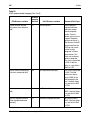
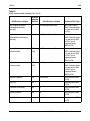
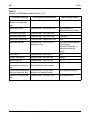
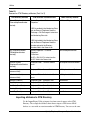
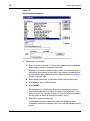
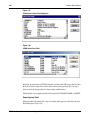
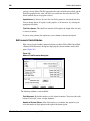
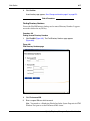
Directory Update
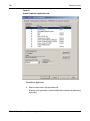
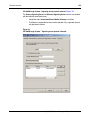
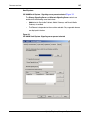
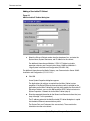
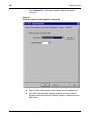
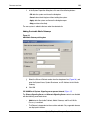
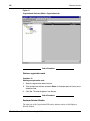
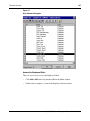
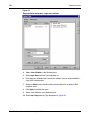
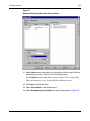
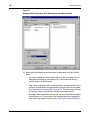
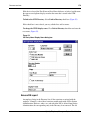
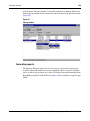
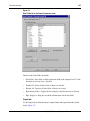
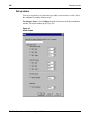
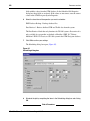
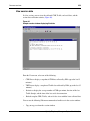
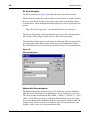
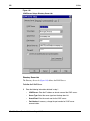
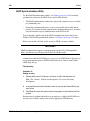
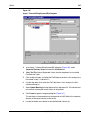
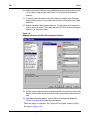
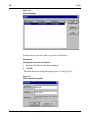
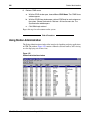
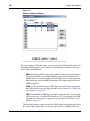
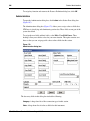
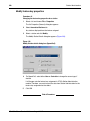
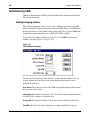
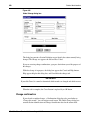
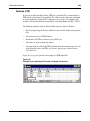
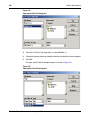
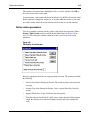
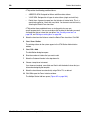
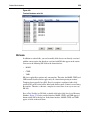
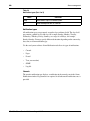
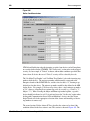
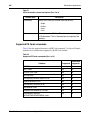
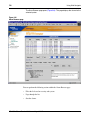
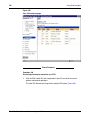
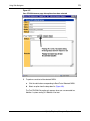
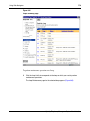
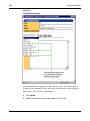
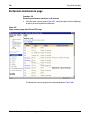
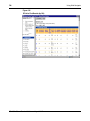
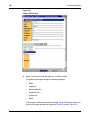
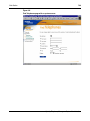
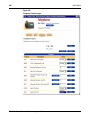
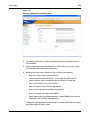
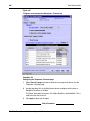
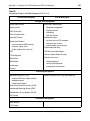
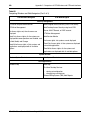
This page is used to perform global changes on the following OTM Directory fields:
•
User Group
•
Login
•
Reporting access group
•
Publish status
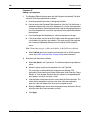
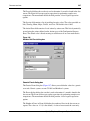
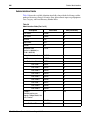
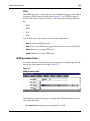
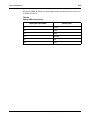
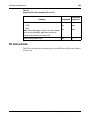
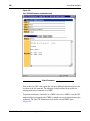
The User Group field determines the degree of access that the user has to the Desktop
Services web pages, as well as to Windows and web-based OTM applications. You may
set the User Group field to Administrators, HelpDesk, Default, EndUser, or to any
customized user group that you may have configured in OTM. For information on the
degree of access provided to the different user groups, see “User groups” on page 854.
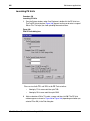
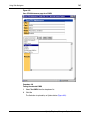
The login field is the user’s Windows login name. When the user logs in to the Desktop
Services web pages, OTM validates the login with Windows. If login is successful,
OTM looks up the user’s Desktop User Group field in the OTM Directory to determine
which telephone features to display.
The reporting access group field determines the user’s access to the web reports feature
in Telecom Billing Services. You may set this field to All, Peer, Managed, Personal, or
Optivity Telephony Manager
System Administration