1
Utilities
328
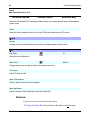
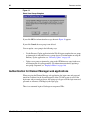
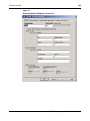
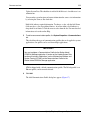
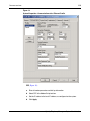
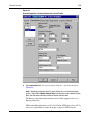
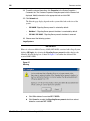
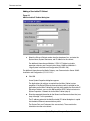
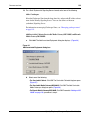
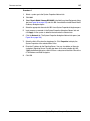
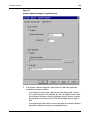
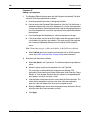
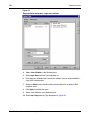
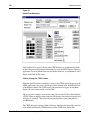
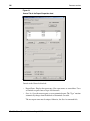
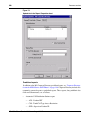
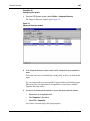
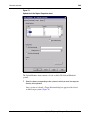
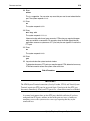
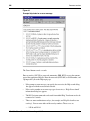
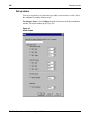
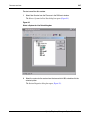
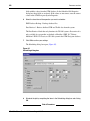
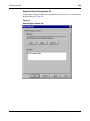
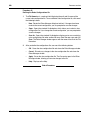
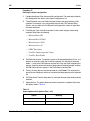
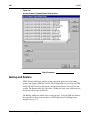
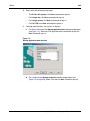
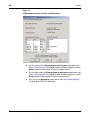
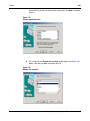
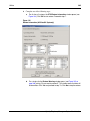
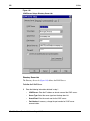
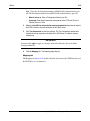
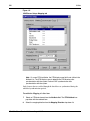
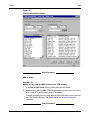
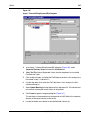
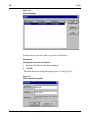
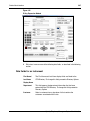
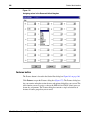
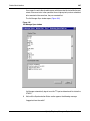
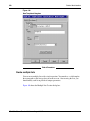
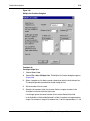
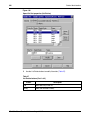
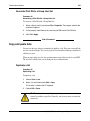
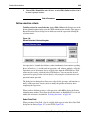
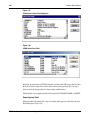
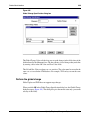
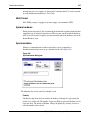
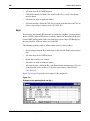
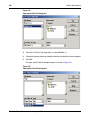
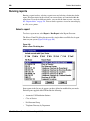
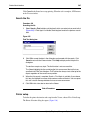
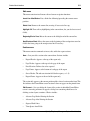
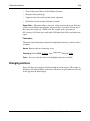
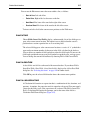
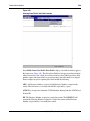
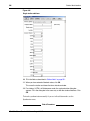
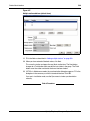
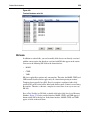
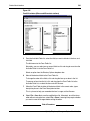
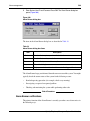
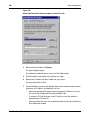
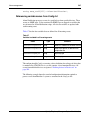
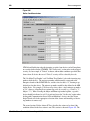
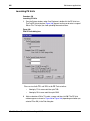
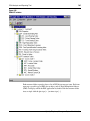
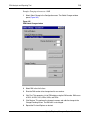
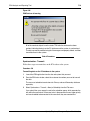
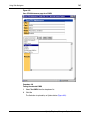
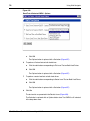
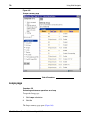
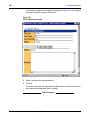
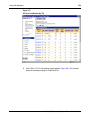
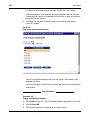
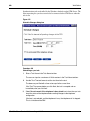
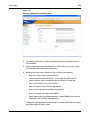
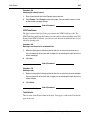
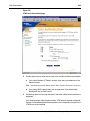
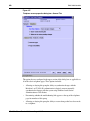
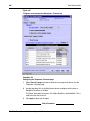
10 Select the Extension Field by clicking the Extension Asset in the Available Columns
List, and then clicking the right arrow button. This is the field in the Corporate
Directory.
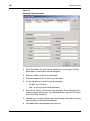
11 To map this field to the column in the text file that was created, select the proper
External Column Name. In this example, the first column in the text file was called
“Extension”.
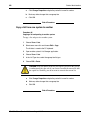
12 Select the Include in Alternate Key check box. This indicates that the extension is
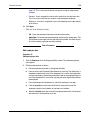
used as the search criteria. The system adds the LDAP ID to the entity owning this
extension (i.e., the Prime Owner).
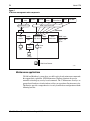
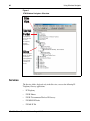
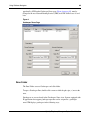
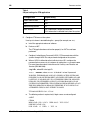
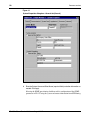
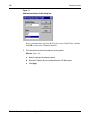
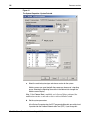
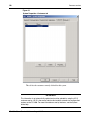
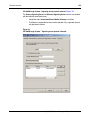
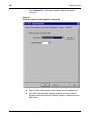
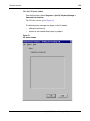
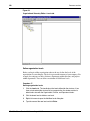
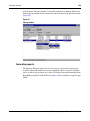
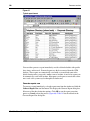
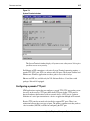
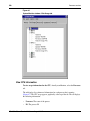
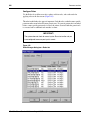
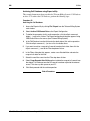
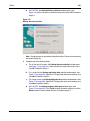
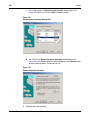
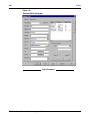
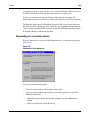
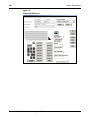
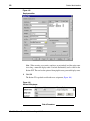
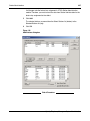
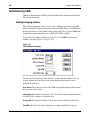
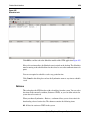
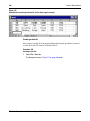
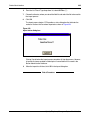
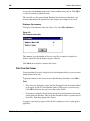
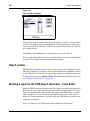
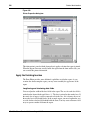
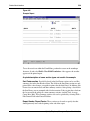
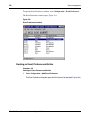
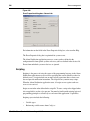
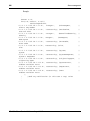
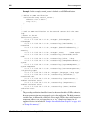
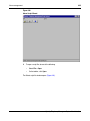
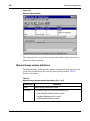
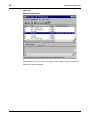
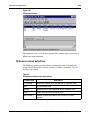
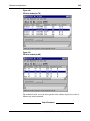
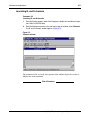
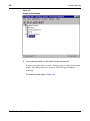
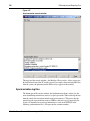
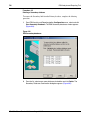
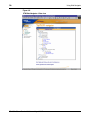
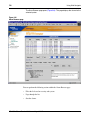
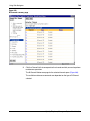
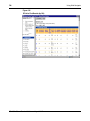
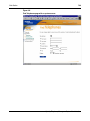
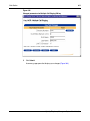
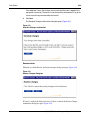
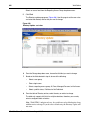
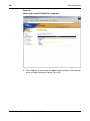
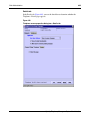
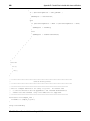
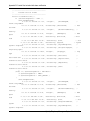
Figure 147
Mapping extensions and UID field to Corporate Directory
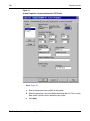
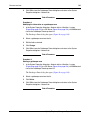
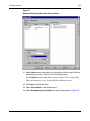
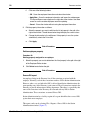
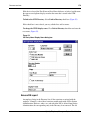
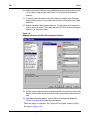
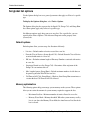
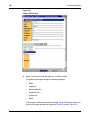
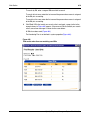
13 Use the same procedure to select the Unique Identifier Asset and map it to the UID
External Column Name. Do not select the Include in Alternate Key check box for this
field.
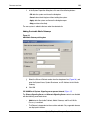
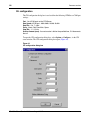
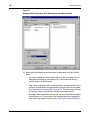
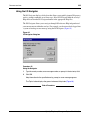
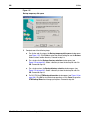
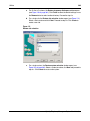
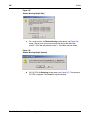
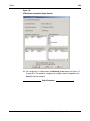
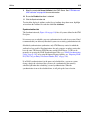
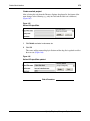
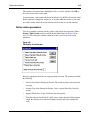
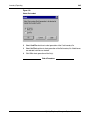
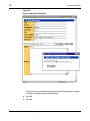
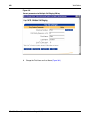
14 Click OK to close the dialog box, and click GO in the configuration dialog box
(Figure 145 on page 326) to begin the import process.
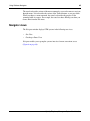
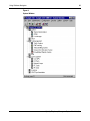
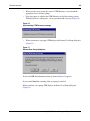
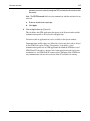
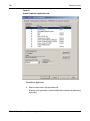
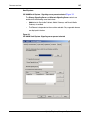
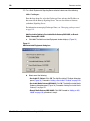
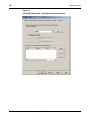
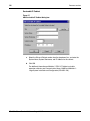
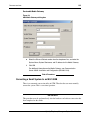
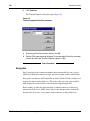
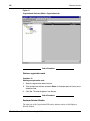
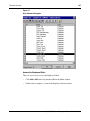
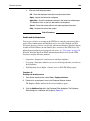
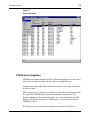
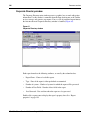
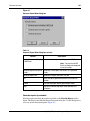
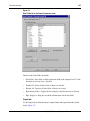
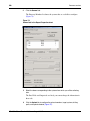
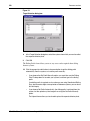
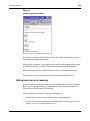
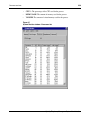
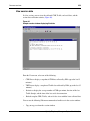
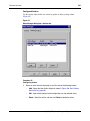
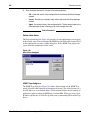
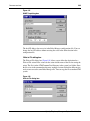
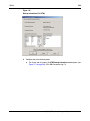
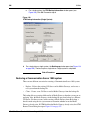
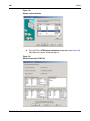
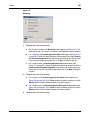
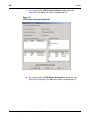
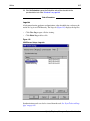
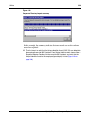
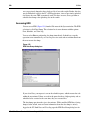
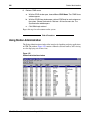
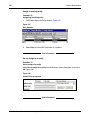
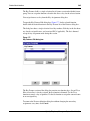
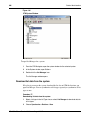
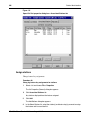
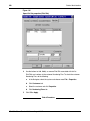
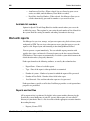
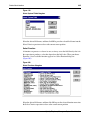
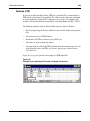
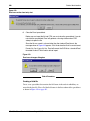
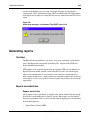
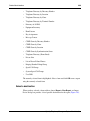
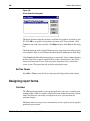
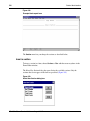
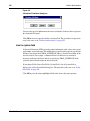
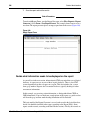
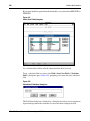
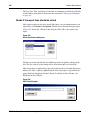
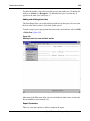
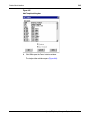
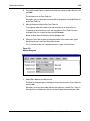
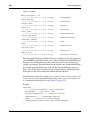
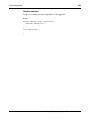
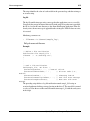
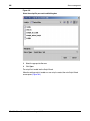
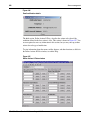
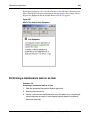
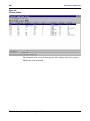
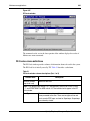
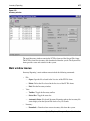
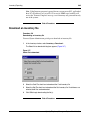
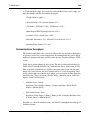
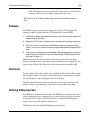
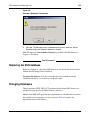
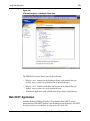
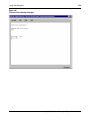
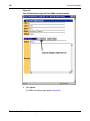
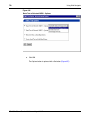
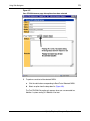
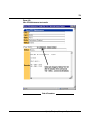
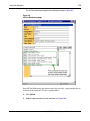
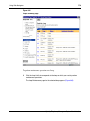
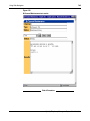
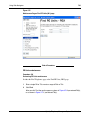
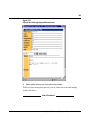
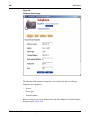
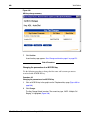
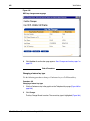
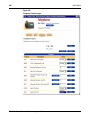
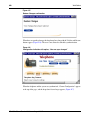
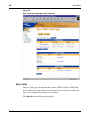
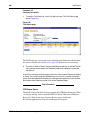
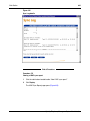
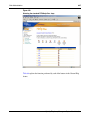
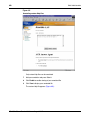
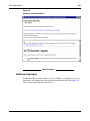
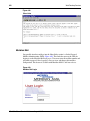
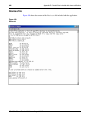
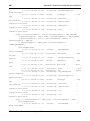
When the import is completed, the Corporate Data Import summary dialog
box appears (Figure 148).
553-3001-330
Standard 3.00
August 2005