1
Alarm management
596
Timer
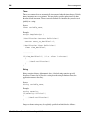
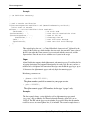
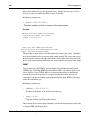
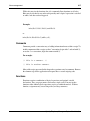
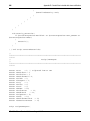
Timers are counters that are automatically incremented when the time changes. Default
timers increment once every minute. You may define specific update intervals other
than the default increment. Timers cannot be defined in a function; they must be used
globally in a script.
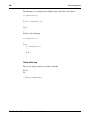
Syntax:
timer variable_name;
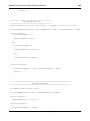
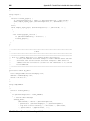
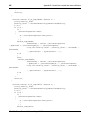
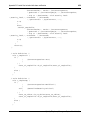
Example:
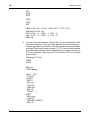
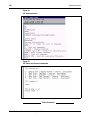
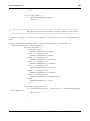
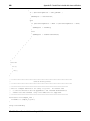
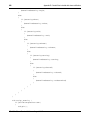
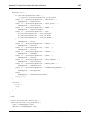
script SampleScript {
/*Notification Counters definition*/
counter count_ns_Meridian1:=0;
/*Notification Timer definition*/
timer time_Meridian1;
..........
if(time_Meridian1>3) /*i.e. after 3 minutes*/
{
.../*Send notification*/
}
}
String
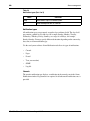
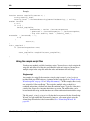
Strings contain arbitrary alphanumeric data. A default string contains up to 80
characters. If more data is placed in a string than the string definition allows, the
application truncates the entry.
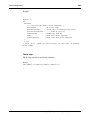
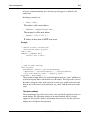
Syntax:
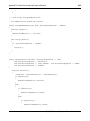
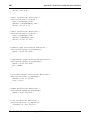
string variable_name;
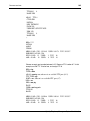
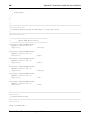
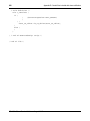
Example:
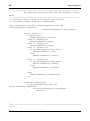
string severity;
if(severity="critical")
{
.../*Send notification*/
}
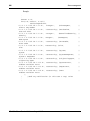
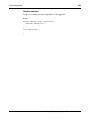
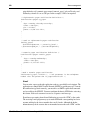
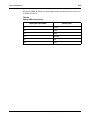
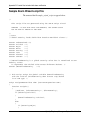
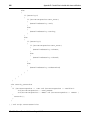
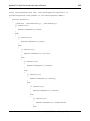
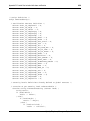
Longer or shorter strings may be explicitly specified and initialized as follows:
553-3001-330
Standard 3.00
August 2005