1
Commands Listed in Alphabetical Order
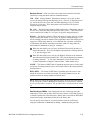
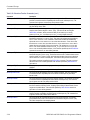
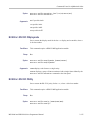
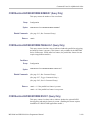
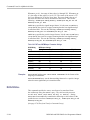
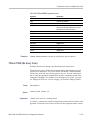
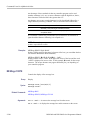
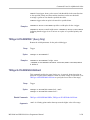
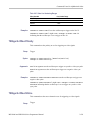
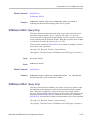
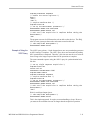
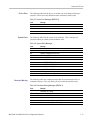
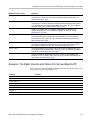
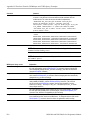
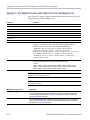
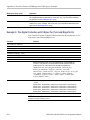
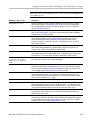
BLAckmanharris window function is based on a cosine series.
Examples
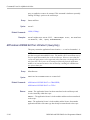
MATH1:SPECTRAL:WINDOW HANNING applies a Hanning window to the spectral
analyzer input data.
MATH1:SPECTRAL:WINDOW? might return :MATH1:SPECTRAL:WINDOW
HAMMING indicating that the window function used to multiply the spectral
analyzer input data is the Hamming window.
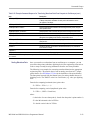
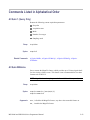
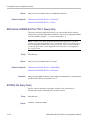
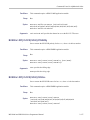
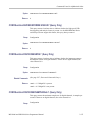
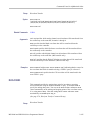
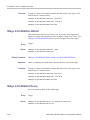
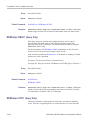
MATH[1]:TYPe
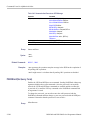
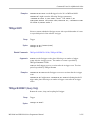
Sets or returns the math waveform mode type.
Group
Math
Syntax
MATH[1]:TYPe {ADVanced|DUAL|FFT}
MATH[1]:TYPe?
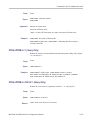
Arguments
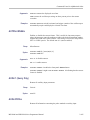
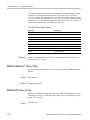
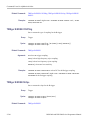
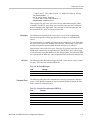
ADVanced sets the math waveform mode to advanced math.
DUAL sets the math waveform mode to dual waveform math.
FFT sets the math waveform mode to FFT math.
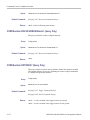
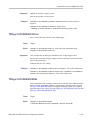
Examples
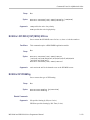
MATH:TYPE FFT sets the math waveform mode to FFT.
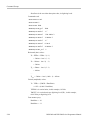
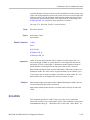
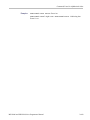
MATH:TYPE FFT;:MATH:DEFINE “FFT( CH1 )” sets the math type to FFT
and displays an FFT waveform of the channel 1 waveform, using the current
FFT scale and window settings.
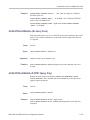
MATH:TYPE ADVANCED;:MATH:DEFINE
“INTG(REF1*CH3)+DELAY(CH1,CH2)” sets the math type to FFT and displays
an advanced math waveform that is the integration of the product of REF1 and
CH3 plus the result of the delay measurement between channel 1 and 2.
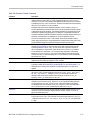
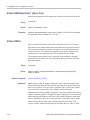
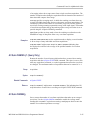
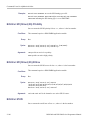
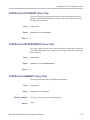
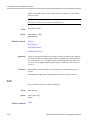
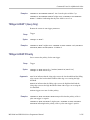
MATH[1]:VERTical:POSition
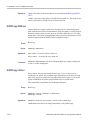
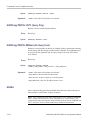
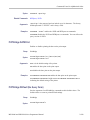
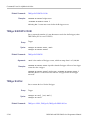
Sets or returns the vertical position of the currently selected math type.
Group
Math
MSO3000 and DPO3000 Series Programmer Manual
2-249