1
Using the Punch Clock Feature
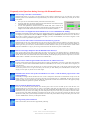
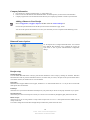
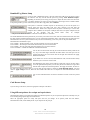
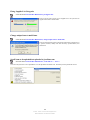
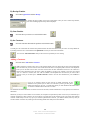
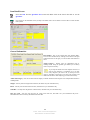
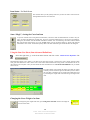
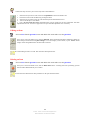
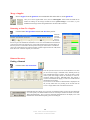
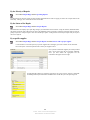
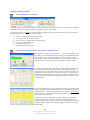
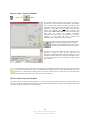
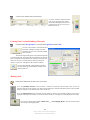
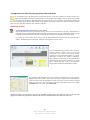
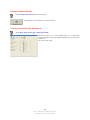
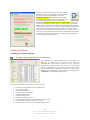
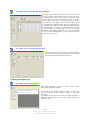
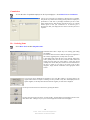
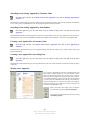
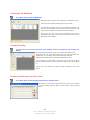
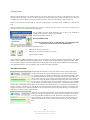
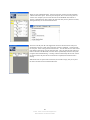
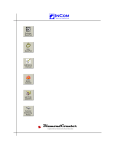
Click the Punch Clock button on the Customer QuickPick or Item QuickPick
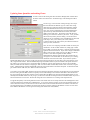
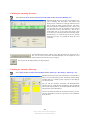
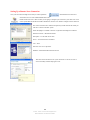
To use the punch clock features of DiamondCounter, you must first click the punch
clock button that is available in the bottom-right hand corner of the software on the
Customer QuickPick or Item QuickPick. Once this button is clicked, the Punch
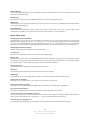
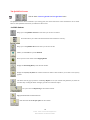
Clock screen opens in the center of the software. From here, simply select your
name from the dropdown box, type your password, and depending on whether you’re
checking in or checking out, the correct button will be automatically pressed for you.
Then just click Continue, Punch in / Out and the software will mark you as in or
out.
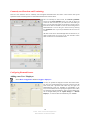
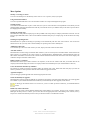
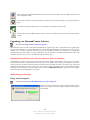
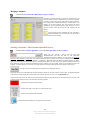
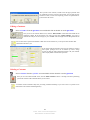
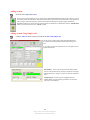
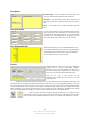
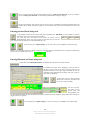
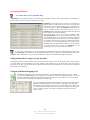
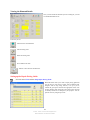
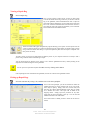
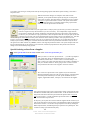
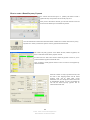
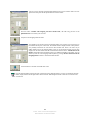
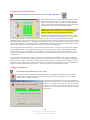
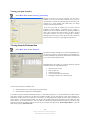
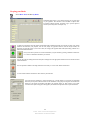
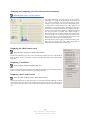
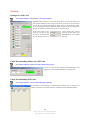
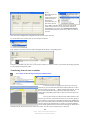
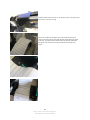
To view the reports at the end of the day or over a period of days, simple click on the
Report button that is available on the bottom left hand corner of the Punch Clock
screen
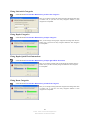
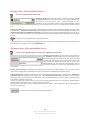
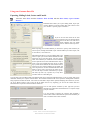
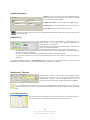
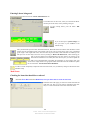
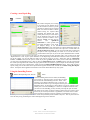
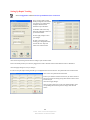
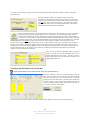
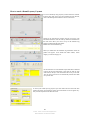
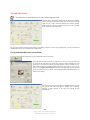
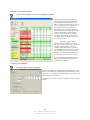
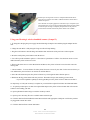
From this screen, you can view which members of your staff have punched in our out
and when they did so. This can be useful for payroll or to see how hours are used
during the day.
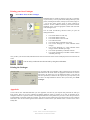
Configuring DiamondCounter
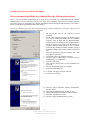
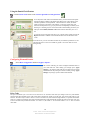
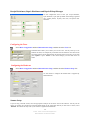
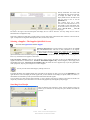
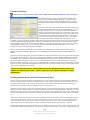
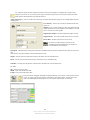
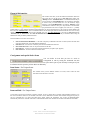
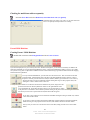
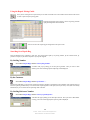
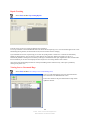
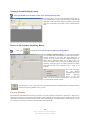
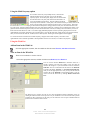
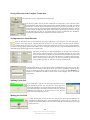
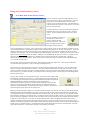
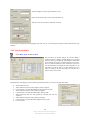
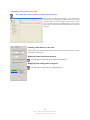
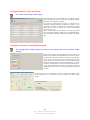
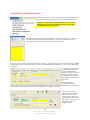
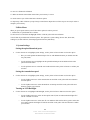
Select Menu Configuration and then Configure Software
This window will help you custom configure DiamondCounter to
your needs and store. After making your changes press ‘Apply
Changes’. Any changes made will not be in effect until you restart
DiamondCounter. By exiting this window without pressing ‘Apply
Changes’ any changes you have made will be deleted.
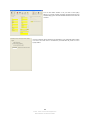
Price Code
The price code allows you to view the cost of each item in an “encoded” form while you selling an item. Any staff member
entrusted with the knowledge of this code will be able to decipher the actual cost of the item. You set the actual code for your
business. The easiest way to create a code is to create a ten letter word, with each letter being different, to represent each number
from 0 to 9. Define each number with a letter and DiamondCounter will automatically translate the real cost into this code. So if
an item costs $950 and you define the number ‘9’ as letter ‘A’, the number ‘5’ as ‘B’ and the number ‘0’ as ‘C’. The cost would
read ‘ABC’.
13
© 2002 - 2008 - InCom Technical Solutions Inc.
DiamondCounter User Manual 9th Edition