1
222
Picture Perfect 4.0
User Manual
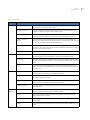
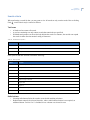
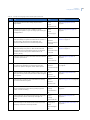
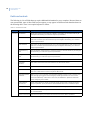
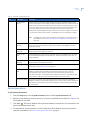
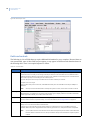
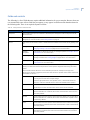
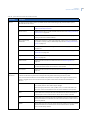
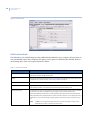
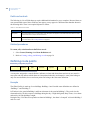
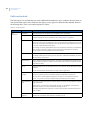
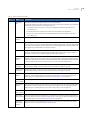
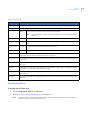
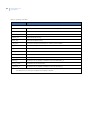
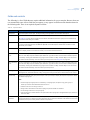
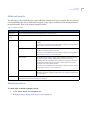
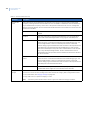
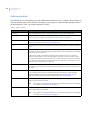
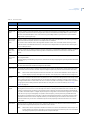
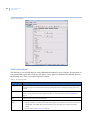
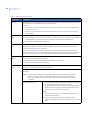
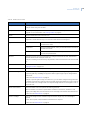
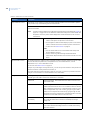
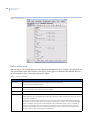
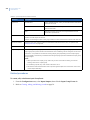
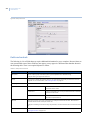
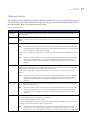
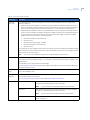
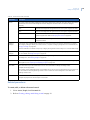
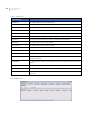
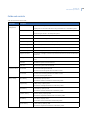
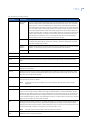
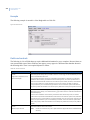
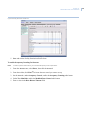
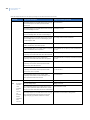
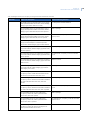
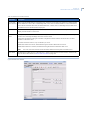
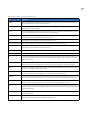
Table 87. Personnel form fields (continued)
Field name
Description
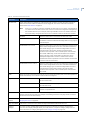
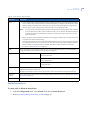
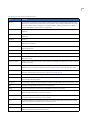
Deactivation
Deactive Date
The date when the personnel record becomes deactivated by the system. If
the date is in the past, none of the badges belonging to this badge holder
will be usable.
Deactive Time
The time when the personnel record becomes deactivated by the system. If
the date is in the past, none of the badges belonging to this badge holder
will be usable.
TZ Context
The time zone to which the Deactivate Date and Time apply. See Verifying
time zones on page 161.
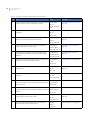
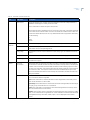
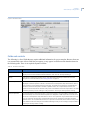
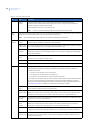
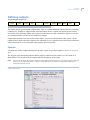
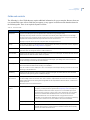
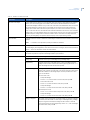
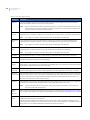
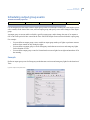
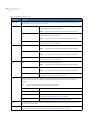
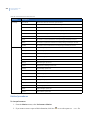
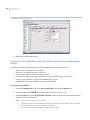
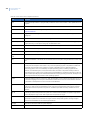
APB Control
When used in conjunction with antipassback readers, the Antipassback status of any badge belonging to
this badge holder (plus a category match) regulate its ability to open a door.
Example: If a badge holder enters an antipassback area without using his own badge (such as by following
someone else through the open door), that person will not be able to exit that area with his own badge,
because the system never registered him as having entered that area. Likewise, if a person exits an
antipassback area without using his badge, he cannot re-enter that area, since the system has not registered
his exit.
Antipassback status is global, meaning the system will register whether someone is in or out, but it does not
regulate the status on a per-reader basis.
Example: Someone can badge in at an antipassback reader in one room, follow someone out of that room and
into another antipassback-controlled room without using his own badge, and then be able to badge out of the
second room. The system registered him globally as in (without regard to reader location); therefore, he can
badge out of any room. If he followed someone out of the first room and then tried to badge in at the second
room, however, he would not be given access, because the system has him already registered as in.
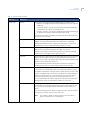
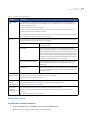
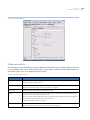
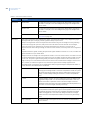
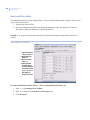
If the badge holder is required to use an antipassback reader, assign the badge an antipassback status of
neutral; otherwise, leave these buttons unselected.
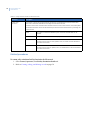
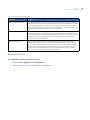
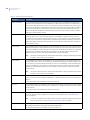
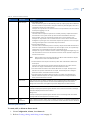
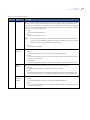
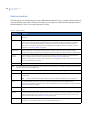
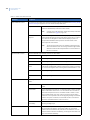
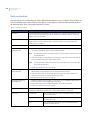
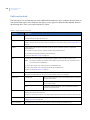
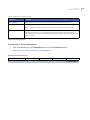
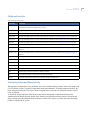
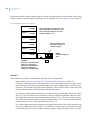
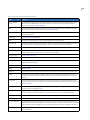
Neutral
Indicates an neutral user state, neither In nor Out. The next time any badge
belonging to this badge holder is used in an antipassback reader, the system
will set the appropriate In/Out state. Use this setting when creating a new
badge, or when a badge holder gets locked in or out of an antipassback
area.
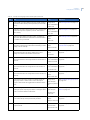
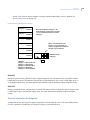
In or Out
Indicates whether the last use of any badge belonging to this badge holder
logged the badge holder In or Out of the antipassback reader’s area. This
reflects information captured as of the moment the badge record was
displayed, but the information will not be updated automatically while it is on
the screen. It can be changed manually if necessary.
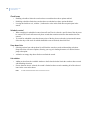
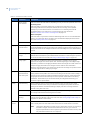
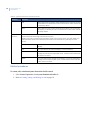
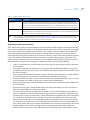
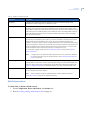
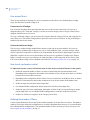
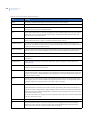
Privileged
Indicates that whenever any badge belonging to this badge holder is read by
an antipassback reader, the system ignores the antipassback status. Access
is granted if categories match the area, regardless of whether the badge
holder was logged into or out of the area. Assign this status to a badge
holder who has to use antipassback readers, but is not to be governed by
them.
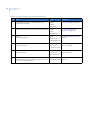
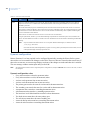
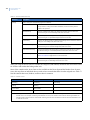
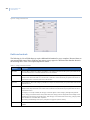
Reset Timed APB
This button sends a message to the micro to reset the Timed APB status
back to Neutral.