1
4. SEND COMMAND TO TRACKER BY GPRS
4.1 How to change report interval
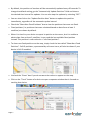
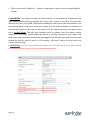
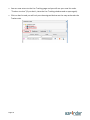
Click on “Trackers” from the top dock menu
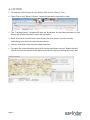
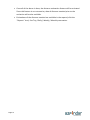
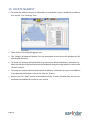
Click on “Configuration” icon of the tracker you want to edit
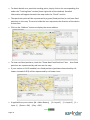
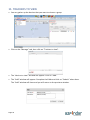
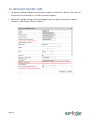
Click on “Report mode” selection list to select your report mode and then click on “Send” and “Confirm”.
Note: If your SMS credits are all used up, the system will send the command by GPRS.
The command is only sent when your tracker reports back to our server. Therefore, it could take a
while depending on how frequent your tracker reports back to our server.
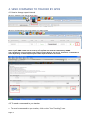
4.2 To send a command to you tracker
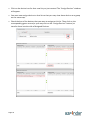
• To send a command to you tracker, click on the “Live Tracking” icon.
Page 11