1
2. LIVE TRACKING (REAL-TIME TRACKING)
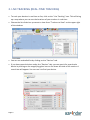
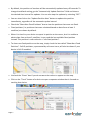
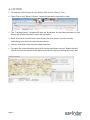
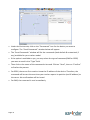
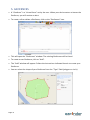
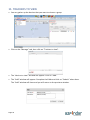
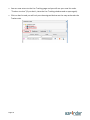
• To track your devices in real time or live, click on the “Live Tracking” icon. This will bring
up a map where you can see the locations of your trackers in real time.
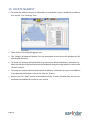
• Choose the list of devices you want to view from “Trackers to View” on the upper right
of the window.
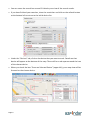
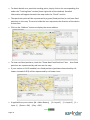
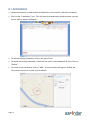
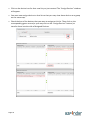
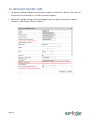
• You can see a detailed list by clicking on the “Devices” tab.
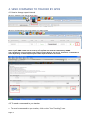
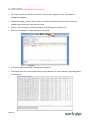
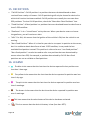
• If you have several devices under the “Devices” tab, you can search for a particular
device by clicking on the magnifying glass icon on the lower left side of the section. A
search bar will appear. You can use it to find your device.
Page 5