1
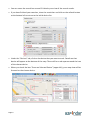
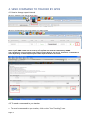
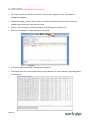
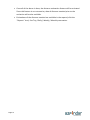
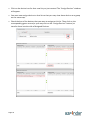
• You can now return to the Live Tracking page and you will see your new list under
“Trackers to view” (if you don’t, close the Live Tracking window and re-open again).
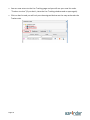
• Click on that list and you will only see the assigned devices on the map and under the
Trackers tab.
Page 24