1
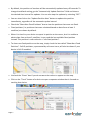
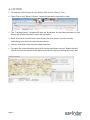
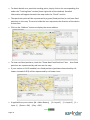
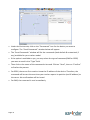
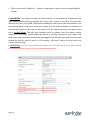
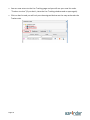
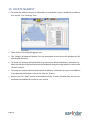
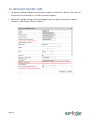
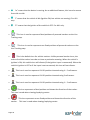
• Complete the fields and make the desired selections when applicable.
• Indicate your email address to receive an alert by email. If you want to enter more than
one email address, separate the email addresses using a semicolon (;) or a coma (,). Do
not add any space between the email address and the semicolon/coma. Maximum: 5
email addresses.
• If the SMS alert option is available to you, enter the number of the phone that should
receive the SMS alert. Make sure that the phone is able to receive SMS. You must enter
the phone number with the country code and area code. Maximum: 1 phone number.
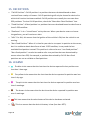
• The text of the message can be modified, but you must NOT modify the words
containing the “$” sign. Please also note that if your message is too long, your phone
may not be able to receive the SMS message or may only receive it partially.
• Click on “Save changes” when done.
Page 15