1
Calibration Procedures
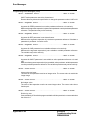
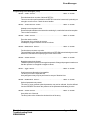
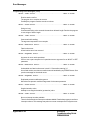
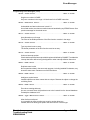
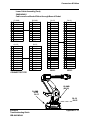
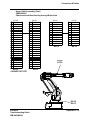
Rough Resolver Calibration Procedure (Cont)
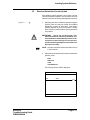
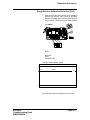
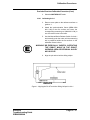
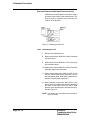
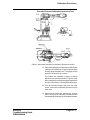
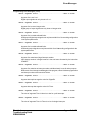
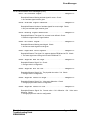
2. After the axis has been moved to its calibration
position the resolver value must be recorded.
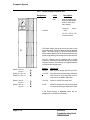
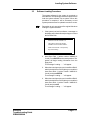
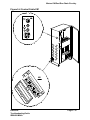
Release the enable device before continuing with
this procedure. This is done on the teach pendant.
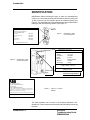
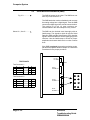
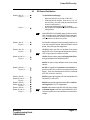
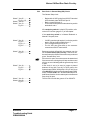
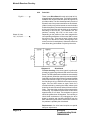
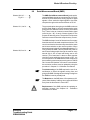
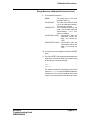
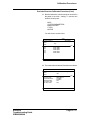
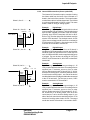
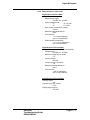
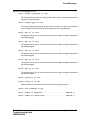
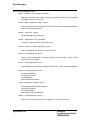
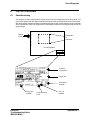
Press MISC
1
E dit
Fi le
Pr og ra
m
[ U ndo]
2 C ut
3 C opy
4 P ast e
5 G ot o Top
6 G ot o Bot t om
7 M ark
- --- --8 C hang e
S el ect ed
9 S how V al ue
0 M odP os
[ Search . . .]
M ov eJ
M ov e
J
ro ut ine
W a it DI
M ov eL
M ov eL
M ov eL
M ov eL
M ov e
L
sto p
V iew I PL __ SY S I PL __
U SR
M OV E24 00 /
mai n
Co mmo n
1 M ove J
2 M ove L
3 :=
4
P rocC all
5
R ET UR N
6 IF
7 S et
8 R eset
I
9 Wai t DT
I es
PLh ide
t
7
4
1
8
5
2
0
2
9
6
3
?
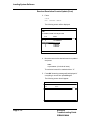
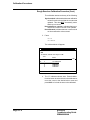
Select:
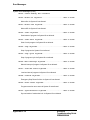
SERVICE
VIEW
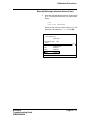
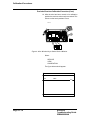
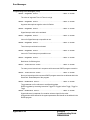
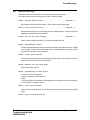
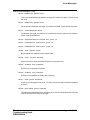
CALIBRATION.
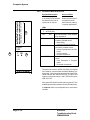
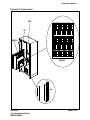
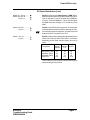
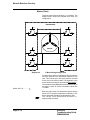
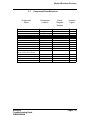
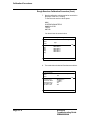
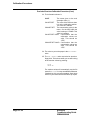
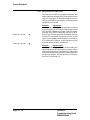
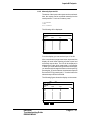
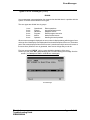
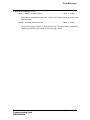
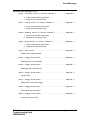
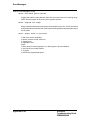
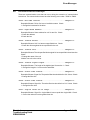
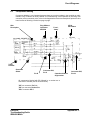
The figure below should appear.
File
Edit
View
Calib
Service Calibration
Unit
Status
IRB
N o t Cal ibrate d
1 (1)
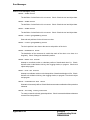
The calibration status will appear on the screen.
Electrical
Troubleshooting Guide
IRB6400 M94A
Page 10 - 5