1
pitstop.bk Page 171 Thursday, July 24, 2003 4:15 PM
Enfocus PitStop Professional
User Guide
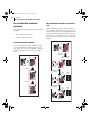
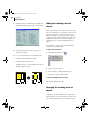
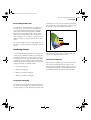
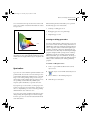
a loss of detail in some regions. Over most of the tonal
range, a close match is obtained. This method is suited
for spot colors.
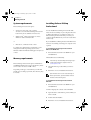
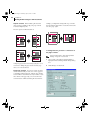
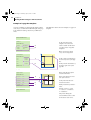
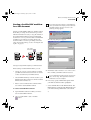
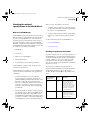
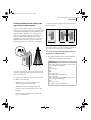
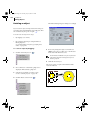
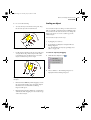
A
B
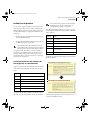
Enfocus PitStop Professional enables you to perform
the following spot color-related tasks:
•
Creating or editing spot colors
•
Remapping spot colors of a pixel image
•
Duplicating spot colors
Creating or editing spot colors
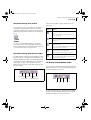
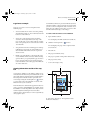
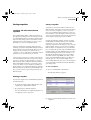
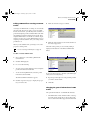
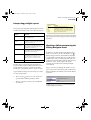
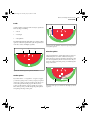
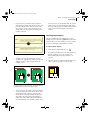
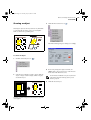
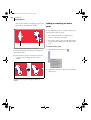
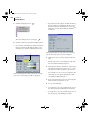
A=B
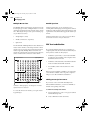
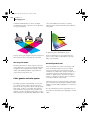
Absolute colorimetric remapping clips colors outside of
the gamut to a color on the gamut boundary (B). Colors
which cannot be displayed in the target color gamut will
be lost.
You can use Enfocus PitStop Professional to create new
spot colors in Adobe Acrobat or change their names or
CMYK values. This approach has the advantage that it is
easier to keep these colors consistent throughout your
complete document, compared to managing the spot
colors in the source files and your authoring and design
programs. Graphics which you import into a desktop
publishing program, for example, may have mutual
differences in their spot color definitions. Or, the spot
color definitions in these graphics may differ from those
which you have defined in your desktop publishing
program.
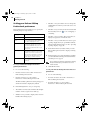
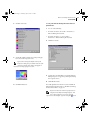
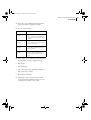
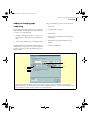
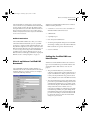
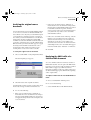
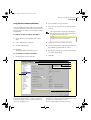
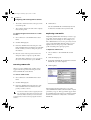
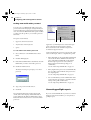
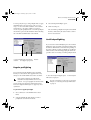
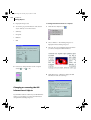
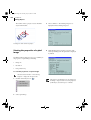
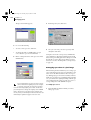
To create or edit spot colors:
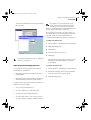
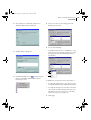
1
Create or open a PDF document with a colored
object or text.
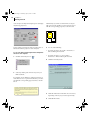
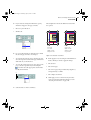
2
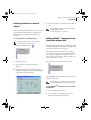
Select the object or text with the Select Objects tool
(
).
3
Choose Window > Show PitStop Inspector.
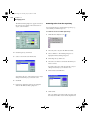
4
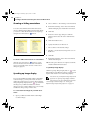
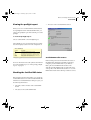
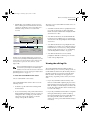
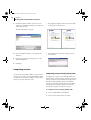
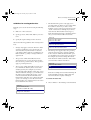
Click the Spot Color button.
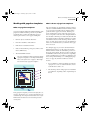
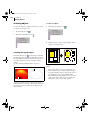
Spot colors
Spot colors are colors which are printed with their own
premixed inks. You can choose from several spot color
systems and from hundreds of different spot-color inks.
In spot-color offset printing, each spot color is reproduced using a single printing plate. In contrast, process
color printing uses four inks only (CMYK: cyan,
magenta, yellow and black) to reproduce all colors.
If you print a spot color at 100%, a solid opaque color
appears on your page (not a dot pattern). A tint of a spot
color, i.e. a lightened spot color, is created by printing
smaller halftone dots of the base color.
Spot colors can provide excellent results when used for
offset printing. For digital output or monitor display,
however, spot colors are less well-suited and should be
used with caution.
171