1
pitstop.bk Page 136 Thursday, July 24, 2003 4:15 PM
136
Chapter 8:
Editing Objects
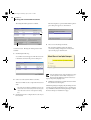
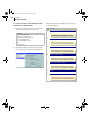
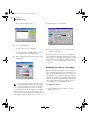
The Enfocus PitStop Inspector changes accordingly.
5
•
Hold down the SHIFT key and drag the selected
object confined to a horizontal or vertical direction.
If necessary, change the measurement units in the
Preferences area.
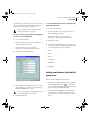
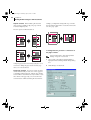
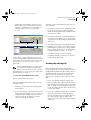
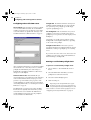
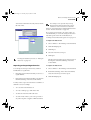
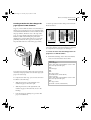
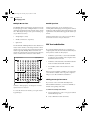
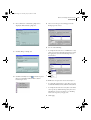
In the Numeric Feedback area you can find
exact information about the move you are
about to perform.
6
Do one of the following:
•
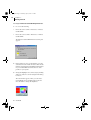
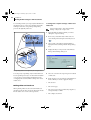
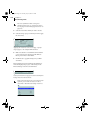
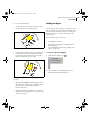
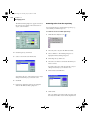
Drag the selected object to a new location.
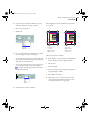
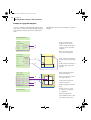
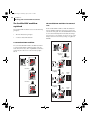
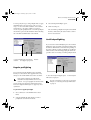
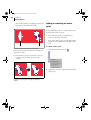
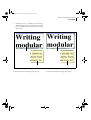
Moving the selected object to a new location by dragging.
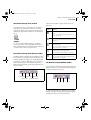
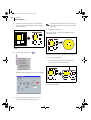
Holding down the SHIFT key while dragging moves the
object along a fixed vertical or horizontal axis.
•
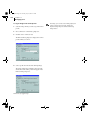
Hold down the ALT key (Windows) or Option key
(Macintosh) while dragging to create a copy of the
object in the new location.
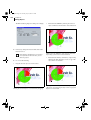
Holding down the ALT key (Windows) or Option key
(Macintosh) while dragging the object creates a copy of the
object in its new location.