1
Customizing the Build Process
See the Target Language Compiler documentation for further information on
the rtwgensettings structure.
Adding a Custom Target to the System Target
File Browser
As a convenience to end users of your custom target configuration, you can add
a custom target configuration to the System Target File Browser. To do this:
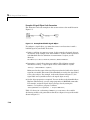
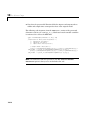
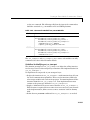
1 Modify (or add) browser comments at the head of your custom system target
file. For example,
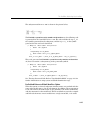
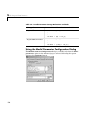
%% SYSTLC: John’s Real-Time Target \
%%
TMF: mytarget.tmf MAKE: make_rtw EXTMODE: no_ext_comm
2 Create a directory <targetname> (e.g., /mytarget). Move your custom system
target file, custom template makefile, and run-time interface files (such as
your main program and S-functions) into the <targetname> subdirectory.
Note Your <targetname> subdirectory should not be located anywhere in the
MATLAB directory tree (that is, in or under the matlabroot directory). The
reason for this restriction is that if you install a new version of MATLAB, (or
reinstall your current version) the MATLAB directories will be recreated. This
process deletes any custom target directories existing within the MATLAB
tree.
3 Add your target directory to the MATLAB path.
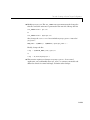
addpath <targetname>
If you want <targetname> included in the MATLAB path each time
MATLAB starts up, include this addpath command in your startup.m file.
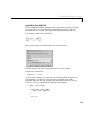
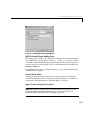
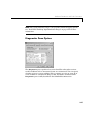
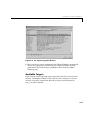
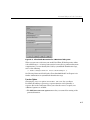
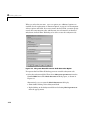
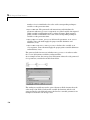
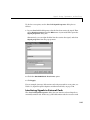
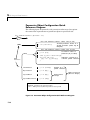
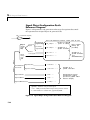
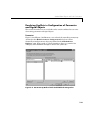
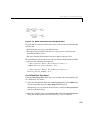
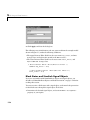
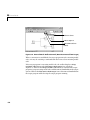
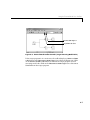
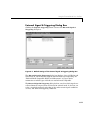
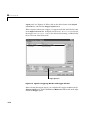
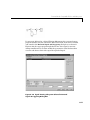
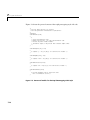
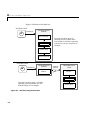
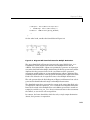
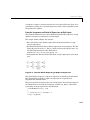
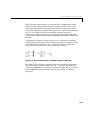
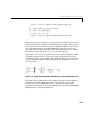
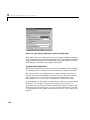
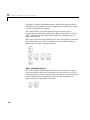
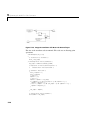
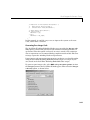
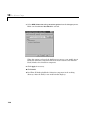
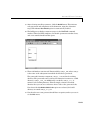
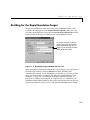
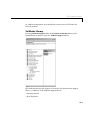
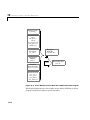
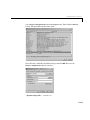
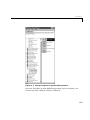
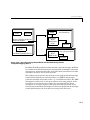
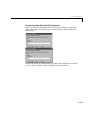
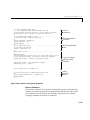
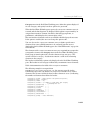
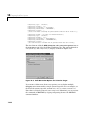
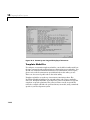
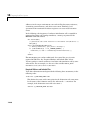
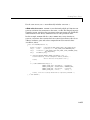
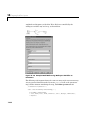
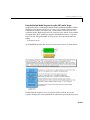
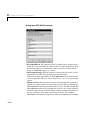
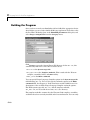
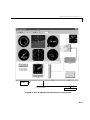
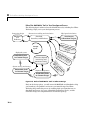
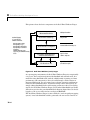
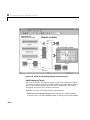
4 When the System Target File Browser opens, Real-Time Workshop detects
system target files that are on the MATLAB path, and displays the target
filenames and target description comments. Figure 14-4 shows how the
target file mytarget.tlc, which contains the browser comments above,
appears in the System Target File Browser.
14-27