1
Singletasking vs. Multitasking Environments
Singletasking vs. Multitasking Environments
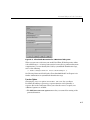
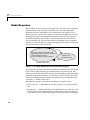
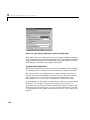
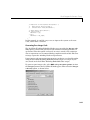
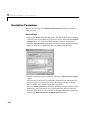
There are two execution modes for a fixed-step Simulink model: singletasking
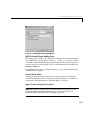
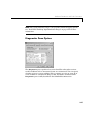
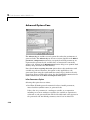
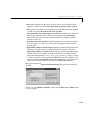
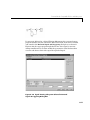
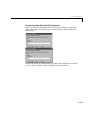
and multitasking. You use the Mode pull-down menu on the Solver page of the
Simulation Parameters dialog box to specify how to execute your model. Auto
mode (the default) selects multitasking execution for a mixed-rate model, and
otherwise selects singletasking execution. You can also select SingleTasking
or MultiTasking execution explicitly.
Execution of models in a real-time system can be done with the aid of a
real-time operating system, or it can be done on a bare-board target, where the
model runs in the context of an interrupt service routine (ISR).
Note that the fact that a system (such as UNIX or Microsoft Windows) is
multitasking does not guarantee that the program can execute in real time.
This is because it is not guaranteed that the program can preempt other
processes when required.
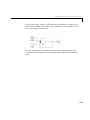
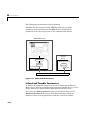
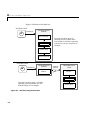
In DOS, where only one process can exist at any given time, an interrupt
service routine (ISR) must perform the steps of saving the processor context,
executing the model code, collecting data, and restoring the processor context.
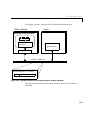
Tornado, on the other hand, provides automatic context switching and task
scheduling. This simplifies the operations performed by the ISR. In this case,
the ISR simply enables the model execution task, which is normally blocked.
8-3