1
Block Diagram Performance Tuning
Slowly vs. Rapidly Changing
Look-Up Table Block Inputs
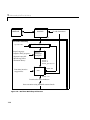
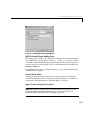
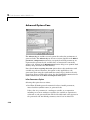
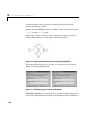
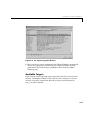
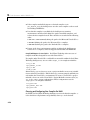
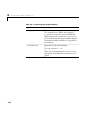
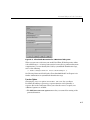
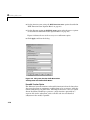
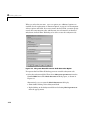
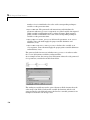
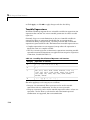
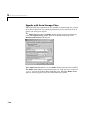
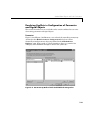
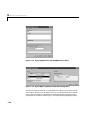
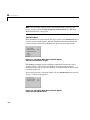
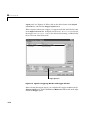
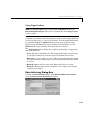
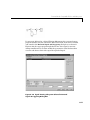
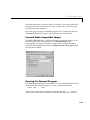
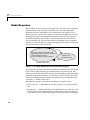
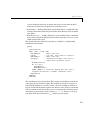
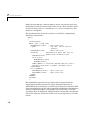
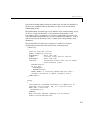
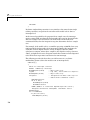
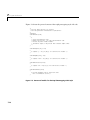
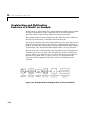
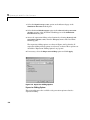
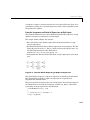
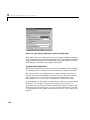
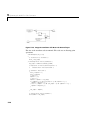
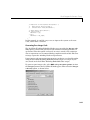
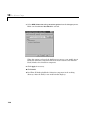
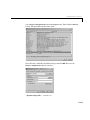
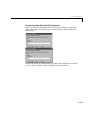
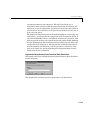
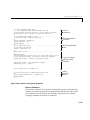
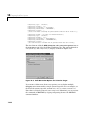
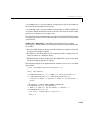
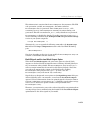
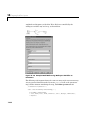
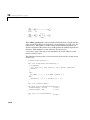
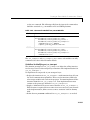
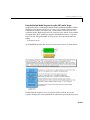
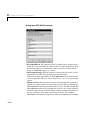
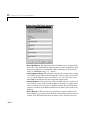
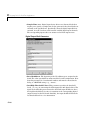
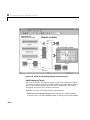
You can optimize lookup table operations using the Look-Up Table (n-D) block
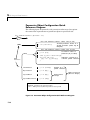
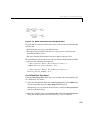
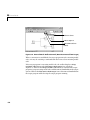
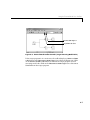
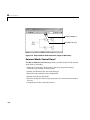
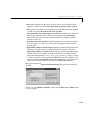
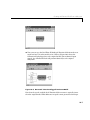
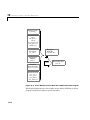
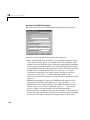
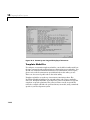
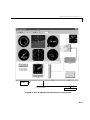
for efficiency if you know the input signal’s normal rate of change. Figure 9-10
shows the parameters for the Look-Up Table (n-D) block.
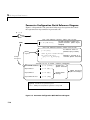
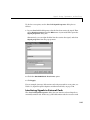
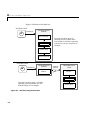
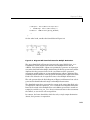
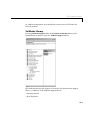
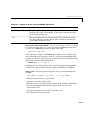
Figure 9-10: Parameter Dialog for the Look-Up Table (n-D) Block
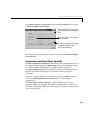
If you do not know the input signal’s normal rate of change in advance, it would
be better to choose the Binary Search option for the index search in the
Look-Up Table (n-D) block and the PreLook-Up Index Search block.
Regardless of signal behavior, if the table’s breakpoints are evenly spaced, it is
best to select the Evenly Spaced Points option from the Look-Up Table (n-D)
block’s parameter dialog.
9-33