1
9. Finding surveyed items on the map (cont’d)
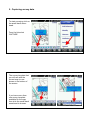
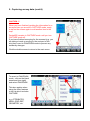
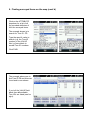
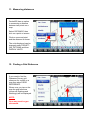
Click on the ATTRIBUTE
dropdown for a list of all
the recorded attributes of
ALL the surveyed items.
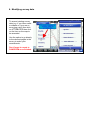
The example shown is to
search for Tree ID - T3.
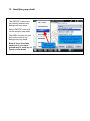
Type the specific value to
search (e.g. the Tree ID
number) in the VALUE
field, or leave blank to
see all Tree ID numbers.
Click FIND.
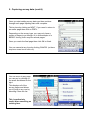
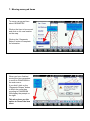
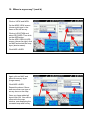
The example above was to
find Tree ID T3 and this was
found and is now shown.
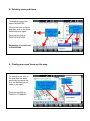
If you left the VALUE field
blank then all available
Tree ID’s are listed (see far
right).