1
A14.1
Introducing the Stripview
A14.1.6
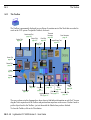
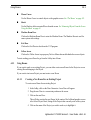
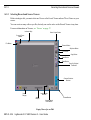
Other Stripview Controls
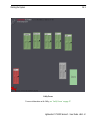
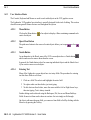
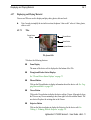
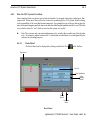
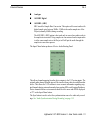
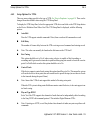
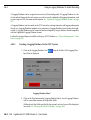
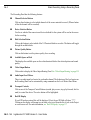
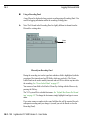
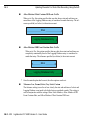
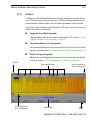
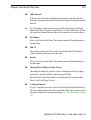
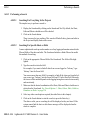
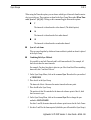
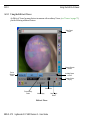
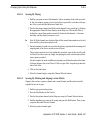
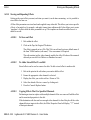
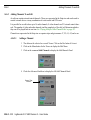
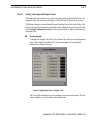
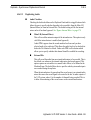
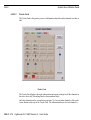
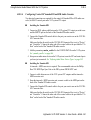
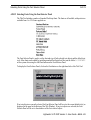
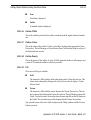
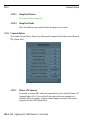
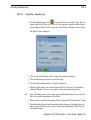
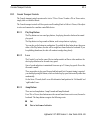
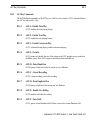
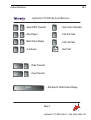
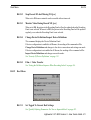
Unjoin/Join Button
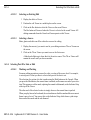
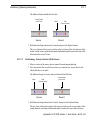
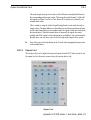
The Unjoin button reopens the strips at the points where they were last opened for
trimming. When the strips are open the button is labelled as Join and can then be used
to join the strips back together.
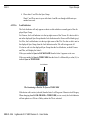
Transition Button
See ‘Editing 5 - Real-time Effects’ on page 303.
Stripview Sync Buttons
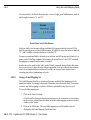
See ‘Fixing Sync Using the Stripview Sync Buttons’ on page 300.
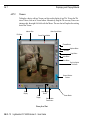
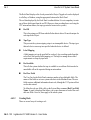
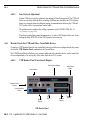
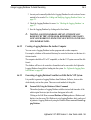
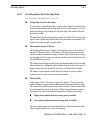
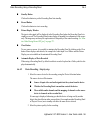
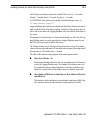
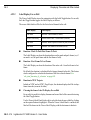
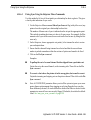
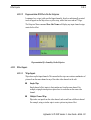
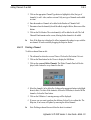
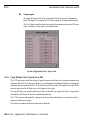
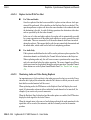
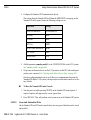
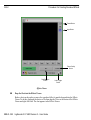
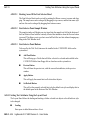
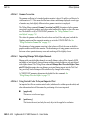
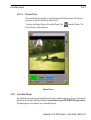
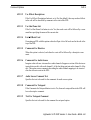
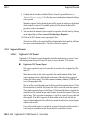
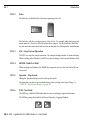
Pop-Out Original Tile Button
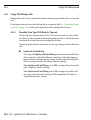
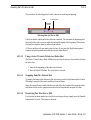
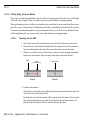
Clicking on this button will find the original source shot for the current frame in an
edit or ghost. The shot is displayed as a Tile and is parked at exactly the same frame
as the current frame.
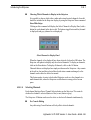
The Pop-Out Original Tile button acts on the first selected channel in the edit or
ghost.
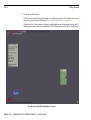
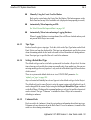
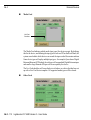
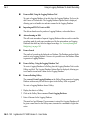
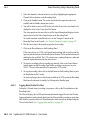
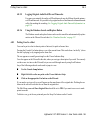
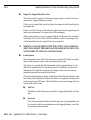
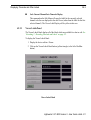
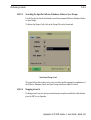
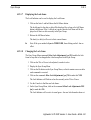
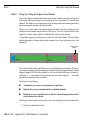
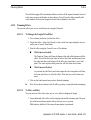
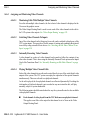
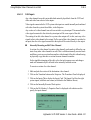
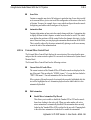
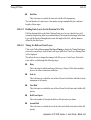
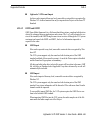
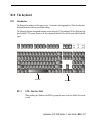
Pin Button
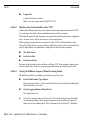
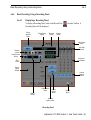
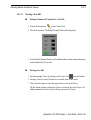
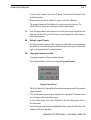
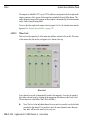
Clicking on the Pin button locks the Stripview in its current position on the screen.
When the Stripview is locked the Pin button is highlighted. To unlock the Stripview,
click on the Pin button.
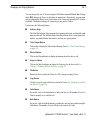
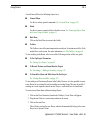
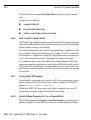
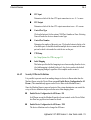
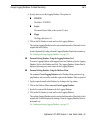
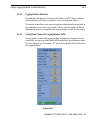
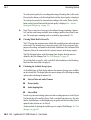
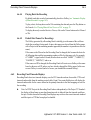
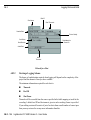
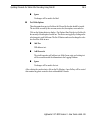
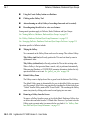
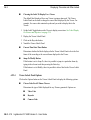
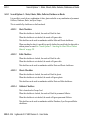
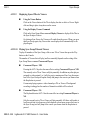
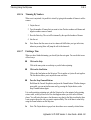
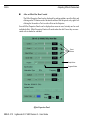
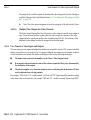
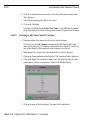
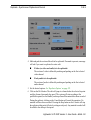
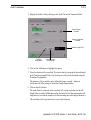
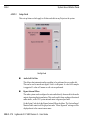
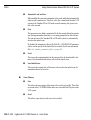
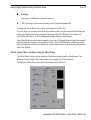
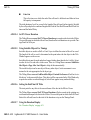
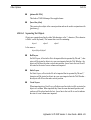
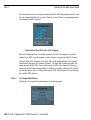
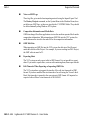
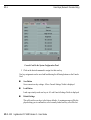
Advanced Button
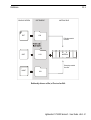
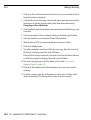
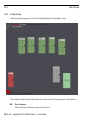
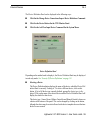
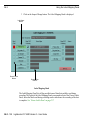
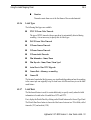
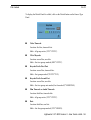
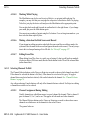
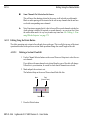
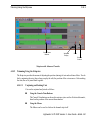
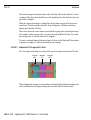
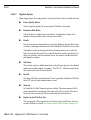
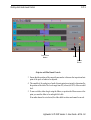
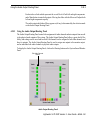
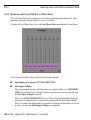
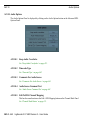
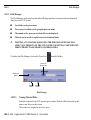
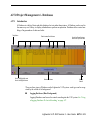
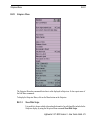
The Advanced button expands the Stripview and adds the following controls:
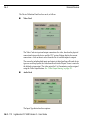
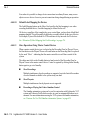
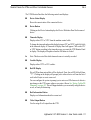
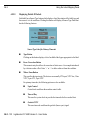
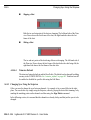
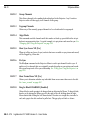
Video Output Button
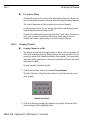
The name of the video output each video channel is assigned to is displayed
on a button. Click on this button to display a list of available video outputs.
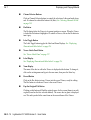
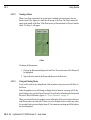
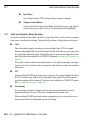
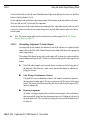
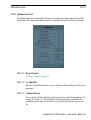
Varispeed Display
See ‘Varispeed’ on page 325.
Shot Sound Sliders
See ‘Shot-by-shot Audio Level Control’ on page 360.
A14.0 - 286
Lightworks V.I.P 4500 Version 3 - User Guide