1
A12.3
Sync Groups
A12.3.9
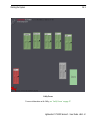
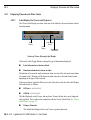
Displaying Synced Tiles As Viewers
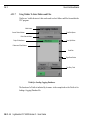
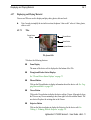
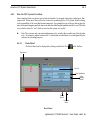
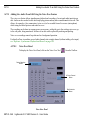
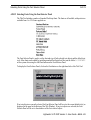
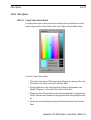
Using the Viewer Button
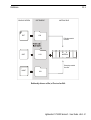
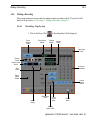
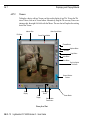
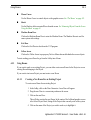
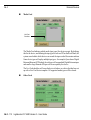
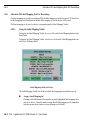
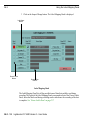
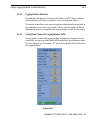
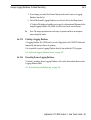
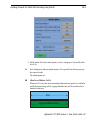
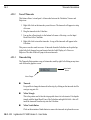
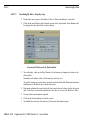
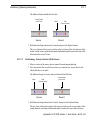
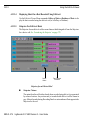
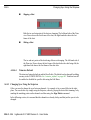
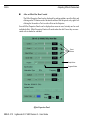
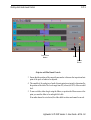
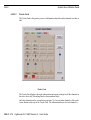
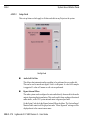
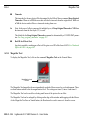
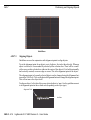
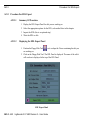
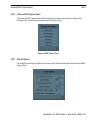
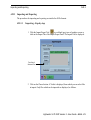
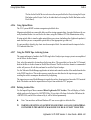
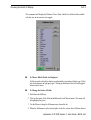
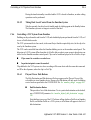
Click on the Viewer button of the Tile to display the shot or edit in a Viewer. Rightclick and drag to place it anywhere on the screen.
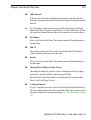
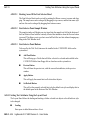
Using the Display Viewers Command
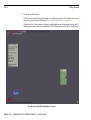
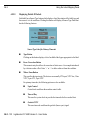
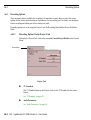
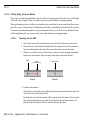
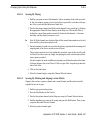
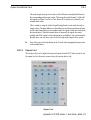
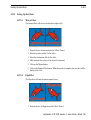
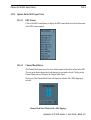
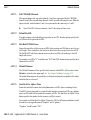
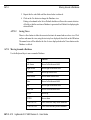
Click on the Sync Group Menu command Display Viewers to display all the Tiles in
the Sync Group as Viewers.
On closing a Sync Group, the Viewers will vanish from the screen. When you open
that Sync Group again, any Viewers that were displayed will automatically be displayed again.
A12.3.10
Playing Sync Group Tiles and Viewers
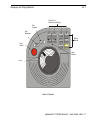
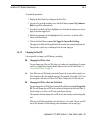
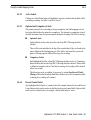
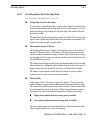
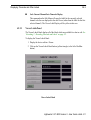
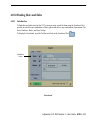
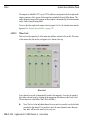
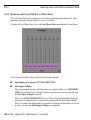
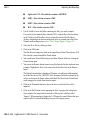
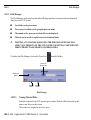
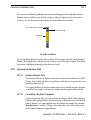
To play all members of the Sync Group, click on one Tile or Viewer then press the Play
button on the Console.
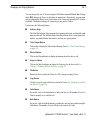
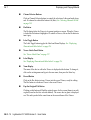
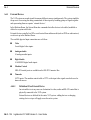
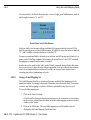
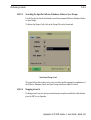
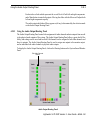
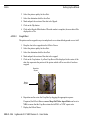
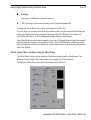
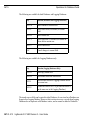
The number of Viewers that will play (and how smoothly) depends on the setting of the
Sync Group Menu command Concurrent Players.
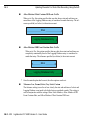
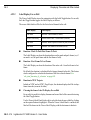
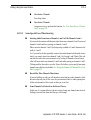
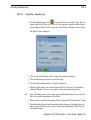
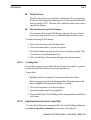
Concurrent Players - YES
Pressing the ALT+3 keys has the same effect as setting Concurrent Players to YES.
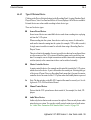
The currently active Tile or Viewer will play smoothly. In addition any other players
assigned to video outputs 1 to 4 will play, up to a maximum of four. Any other members of the Sync Group will update slowly and jump to the correct sync frame when
the Stop button is pressed.
Concurrent playing requires a video channel per Tile or Viewer. If background
recording is taking place the number of channels available will be reduced.
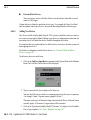
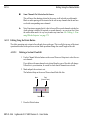
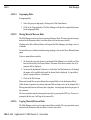
Concurrent Players - NO
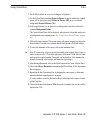
The Keyboard shortcut ALT+1 has the same effect as setting Concurrent Players to
NO.
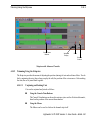
Only the currently active Tile or Viewer will play smoothly. All others will update at
less than real time (at a frequency which depends on how many sources there are in
the Sync Group) and will jump to the correct sync frame when the Stop button is
pressed.
A12.0 - 258
Lightworks V.I.P 4500 Version 3 - User Guide