1
PLC WorkShop for Modicon
Chapter 11 – Instructions, Logical Bit Operations Overview
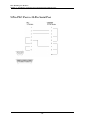
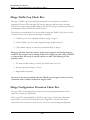
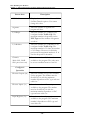
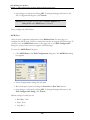
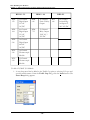
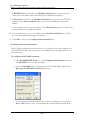
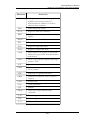
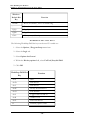
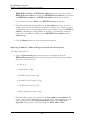
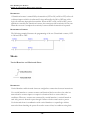
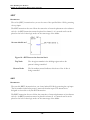
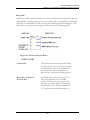
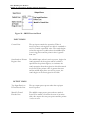
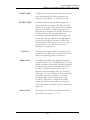
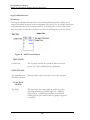
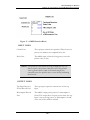
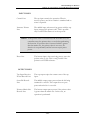
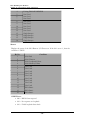
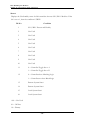
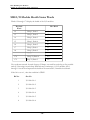
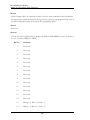
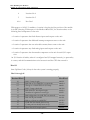
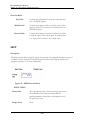
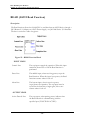
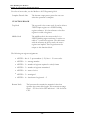
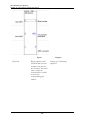
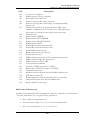
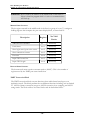
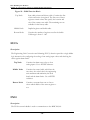
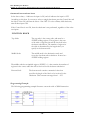
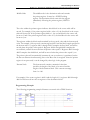
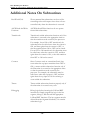
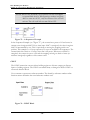
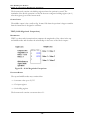
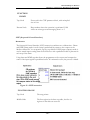
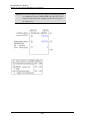
OUTPUT LINES
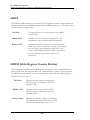
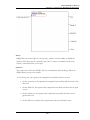
Top Input Receives
Power Decode Line
The top output copies the current state of the top input.
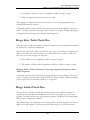
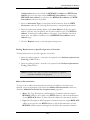
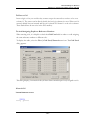
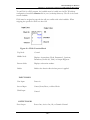
Sense Bit Decode
Line
The middle output passes power when the bit being
modified is set to one. It passes power when the middle
input receives power.
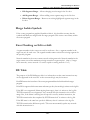
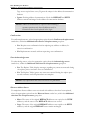
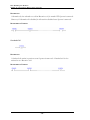
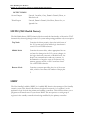
Pointer>Matrix
Size Decode Line
The bottom output passes power if the pointer value is
greater than the matrix size. In this case, no operation is
performed and the pointer value is set to the matrix size.
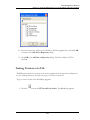
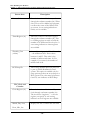
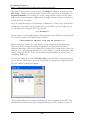
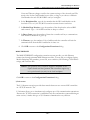
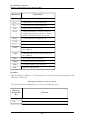
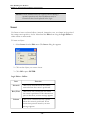
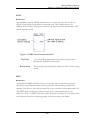
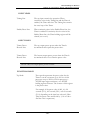
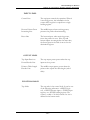
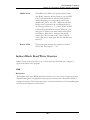
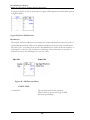
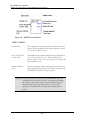
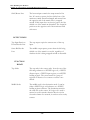
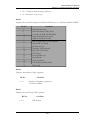
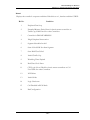
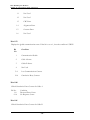
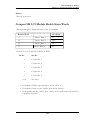
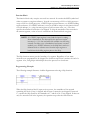
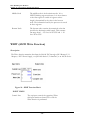
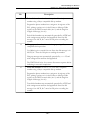
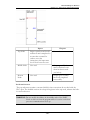
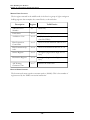
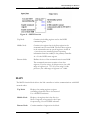
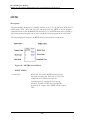
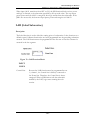
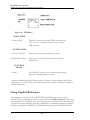
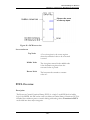
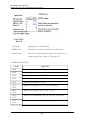
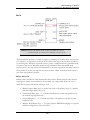
FUNCTION
BLOCK
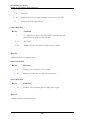
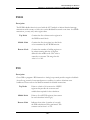
Top Node
The top node is the pointer that controls which bit is
modified. It can be a 3XXXX input register reference, a
4XXXX holding register reference, or a constant (up to
999 for a 16-bit processor and 9999 for a 24-bit
processor). If a holding register is used, the pointer
value can be increased by control of the bottom input.
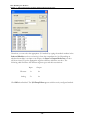
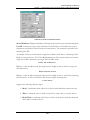
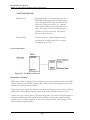
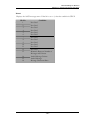
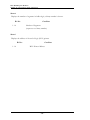
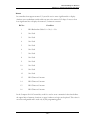
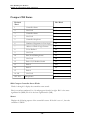
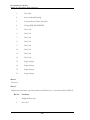
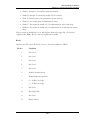
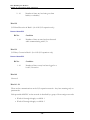
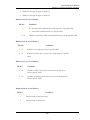
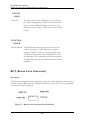
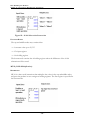
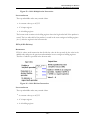
Middle Node
The middle node is the source and destination node; the
revised data replaces the original data in the matrix. It
can be either a 0XXXX logic coil reference or a 4XXXX
holding register reference. If a logic coil is used, it can
only be used once in this function block. The logic coil
cannot be used in another function block or in the
eleventh column of a network; it can be used as a relay
contact.
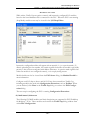
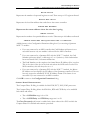
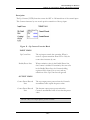
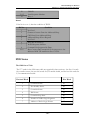
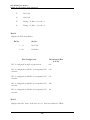
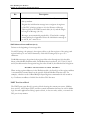
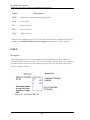
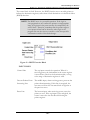
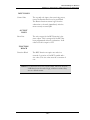
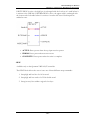
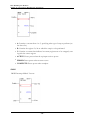
WARNING: The MBIT function overrides the disable state of a coil used in
the destination node of the function block. This can cause
personal injury if the user assumes a coil has disabled an
operation and repairs are being made, because the coil's state can
change as a result of the MBIT function.
- 511 -