1
PLC WorkShop for Modicon
Chapter 8 – Programming, Trace Coil and Untrace Coil
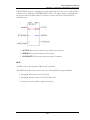
l
l
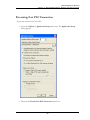
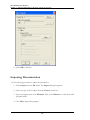
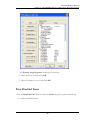
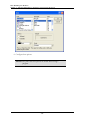
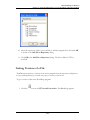
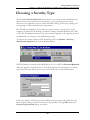
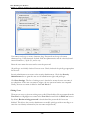
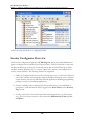
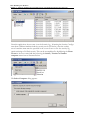
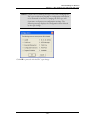
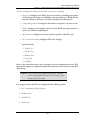
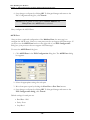
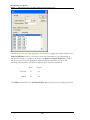
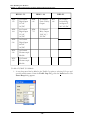
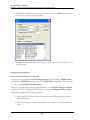
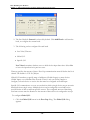
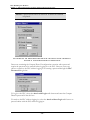
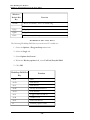
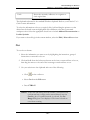
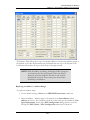
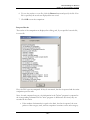
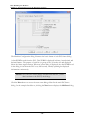
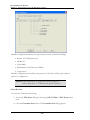
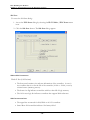
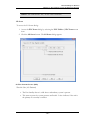
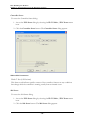
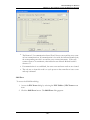
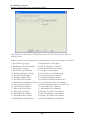
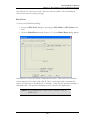
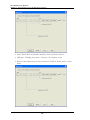
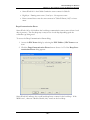
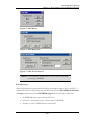
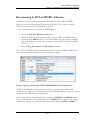
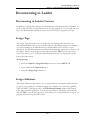
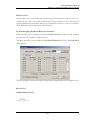
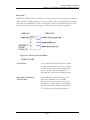
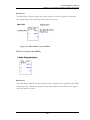
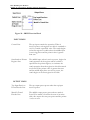
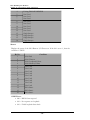
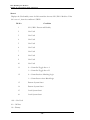
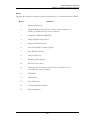
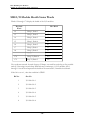
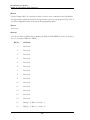
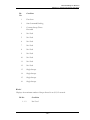
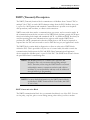
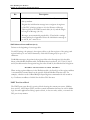
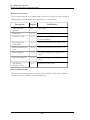
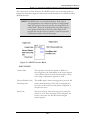
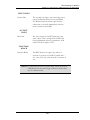
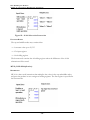
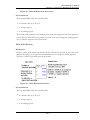
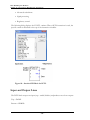
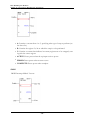
The list box in this dialog contains the addresses of up to ten previous traced
coils. It is a rolling list of the last ten traces. When an eleventh coil is traced, the
first coil in the list is removed. Then coils 2 through 9 are moved up the list by
one line. Finally, the eleventh coil is added as the tenth item in the list.
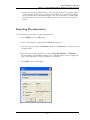
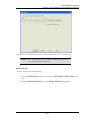
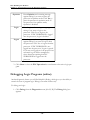
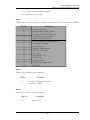
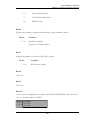
To redisplay the ladder logic in which one of the coils is located, double-click the
coil address in the list box or highlight the coil address and click OK.
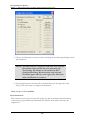
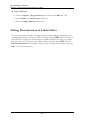
NOTE: Previous trace operations must have been performed and
held in the history list for the Untrace Coil feature to
operate. If there are no items in this list, the hot-key
combination [Shift-F3] will not operate and the Untrace
Coil item on the right-click menu is disabled.
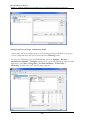
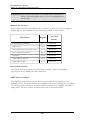
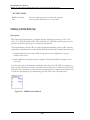
Displaying Traced Coils in Ladder
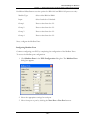
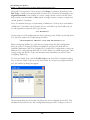
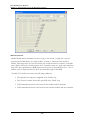
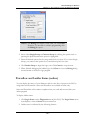
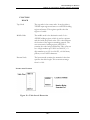
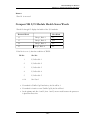
As an alternative to locating address coils in the Cross Reference listing, they may be
displayed in the ladder logic beneath each corresponding contact instruction. To enable
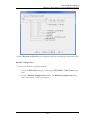
this feature select the Diagnostics / Display Traced Coils menu item.
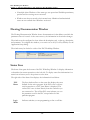
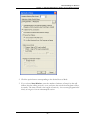
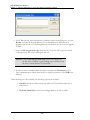
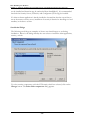
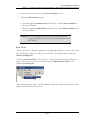
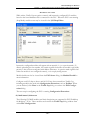
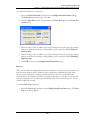
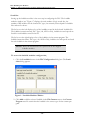
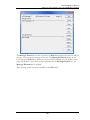
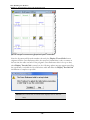
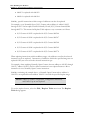
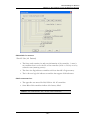
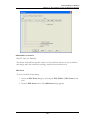
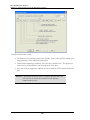
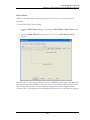
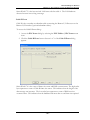
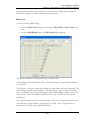
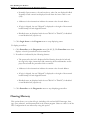
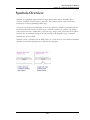
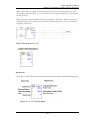
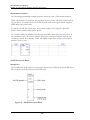
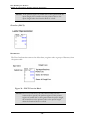
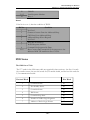
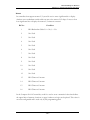
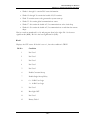
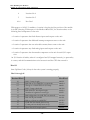
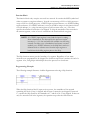
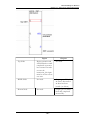
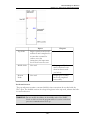
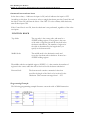
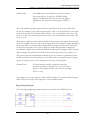
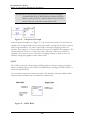
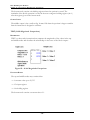
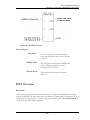
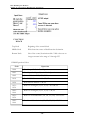
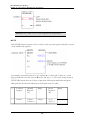
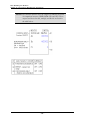
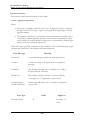
When Display Traced Coils is enabled, the Segment and Network numbers in which
the counterpart coil is located appear within brackets beneath the contact instruction.
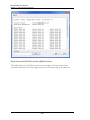
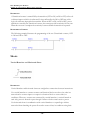
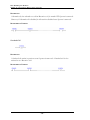
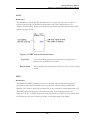
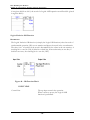
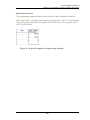
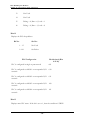
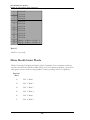
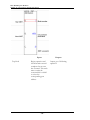
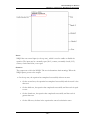
In the following example, Segment 1 Network 2 contains a contact with address 000002.
The counterpart coil to this contact is located in Segment 3 Network 8.
- 319 -