1
PLC WorkShop for Modicon
Chapter 8 – Programming, Editing Logic Programs
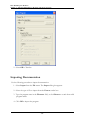
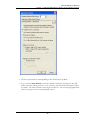
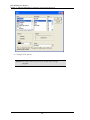
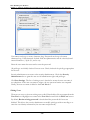
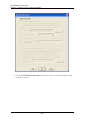
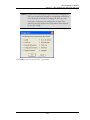
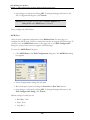
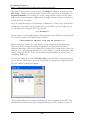
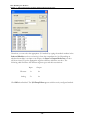
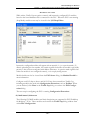
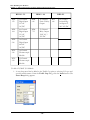
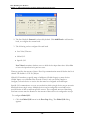
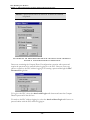
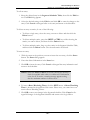
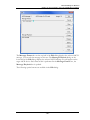
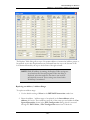
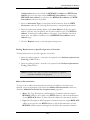
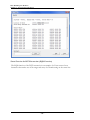
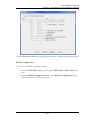
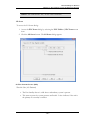
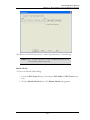
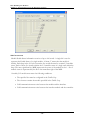
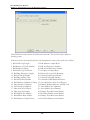
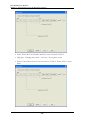
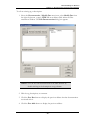
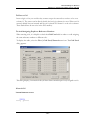
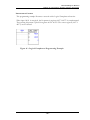
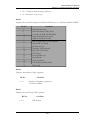
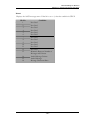
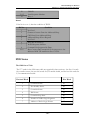
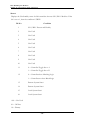
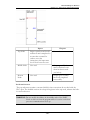
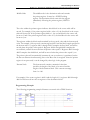
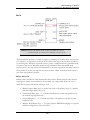
The Replace Table dialog allows up to 24 separate address or instruction/address groups to
be replaced at one time. Replacements are performed from the top to the bottom of the
left column followed by the top to the bottom of the right column.
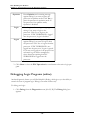
NOTE: While WorkShop is running, the Replace Table settings are
saved and restored for each program. When the dialog is
displayed, selections made the last time it was used are
automatically restored. These settings are cleared when
WorkShop is terminated.
Replacing an Address / Address Range
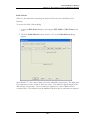
To replace an address range:
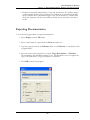
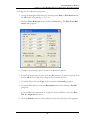
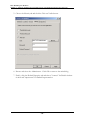
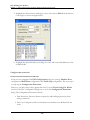
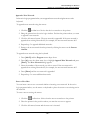
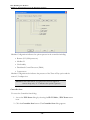
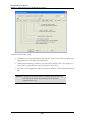
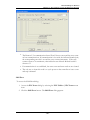
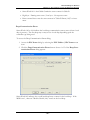
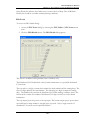
1. Use the default setting of None in the REPLACE instruction combo box.
2. Enter the address / address range to be replaced in the from address and to
address edit boxes. These addresses must be of the same type and within the Configured Quantities shown in the PLC Configuration dialog, which is accessed
through the PLC Utilities / PLC Configuration menu item. If both the
- 331 -