1
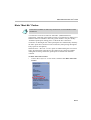
Chapter 3 - Main Menu
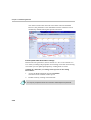
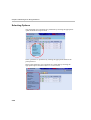
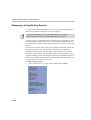
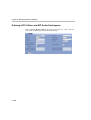
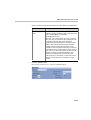
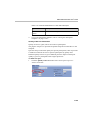
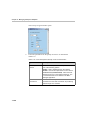
Language Selection
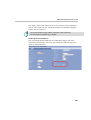
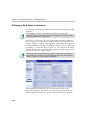
In Windows Authentication mode, after first entry, the Welcome/Language
Selection window is skipped. To change the WebCommander language,
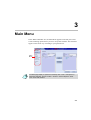
access the Language Selection window from the Main menu.
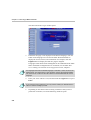
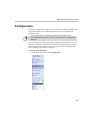
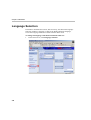
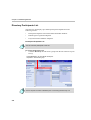
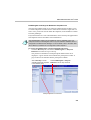
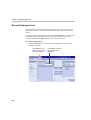
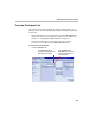
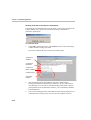
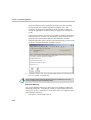
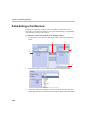
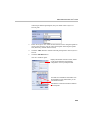
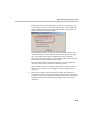
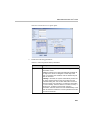
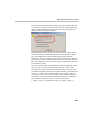
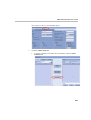
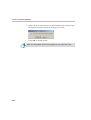
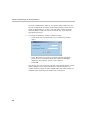
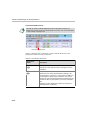
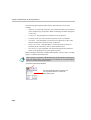
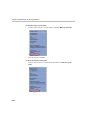
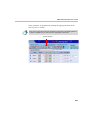
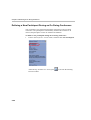
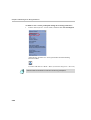
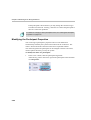
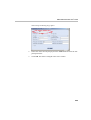
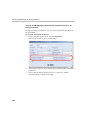
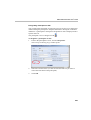
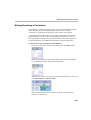
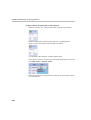
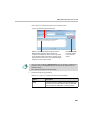
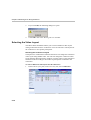
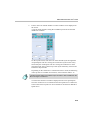
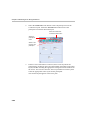
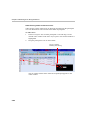
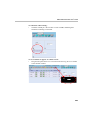
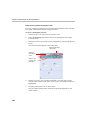
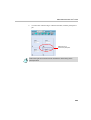
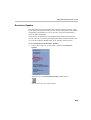
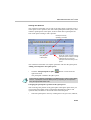
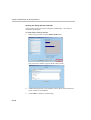
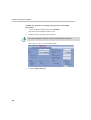
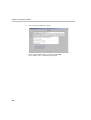
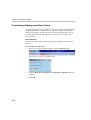
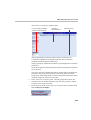
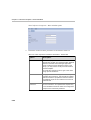
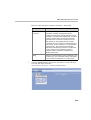
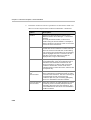
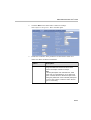
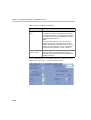
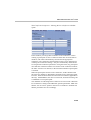
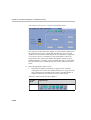
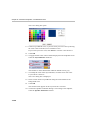
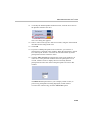
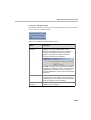
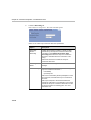
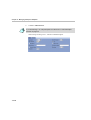
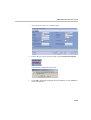
To change the language of the WebCommander Web site:
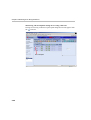
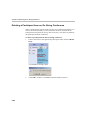
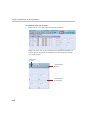
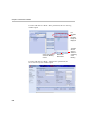
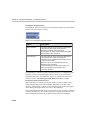
1. In the Main Menu, click Language Selection.
3-8