1
MGC WebCommander User’s Guide
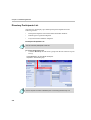
Participants Lists Area
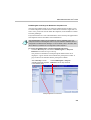
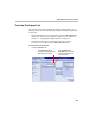
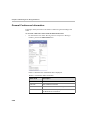
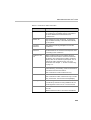
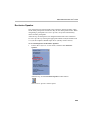
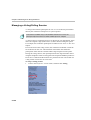
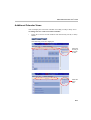
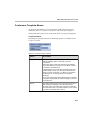
Various participants lists are used to quickly add participants to the
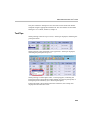
conference. You can choose to view the list of available Participant templates
by clicking one of the three tabs:
•
Directory
•
Recent
•
Favorites
You can select participants from all the lists for any conference.
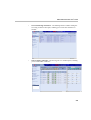
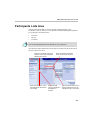
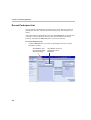
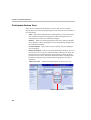
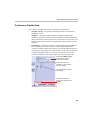
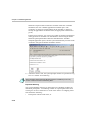
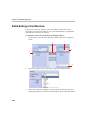
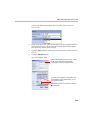
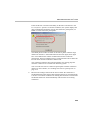
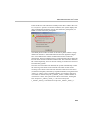
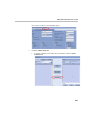
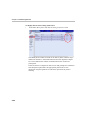
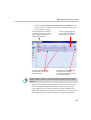
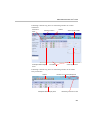
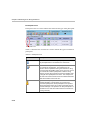
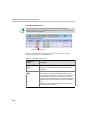
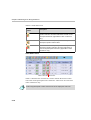
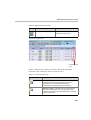
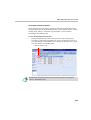
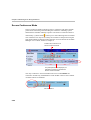
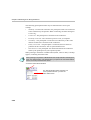
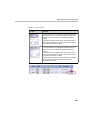
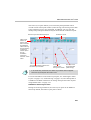
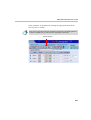
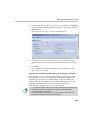
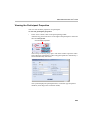
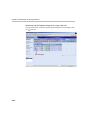
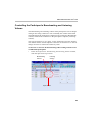
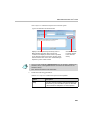
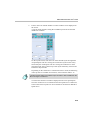
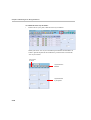
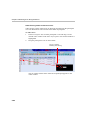
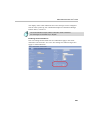
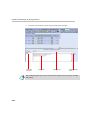
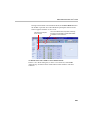
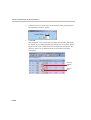
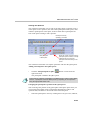
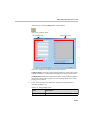
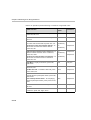
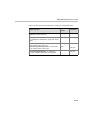
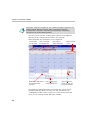
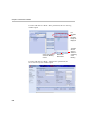
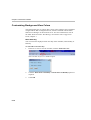
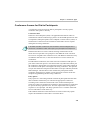
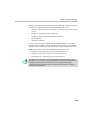
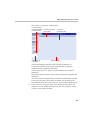
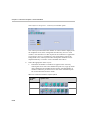
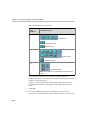
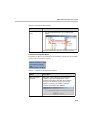
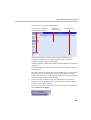
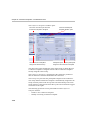
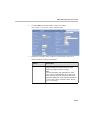
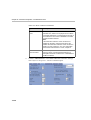
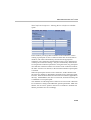
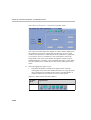
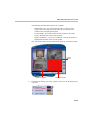
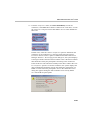
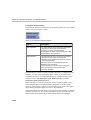
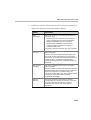
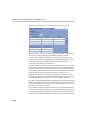
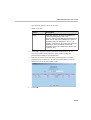
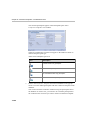
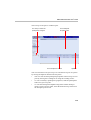
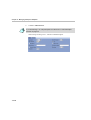
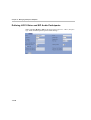
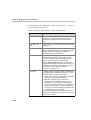
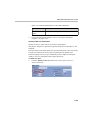
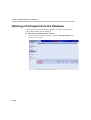
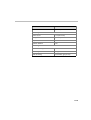
The following figure details the actions that are common to all of the tabs in
the Participants List area.
Select the check box next to the
header row to select all available
participants in the list.
Select the check box next to
the participant to be added to
the meeting
Select the desired Participant
Group from the drop-down list
Participants that
cannot be added are
unavailable for
selection
Type the first few letters of the
desired participant name and
click Go to jump to it in the list
4-3