1
MGC WebCommander User’s Guide
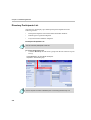
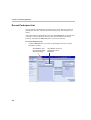
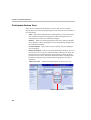
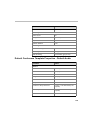
Favorites Participant List
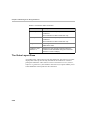
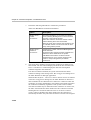
The Favorites list is used to facilitate the selection of participants to join a
meeting. You can use one of the following methods to add a participant to the
Favorites list:
•
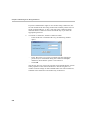
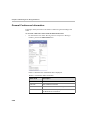
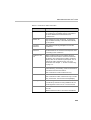
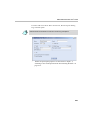
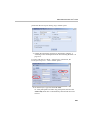
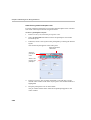
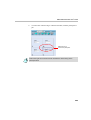
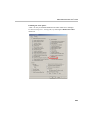
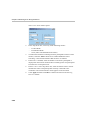
During the definition of a new participant, select the Add to Favorites
check box in the Participant Templates window. For more details, see
Chapter 11, “Managing Participant Templates” on page 11-1.
•
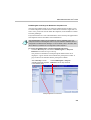
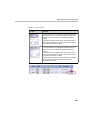
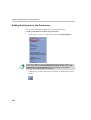
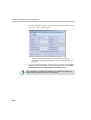
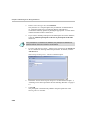
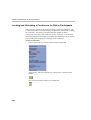
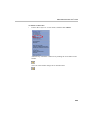
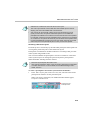
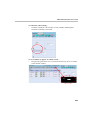
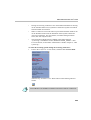
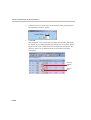
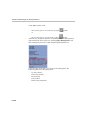
Select the check box next to a name in the Directory or Recent
Participant List, and then click the Add to Favorites button
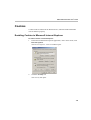
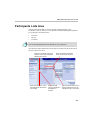
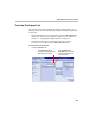
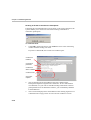
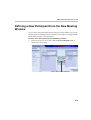
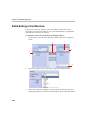
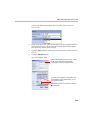
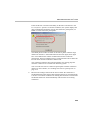
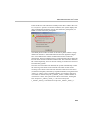
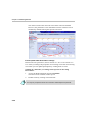
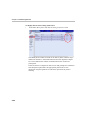
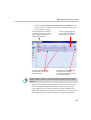
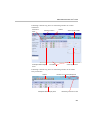
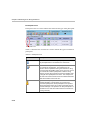
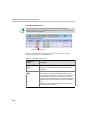
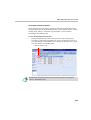
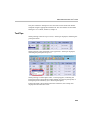
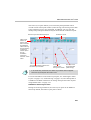
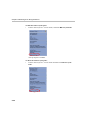
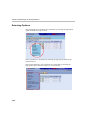
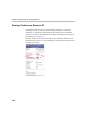
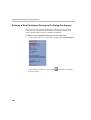
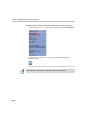
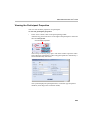
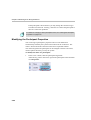
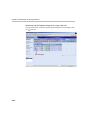
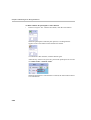
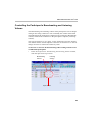
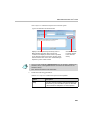
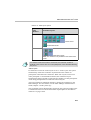
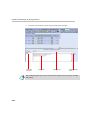
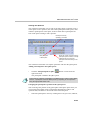
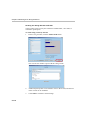
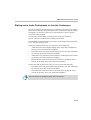
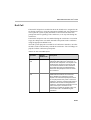
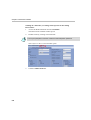
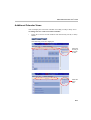
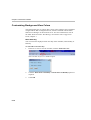
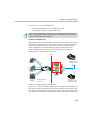
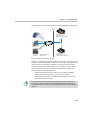
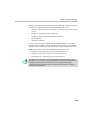
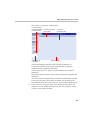
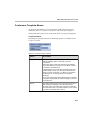
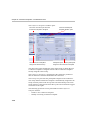
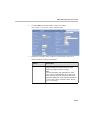
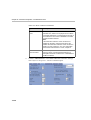
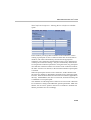
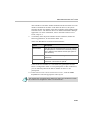
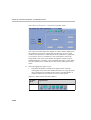
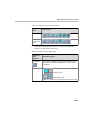
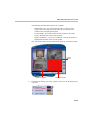
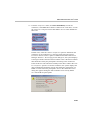
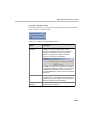
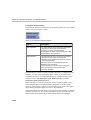
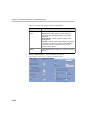
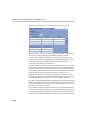
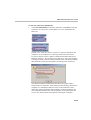
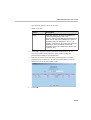
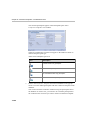
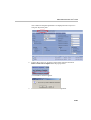
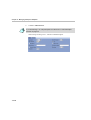
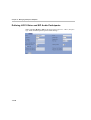
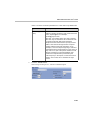
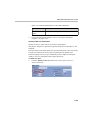
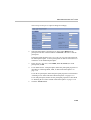
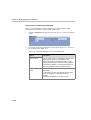
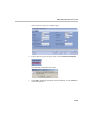
To select from a list of favorites:
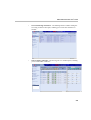
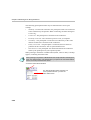
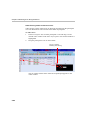
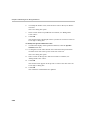
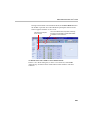
•
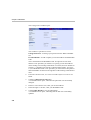
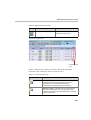
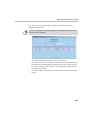
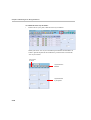
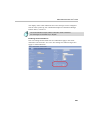
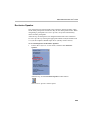
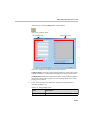
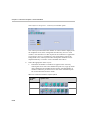
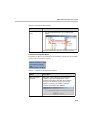
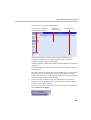
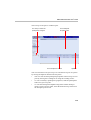
Click the Favorites tab.
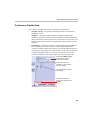
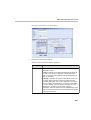
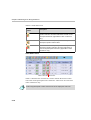
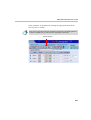
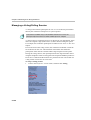
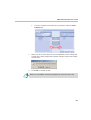
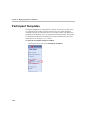
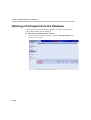
Click Favorites to list all
Participant templates that have
been added to Favorites
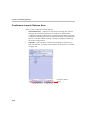
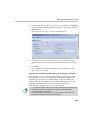
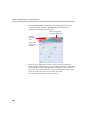
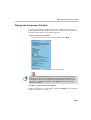
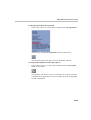
Click the Delete from
Favorites button to remove
selected participants from
the Favorites list
4-7