1
Chapter 4 - New Meeting Window
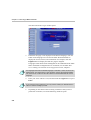
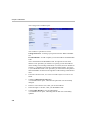
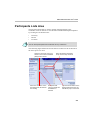
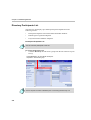
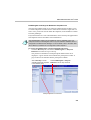
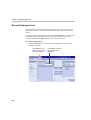
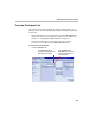
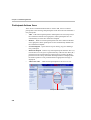
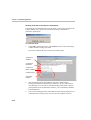
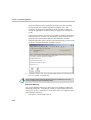
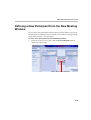
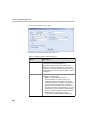
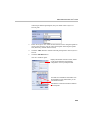
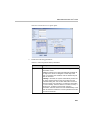
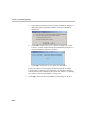
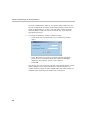
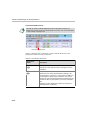
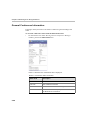
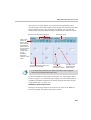
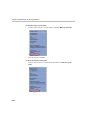
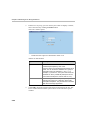
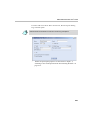
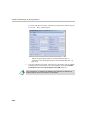
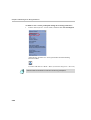
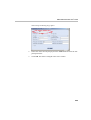
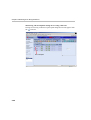
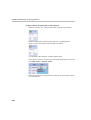
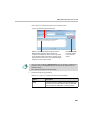
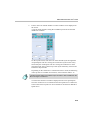
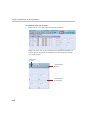
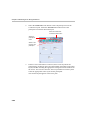
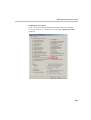
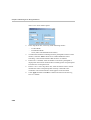
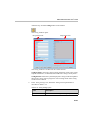
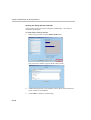
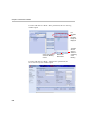
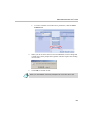
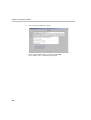
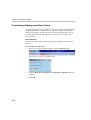
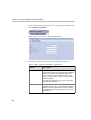
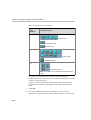
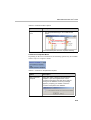
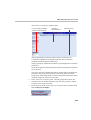
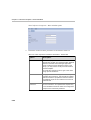
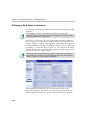
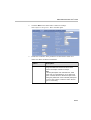
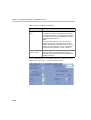
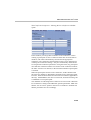
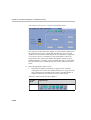
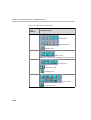
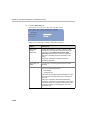
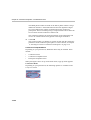
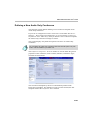
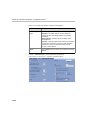
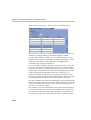
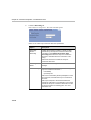
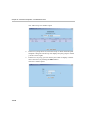
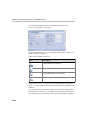
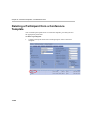
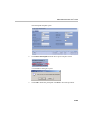
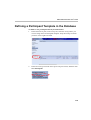
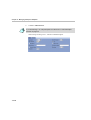
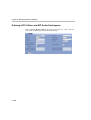
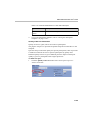
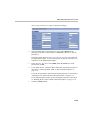
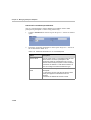
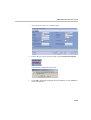
The Participant Dialog Page opens.
2.
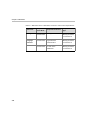
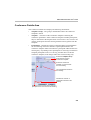
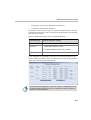
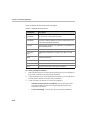
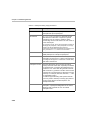
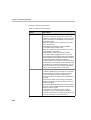
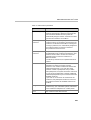
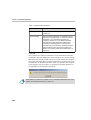
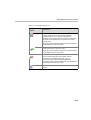
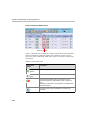
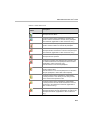
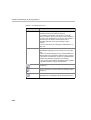
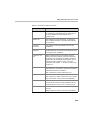
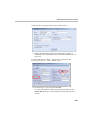
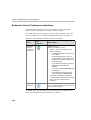
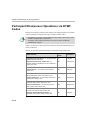
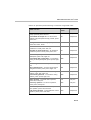
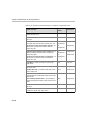
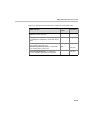
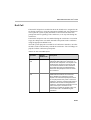
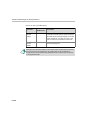
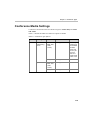
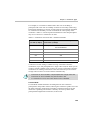
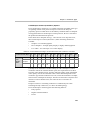
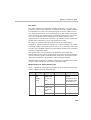
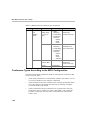
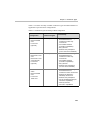
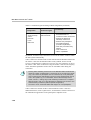
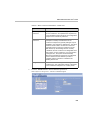
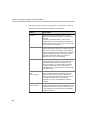
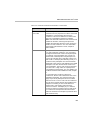
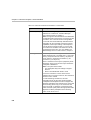
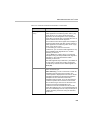
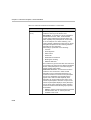
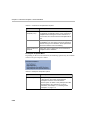
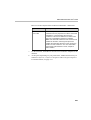
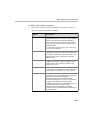
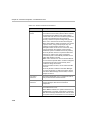
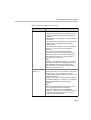
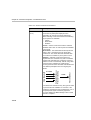
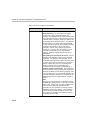
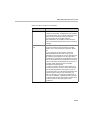
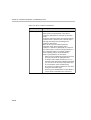
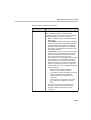
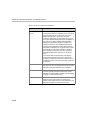
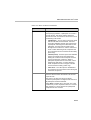
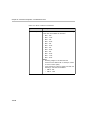
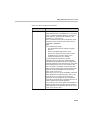
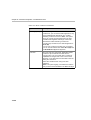
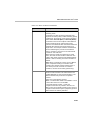
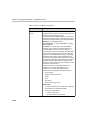
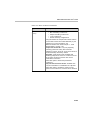
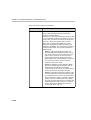
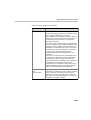
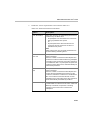
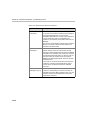
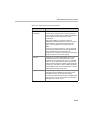
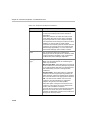
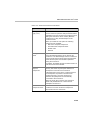
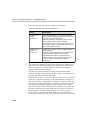
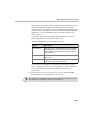
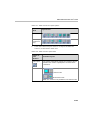
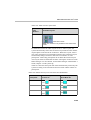
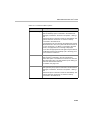
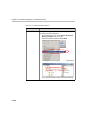
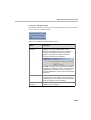
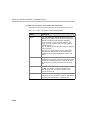
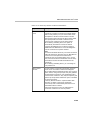
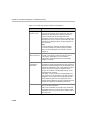
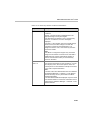
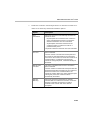
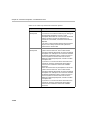
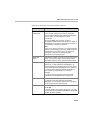
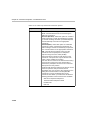
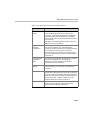
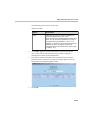
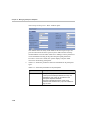
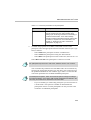
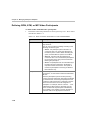
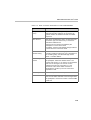
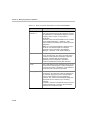
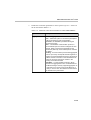
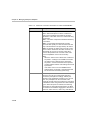
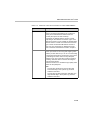
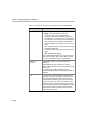
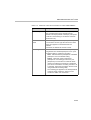
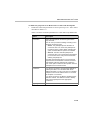
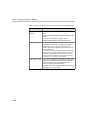
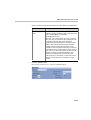
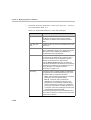
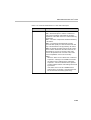
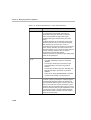
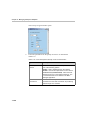
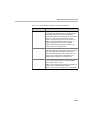
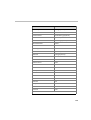
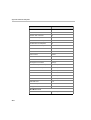
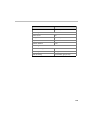
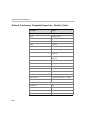
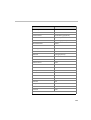
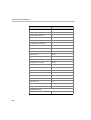
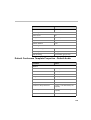
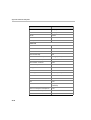
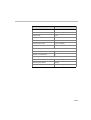
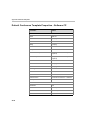
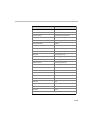
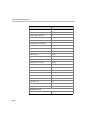
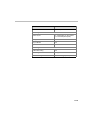
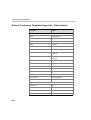
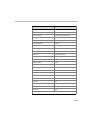
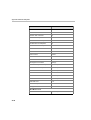
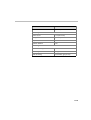
Define the parameters as detailed in Table 4-3.
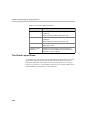
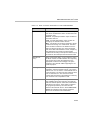
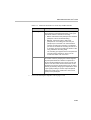
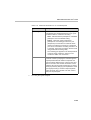
Table 4-3: Participant Dialog Page parameters
4-20
Option
Description
Name
The system displays the default name defined in the
currently active Participant Default set.
Type the participant name using numerals and
characters. You may include spaces, dashes and
underscores. Up to 80 characters may be used. Only
one participant by this name may be defined for the
conference.
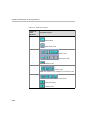
Connection
You can set up conference dialing according to the
following connection types:
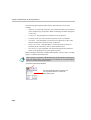
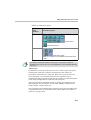
• Dial-in - The participant dials into the
conference-MCU at conference time. The
participant is identified by his/her CLI number
(ISDN participant) or IP Address (IP participant).
You inform the participant of the conference or
MCU’s number to be dialed at the conference
start time to connect to the conference. T1-CAS
participants cannot be defined in advanced and
they can only dial into Meet Me Per Conference,
Meeting Room or Entry Queue Access
conferences as undefined dial-in participants.