1
MGC WebCommander User’s Guide
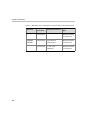
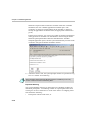
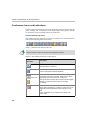
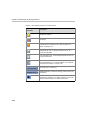
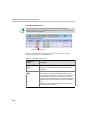
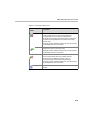
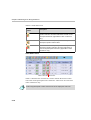
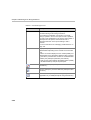
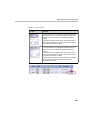
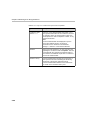
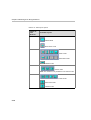
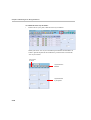
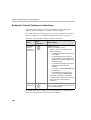
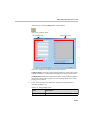
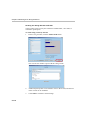
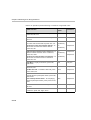
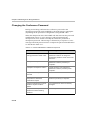
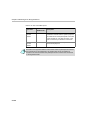
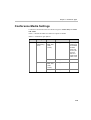
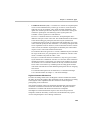
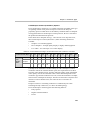
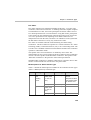
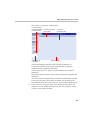
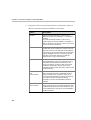
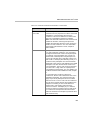
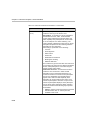
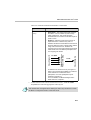
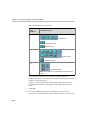
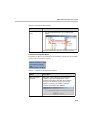
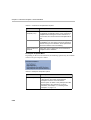
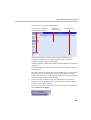
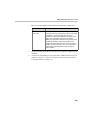
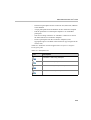
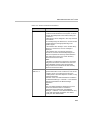
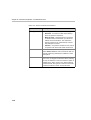
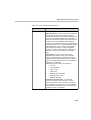
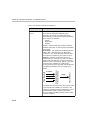
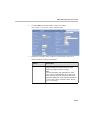
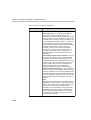
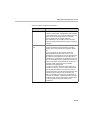
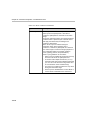
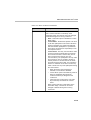
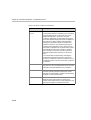
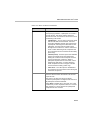
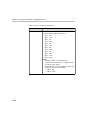
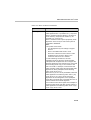
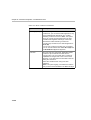
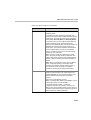
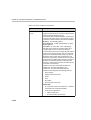
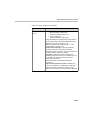
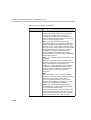
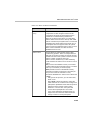
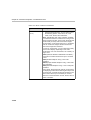
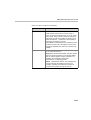
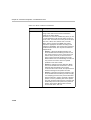
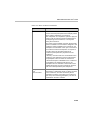
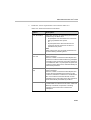
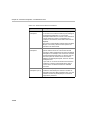
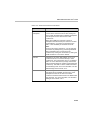
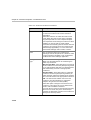
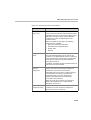
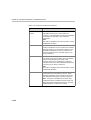
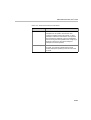
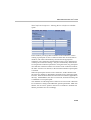
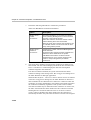
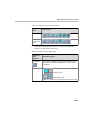
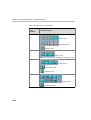
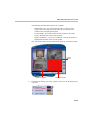
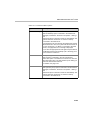
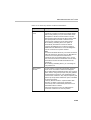
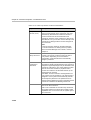
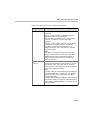
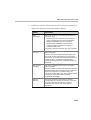
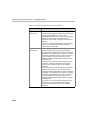
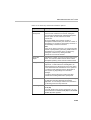
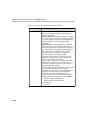
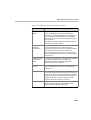
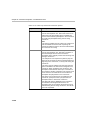
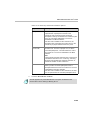
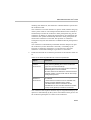
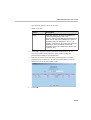
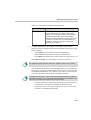
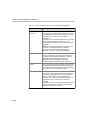
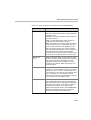
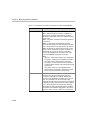
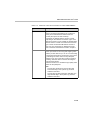
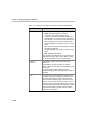
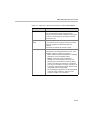
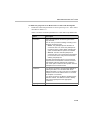
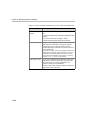
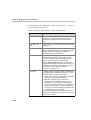
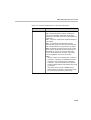
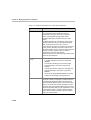
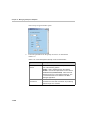
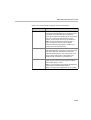
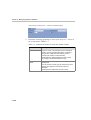
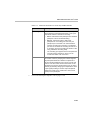
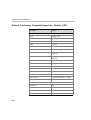
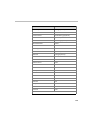
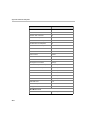
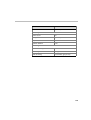
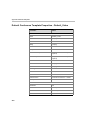
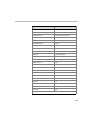
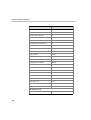
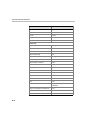
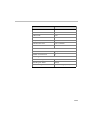
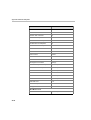
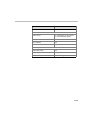
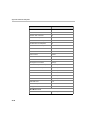
Table 10-8: Video Sources Layout Views
Number of
Video
Windows
Available Layouts
10+
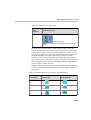
Quad Views mode
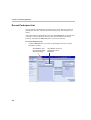
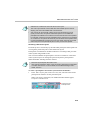
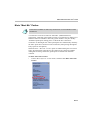
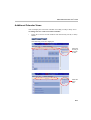
Note: This window is only available in the Quad Views
mode.
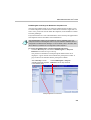
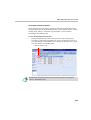
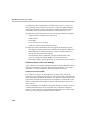
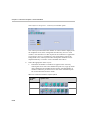
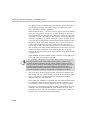
In conferences where the Video Layout is set to “Auto Layout" the
system automatically selects the conference layout based on the number
of participants connected to the conference. With Auto Layout, when a
new video participant is connected/disconnected, the conference layout
automatically changes format to reflect the new number of video
participants. Audio Only participants do not affect the selected layout.
Auto Layout must be enabled for the MCU running the conference in the
MGC Manager. For more details, see the MGC Manager Administrator’s
Guide, Chapter 5 “Edit system.cfg.
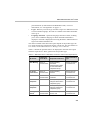
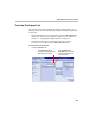
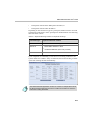
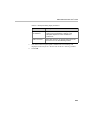
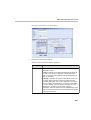
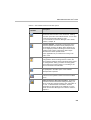
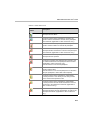
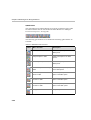
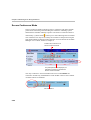
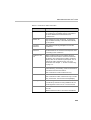
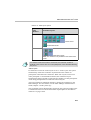
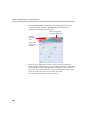
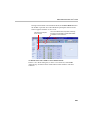
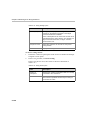
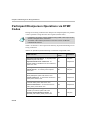
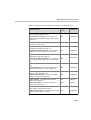
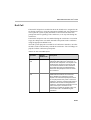
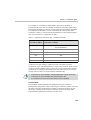
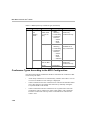
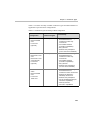
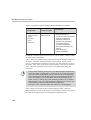
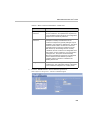
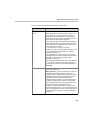
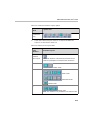
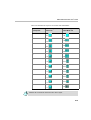
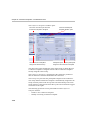
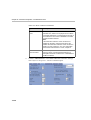
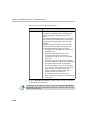
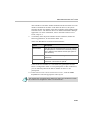
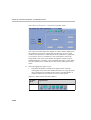
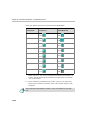
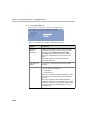
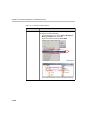
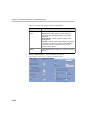
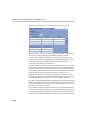
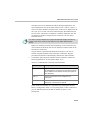
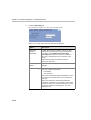
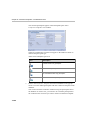
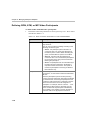
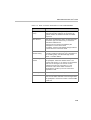
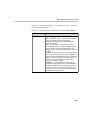
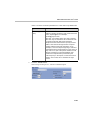
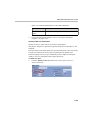
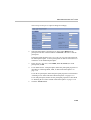
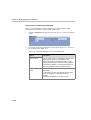
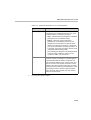
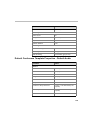
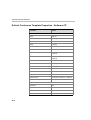
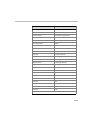
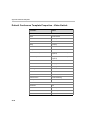
Table 10-9 describes the layout that will be automatically selected by the
system according to the Continuous Presence mode and the number of
participants.
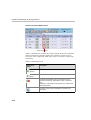
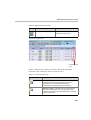
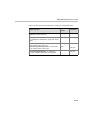
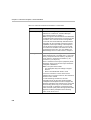
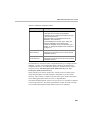
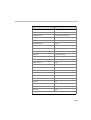
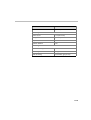
Table 10-9: Default Auto Layout for CP Classic and Quad Modes
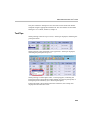
Number of Video
Participants
Selected Layout for
Classic CP
Selected Layout for
Quad Mode CP
1x1
1x1
1x2
1x2
2x2
2x2
2
3
4
10-45