1
MGC WebCommander User’s Guide
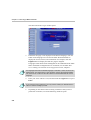
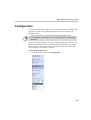
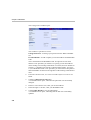
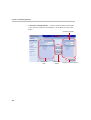
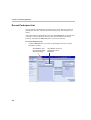
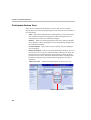
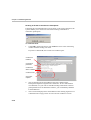
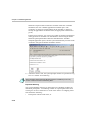
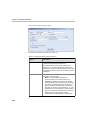
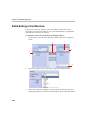
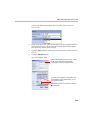
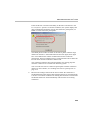
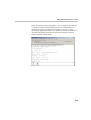
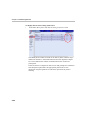
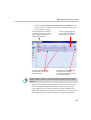
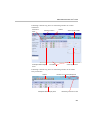
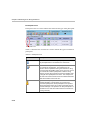
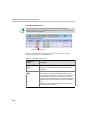
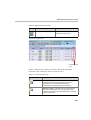
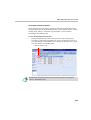
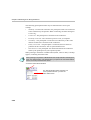
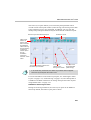
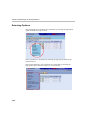
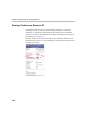
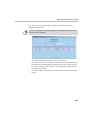
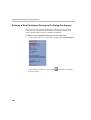
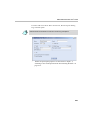
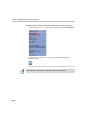
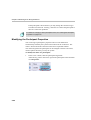
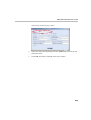
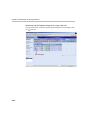
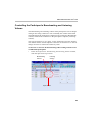
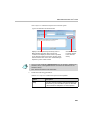
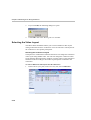
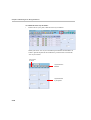
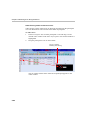
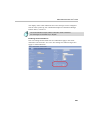
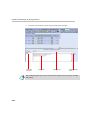
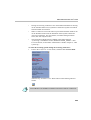
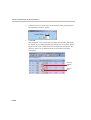
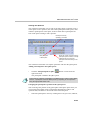
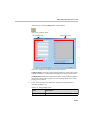
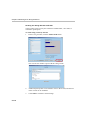
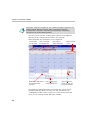
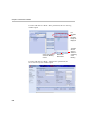
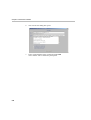
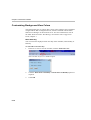
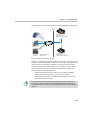
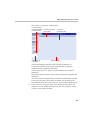
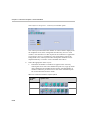
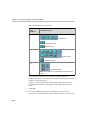
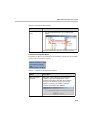
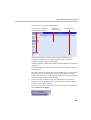
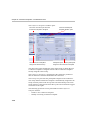
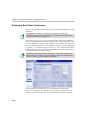
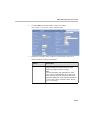
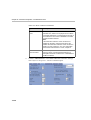
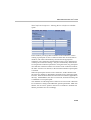
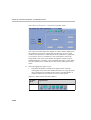
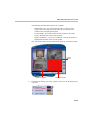
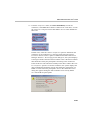
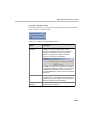
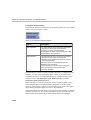
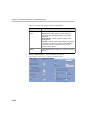
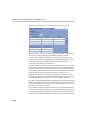
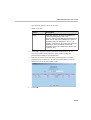
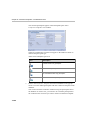
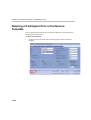
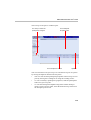
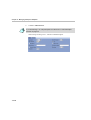
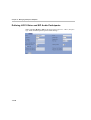
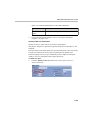
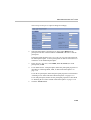
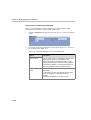
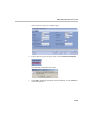
The Conference Templates window opens.
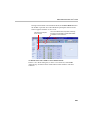
List of Conference
templates assigned
to selected Group
Selected Group
in database
Conference Template
actions Menu
Conference
Parameters pane
Participants pane
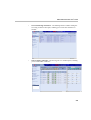
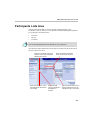
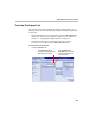
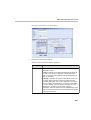
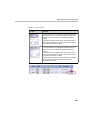
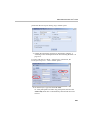
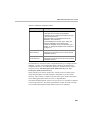
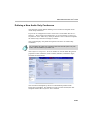
The left pane displays the name of the Group to which the new
Conference template will be assigned and lists other Conference
templates already assigned to this Group.
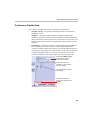
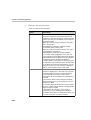
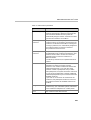
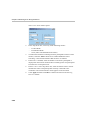
The top right Conference Parameters pane displays the conference
parameters.
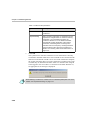
The bottom right Participants pane lists the participants assigned to the
conference.
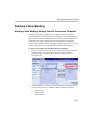
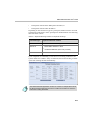
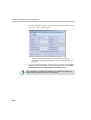
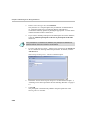
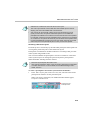
The new Conference template that you define is automatically assigned
to the group currently listed in the Group field. It is the same Group
selected in the Main Menu pane. However, you can select another group.
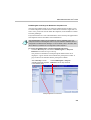
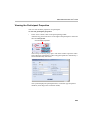
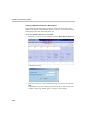
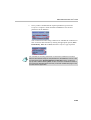
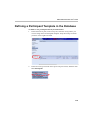
2.
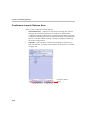
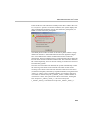
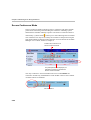
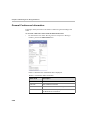
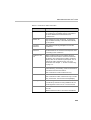
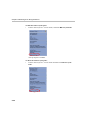
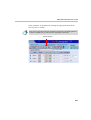
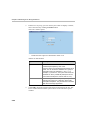
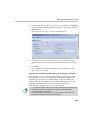
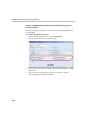
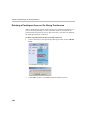
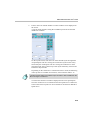
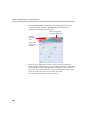
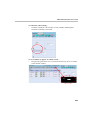
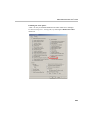
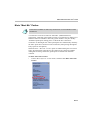
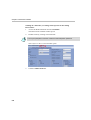
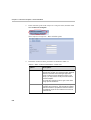
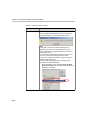
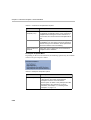
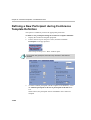
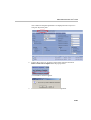
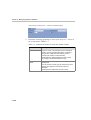
In the Conference Templates pane, select the group name (where the
conference is to be added) from the Group list. Only Groups to which
you have access rights are listed.
9-3