1
MGC WebCommander User’s Guide
2.
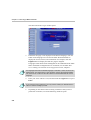
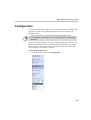
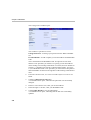
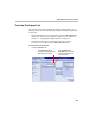
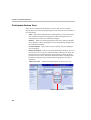
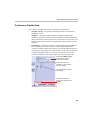
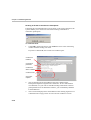
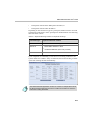
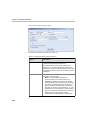
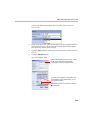
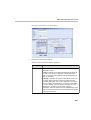
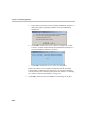
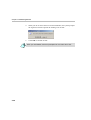
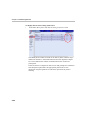
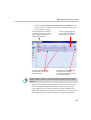
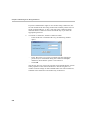
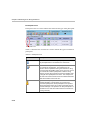
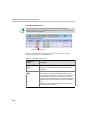
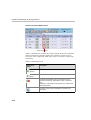
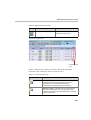
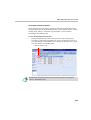
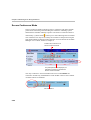
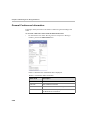
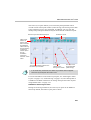
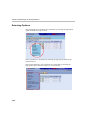
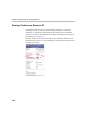
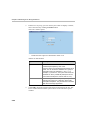
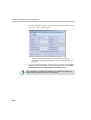
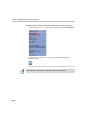
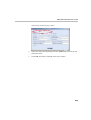
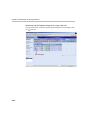
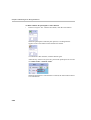
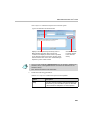
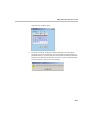
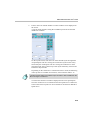
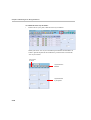
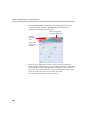
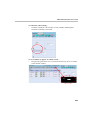
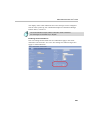
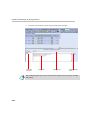
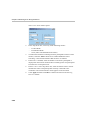
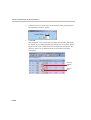
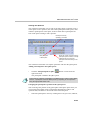
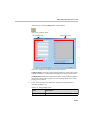
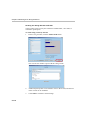
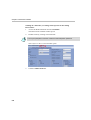
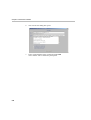
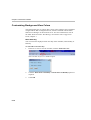
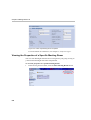
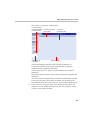
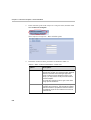
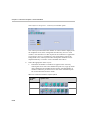
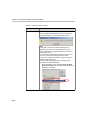
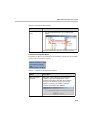
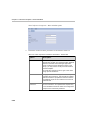
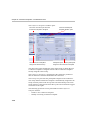
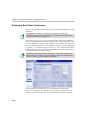
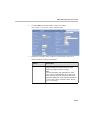
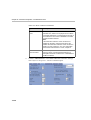
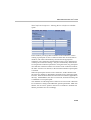
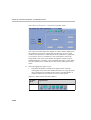
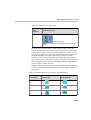
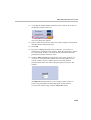
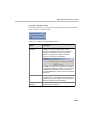
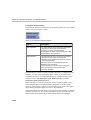
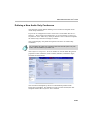
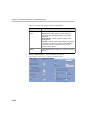
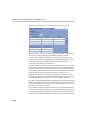
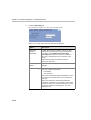
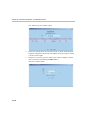
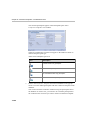
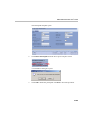
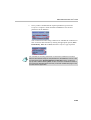
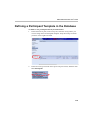
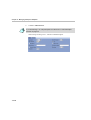
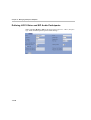
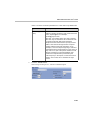
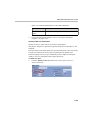
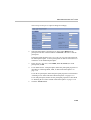
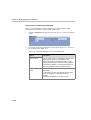
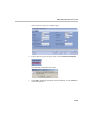
Click the Basic tab to define basic conference settings.
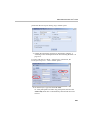
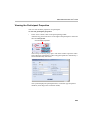
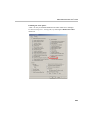
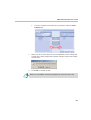
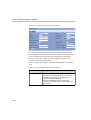
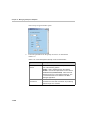
The Conference Properties - Basic window opens.
3.
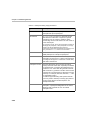
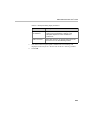
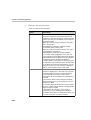
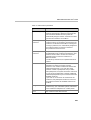
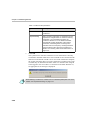
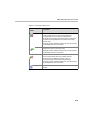
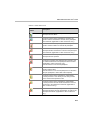
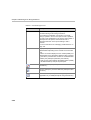
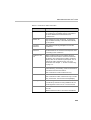
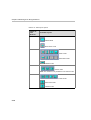
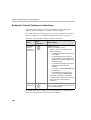
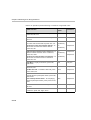
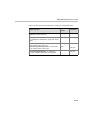
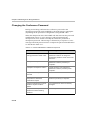
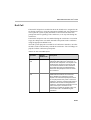
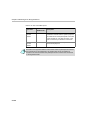
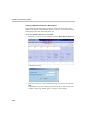
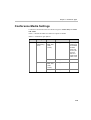
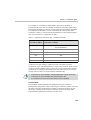
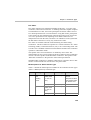
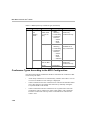
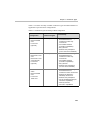
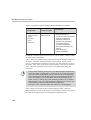
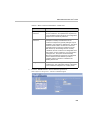
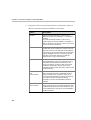
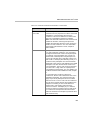
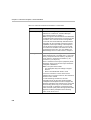
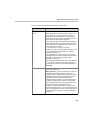
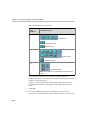
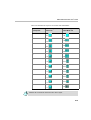
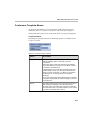
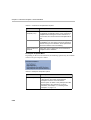
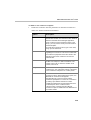
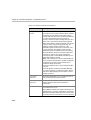
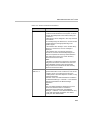
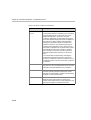
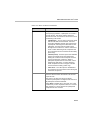
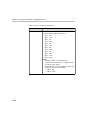
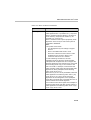
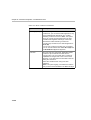
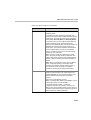
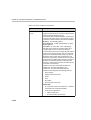
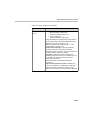
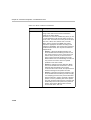
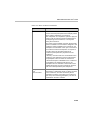
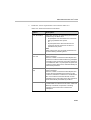
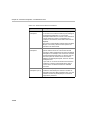
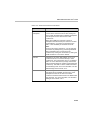
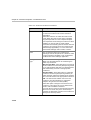
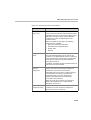
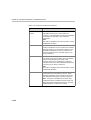
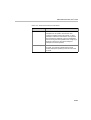
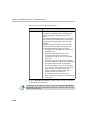
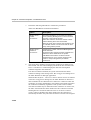
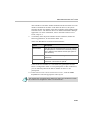
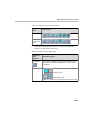
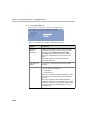
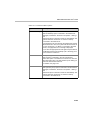
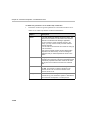
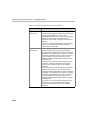
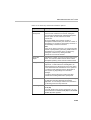
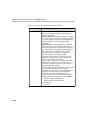
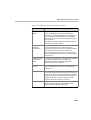
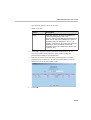
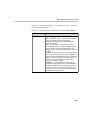
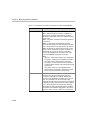
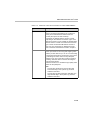
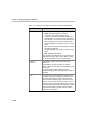
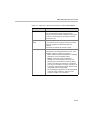
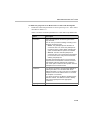
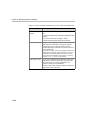
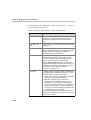
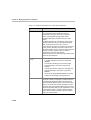
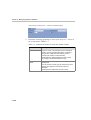
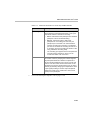
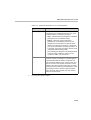
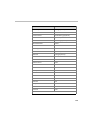
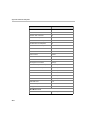
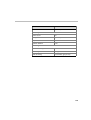
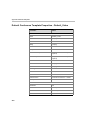
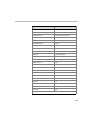
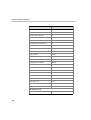
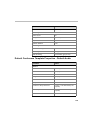
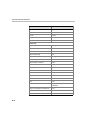
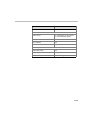
Define the conference basic parameters as described in Table 10-3.
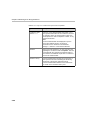
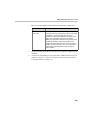
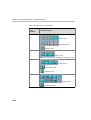
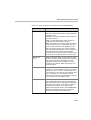
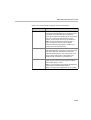
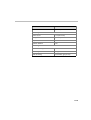
Table 10-3: Basic Conference Parameters
Option
Description
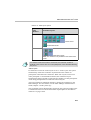
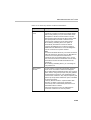
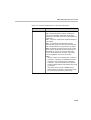
Restricted
Select this option if all conference participants are
using restricted lines whose line rate for each
channel is 56 Kbps instead of 64 Kbps.
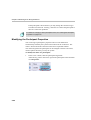
Note:
If several participants use restricted lines, while
others use non-restricted lines, do not select this
option. Instead, select the Restricted option when
setting the parameters of the individual participants.
In such a case, set the conference Video Session
type to Transcoding.
10-11