1
System Overview 1-33
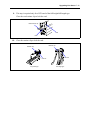
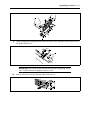
3.
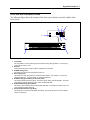
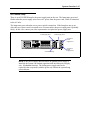
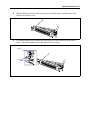
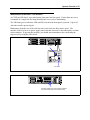
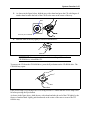
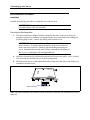
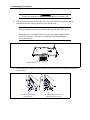
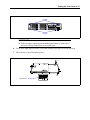
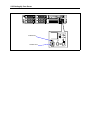
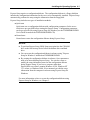
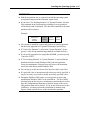
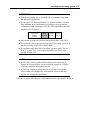
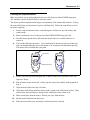
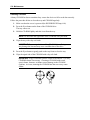
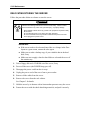
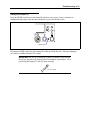
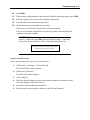
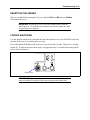
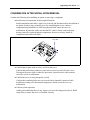
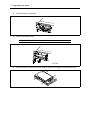
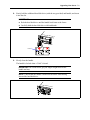
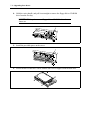
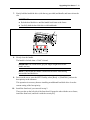
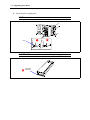
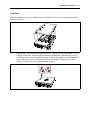
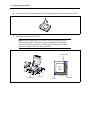
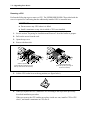
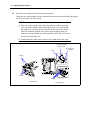
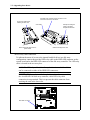
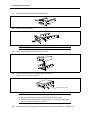
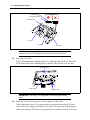
Slide the front bezel to the left to remove the tab from the frame and then remove the
front bezel from the server.
4.
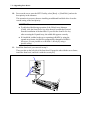
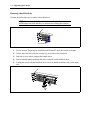
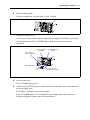
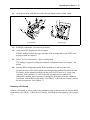
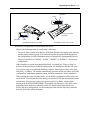
To install the front bezel, latch the tab at the left side of the front bezel on the server
frame. After the installation, lock the front bezel for security.
Frame
Tab