1
Troubleshooting 6-3
ERROR MESSAGES
If an error occurs in the server, an error message appears on the display unit connected to the
server or a beep code corresponding to the error may be heard. Beep codes are discussed later in
this chapter.
Error Messages after Power-on
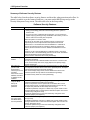
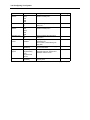
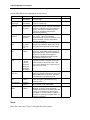
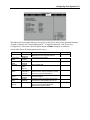
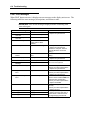
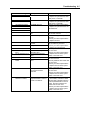
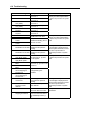
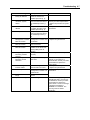
Powering on the server automatically starts the self-diagnostic program, POST (Power On SelfTest). When POST detects any error, it displays an error message on the display unit.
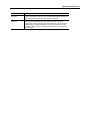
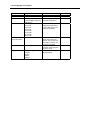
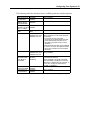
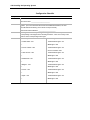
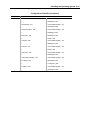
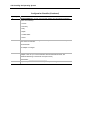
Use the table below to troubleshoot POST errors.
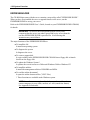
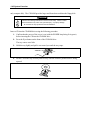
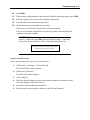
Use of the keyboard or mouse at the following times may cause POST to assume a keyboard
controller error has occurred and stop processing.
!
Immediately after the server is powered up
!
Immediately after the system is rebooted (Ctrl + Alt + Delete)
!
Immediately after the system is rebooted in response to an OS instruction
!
During hardware initialization following restart of the POST
When POST detects a hardware failure due to any of the above conditions, reboot the server. If
the same error message occurs, you may assume there is not a hardware error. To ensure normal
operation of the server, however, make sure to follow the following restrictions.
!
Do not make any keyboard entry or use the mouse before the memory count appears on
the screen following the server power-on.
!
Do not make any keyboard entry or use the mouse before the start-up message of the
SCSI Configuration Utility appears on the screen following the server reboot.
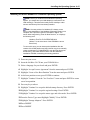
IMPORTANT: If you suspect an error, note all on-screen messages before
contacting your sales agent.