1
7-50 Upgrading Your Server
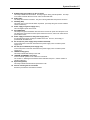
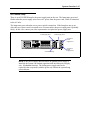
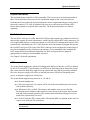
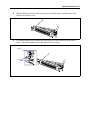
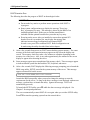
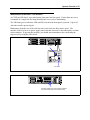
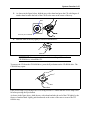
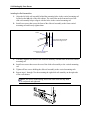
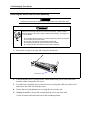
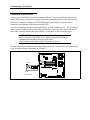
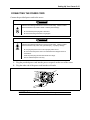
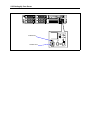
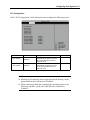
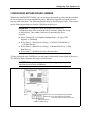
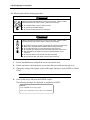
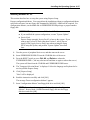
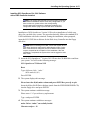
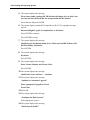
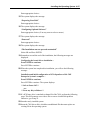
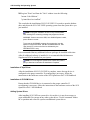
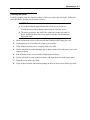
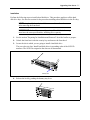
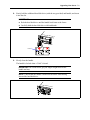
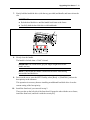
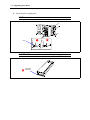
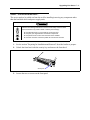
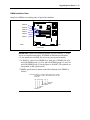
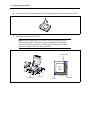
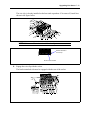
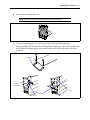
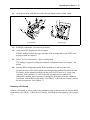
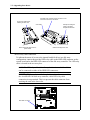
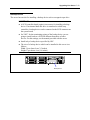
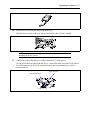
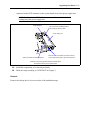
If the disk array controller is used, connect it to the
connector on the rear of the server.
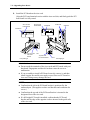
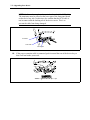
Connect the cable before
installing the riser card.
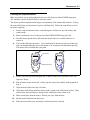
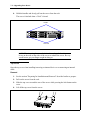
SCSI cable
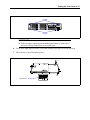
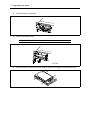
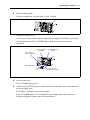
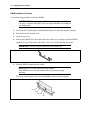
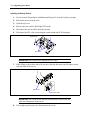
Disconnecting the cable from the
system board
!
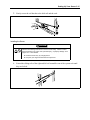
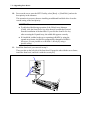
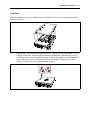
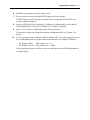
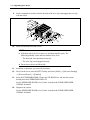
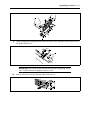
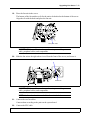
Example of folding the
cable on the SCSI
backplane board side
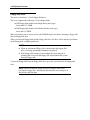
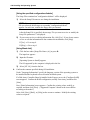
With the full-height riser card
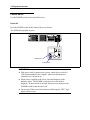
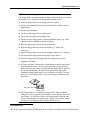
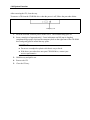
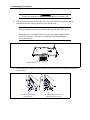
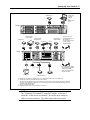
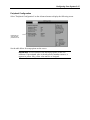
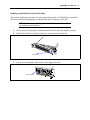
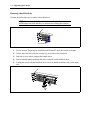
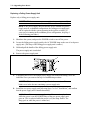
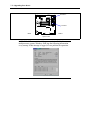
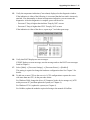
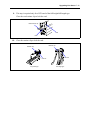
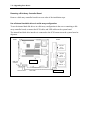
LED relay cable connection
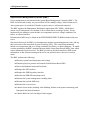
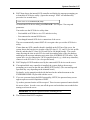
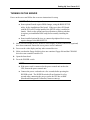
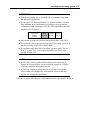
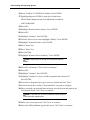
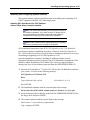
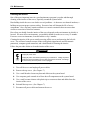
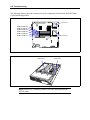
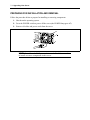
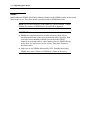
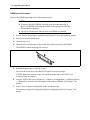
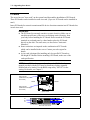
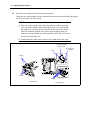
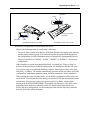
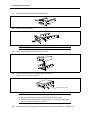
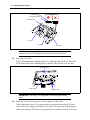
To indicate the status of access to the internal hard disk drives in a disk array
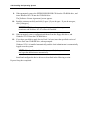
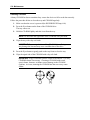
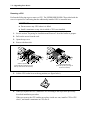
configuration, connect the provided LED relay cable to the HDD LED connector on the
system board and to the HDD LED connector of the disk array controller. The LED relay
cable is located in the accessory box.
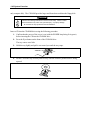
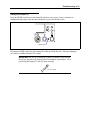
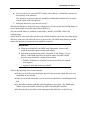
The LED relay cable is free from polarities. An end of the cable
can be connected to either of the HDD LED connectors.
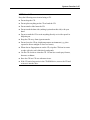
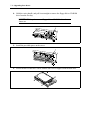
NOTE:
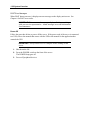
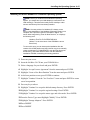
IMPORTANT: If a card is installed in a slot lower than the one containing
the AcceleRAID 160 disk array controller, cable LED relay cable
connection is not permitted. This is to prevent the cable connector from
touching the card in the lower slot.
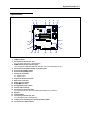
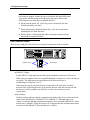
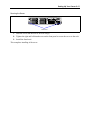
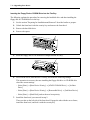
HDD LED connector
System board