1
4-8 Installing the Operating System
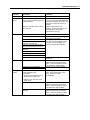
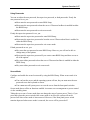
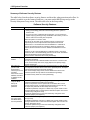
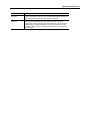
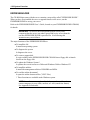
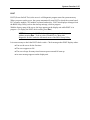
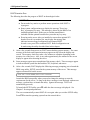
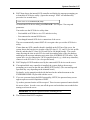
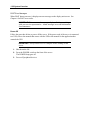
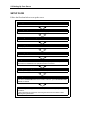
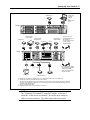
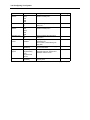
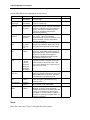
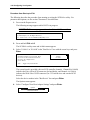
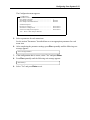
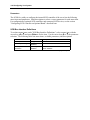
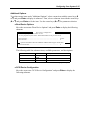
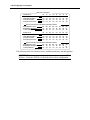
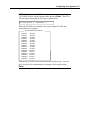
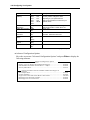
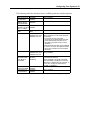
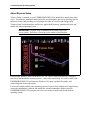
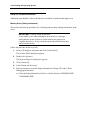
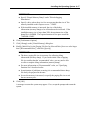
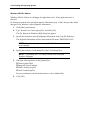
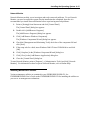
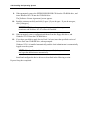
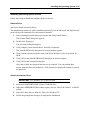
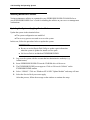
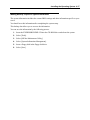
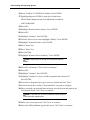
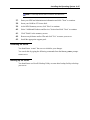
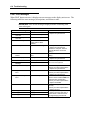
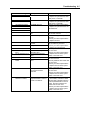
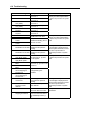
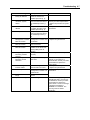
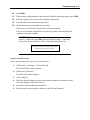
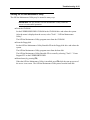
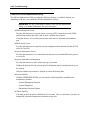
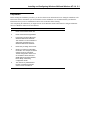
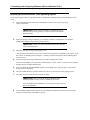
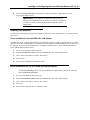
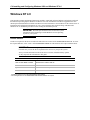
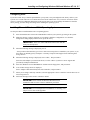
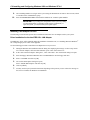
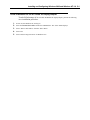
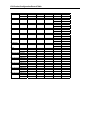
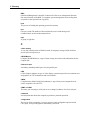
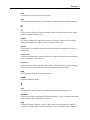
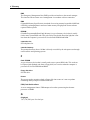
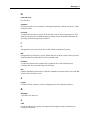
The Flow of Setup
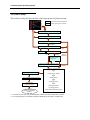
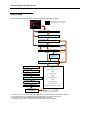
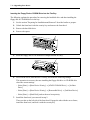
This section visually describes the flow of the setup operated by Express Setup.
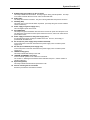
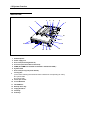
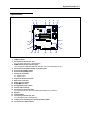
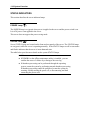
: Process that continues automatically
: Process requiring input or selection
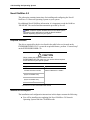
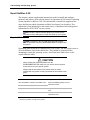
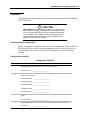
Read notes and restrictions.
Go back
Confirmed
Select how to install
No
Yes
Insert floppy disk into the floppy disk drive.
Confirmed
Specify Setup Parameter File.
Terminate
New File
Select OS
Retrieve
again
Existing File
Check Setup Parameter File
Correct
Incorrect
If you need to
reset the
specification
Select whether or not
to confirm or modify
existing values
Yes
No
Confirm the specification and input the value.
OK
Insert Windows 2000 CD
Agree to Software License Agreement
Express Setup
↓
Log on Automatically
After restarting the
computer, the installation
completed.
Re-select
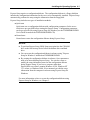
Disk Array Configuration *1
↓
Restart
↓
Creating Recovery Partition
↓
Restart
↓
Installing Utilities
↓
Restart
↓ *2
Creating OS Partition
↓
Restart
↓
Formatting OS Partition
↓
Copying NEC Modules
↓
Copying Selected Application Modules
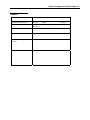
*1 Performed only when Disk Array Controller Board is installed and a RAID configuration is specified.
*2 If the operating system to be installed is [Others] or [NetWare], Express Setup is completed here.