1
Draft Document for Review January 29, 2013 12:52 pm
8068ch05-GUI.fm
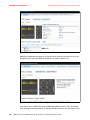
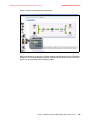
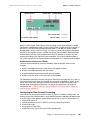
– Writes in MegaByte per second (MBps)
– Red latency in milli seconds (ms)
– Write latency in milli seconds (ms)
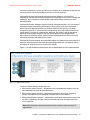
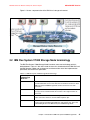
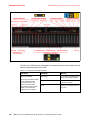
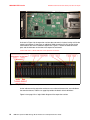
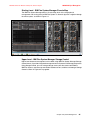
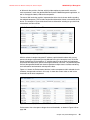
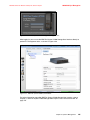
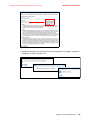
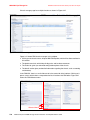
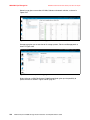
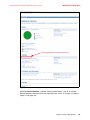
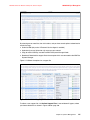
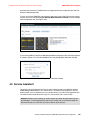
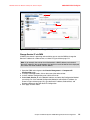
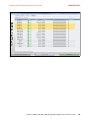
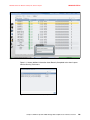
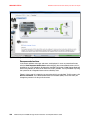
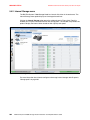
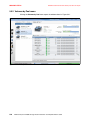
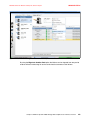
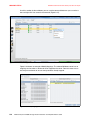
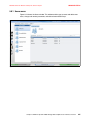
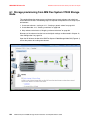
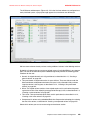
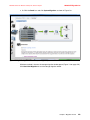
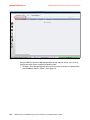
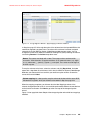
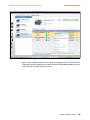
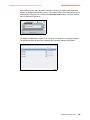
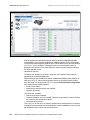
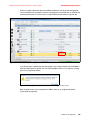
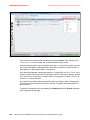
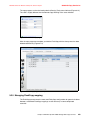
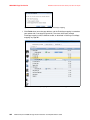
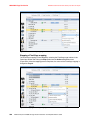
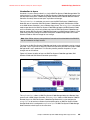
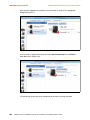
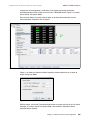
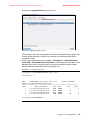
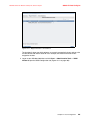
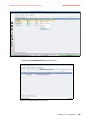
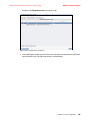
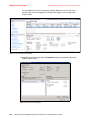
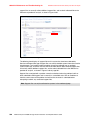
Figure 5-30 shows the Performance screen of IBM Flex System V7000 Storage Node.
Figure 5-30 Monitoring Performance
If there is a need for additional performance monitors the most optimal tool is Tivoli Storage
Productivity Center from where you can manage performance and connectivity from the host
file system to the physical disk, including in-depth performance monitoring and analysis of
storage area network (SAN) fabric.
For more information about Tivoli Storage Productivity Center refer to:
http://www.ibm.com/systems/storage/software/center/index.html
5.4 Pools menu
The storage pools are the pools of storage extents that are used to build the virtual volumes
accessed by servers and used by the file server to form file systems.
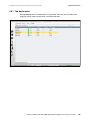
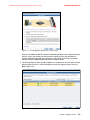
The Pools menu contain different views of the IBM Flex System V7000 Storage Node
Volumes, MDisks, Internal storage, External storage as well as the System Migration
functionality.
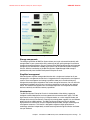
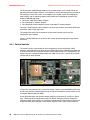
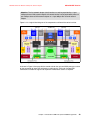
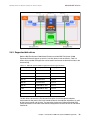
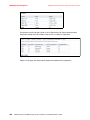
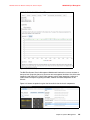
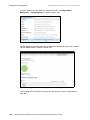
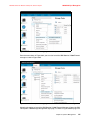
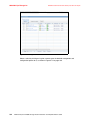
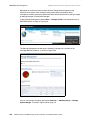
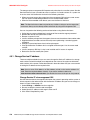
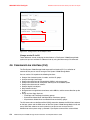
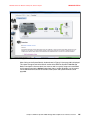
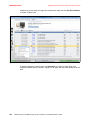
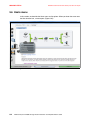
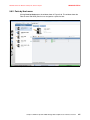
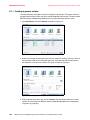
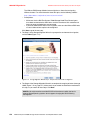
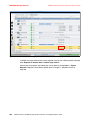
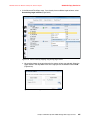
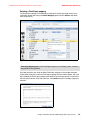
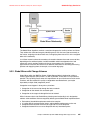
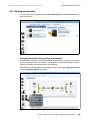
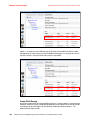
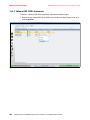
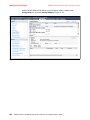
The When you hover the cursor over the Pools function icon, a set of menu options appears
(Figure 5-31 on page 200).
Chapter 5. IBM Flex System V7000 Storage Node Graphical user interface overview
199