1
Draft Document for Review January 29, 2013 12:52 pm
8068ch12-Host Config.fm
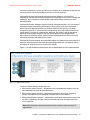
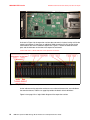
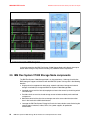
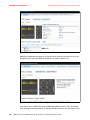
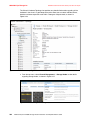
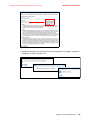
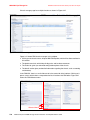
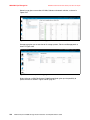
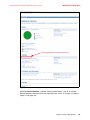
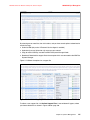
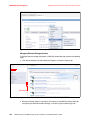
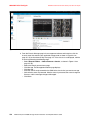
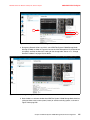
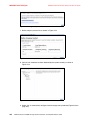
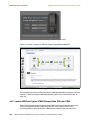
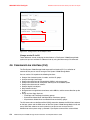
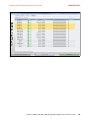
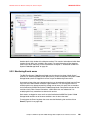
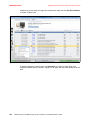
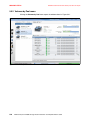
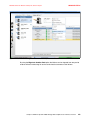
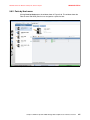
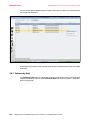
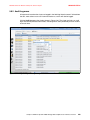
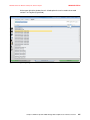
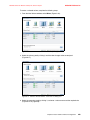
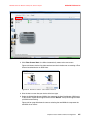
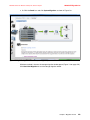
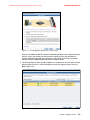
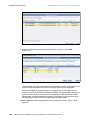
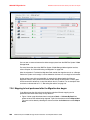
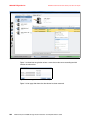
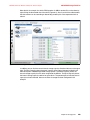
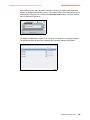
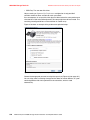
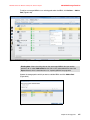
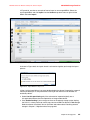
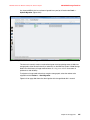
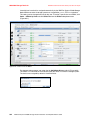
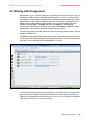
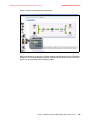
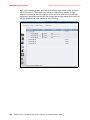
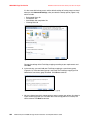
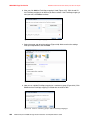
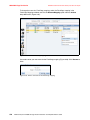
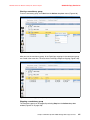
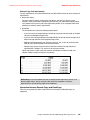
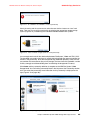
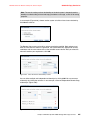
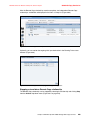
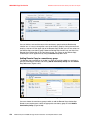
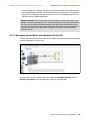
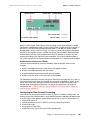
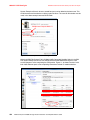
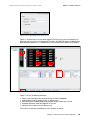
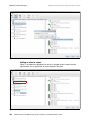
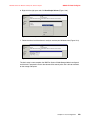
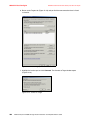
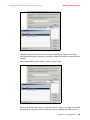
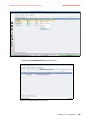
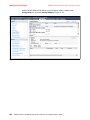
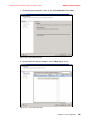
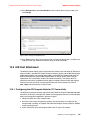
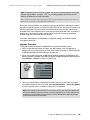
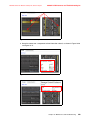
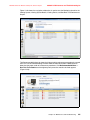
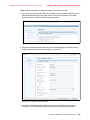
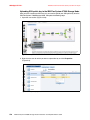
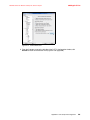
4. Select Storage and click Add Storage (Figure 12-40).
Figure 12-40 vSphere Client: Storage
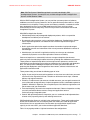
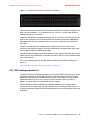
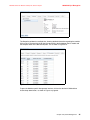
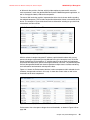
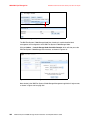
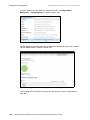
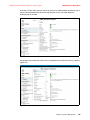
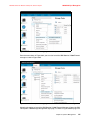
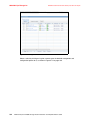
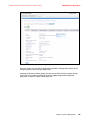
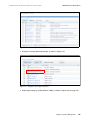
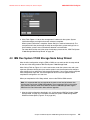
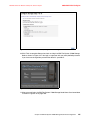
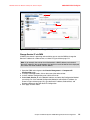
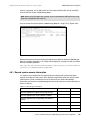
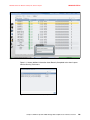
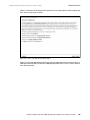
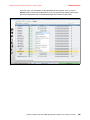
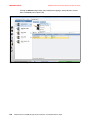
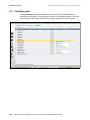
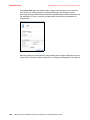
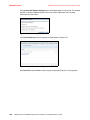
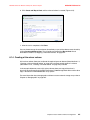
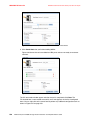
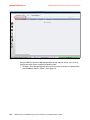
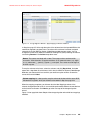
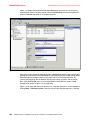
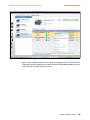
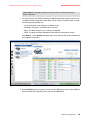
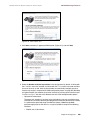
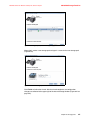
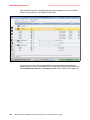
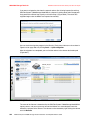
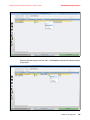
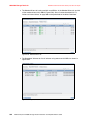
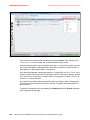
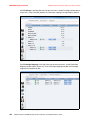
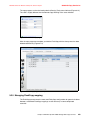
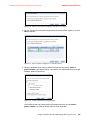
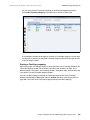
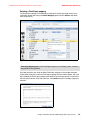
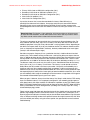
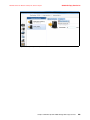
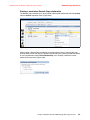
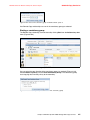
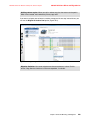
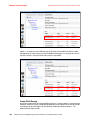
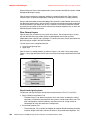
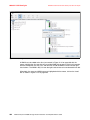
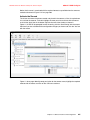
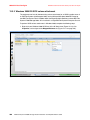
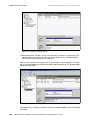
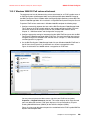
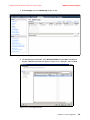
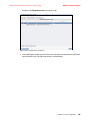
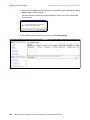
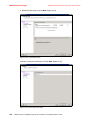
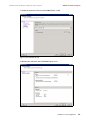
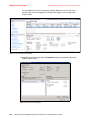
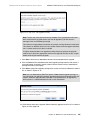
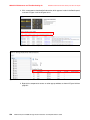
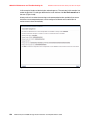
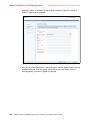
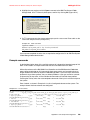
5. The Add Storage wizard opens. Click Select Disk/LUN and click Next. The IBM Flex
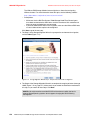
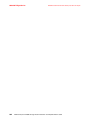
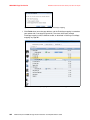
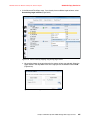
System V7000 Storage Node disk appears (Figure 12-41). Highlight it and click Next.
Figure 12-41 Select Disk/LUN menu
Chapter 12. Host Configuration
501