1
Draft Document for Review January 29, 2013 12:52 pm
8068ch11-SAN Config.fm
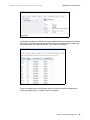
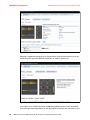
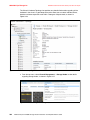
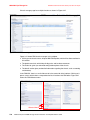
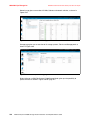
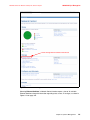
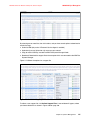
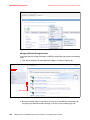
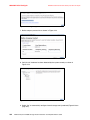
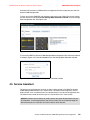
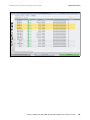
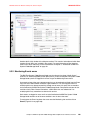
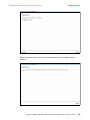
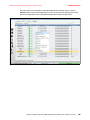
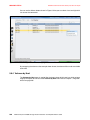
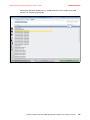
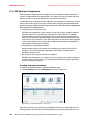
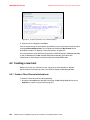
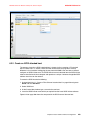
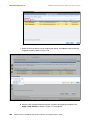
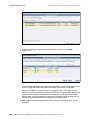
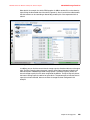
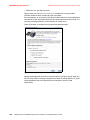
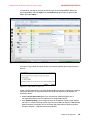
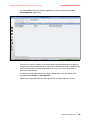
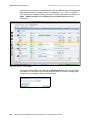
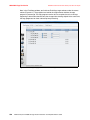
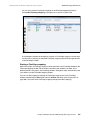
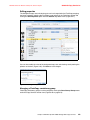
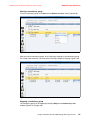
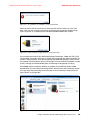
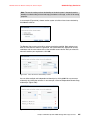
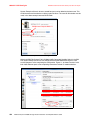
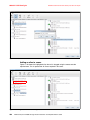
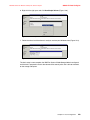
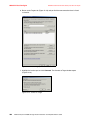
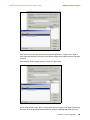
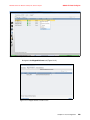
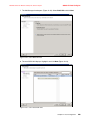
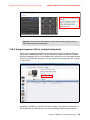
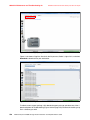
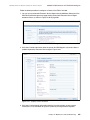
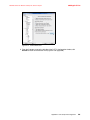
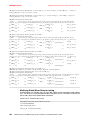
Notice that the zone is associated with the required zoneset as specified when the zone was
created and named in Figure 11-27 on page 466.
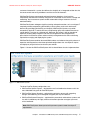
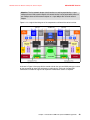
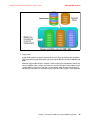
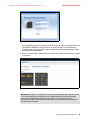
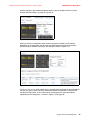
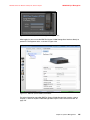
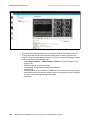
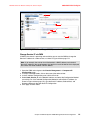
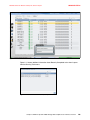
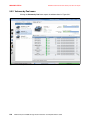
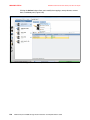
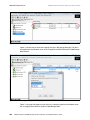
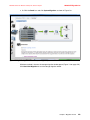
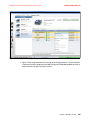
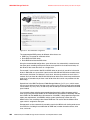
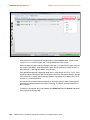
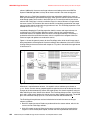
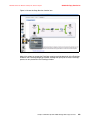
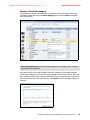
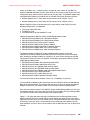
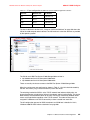
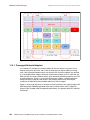
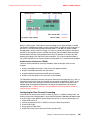
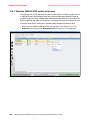
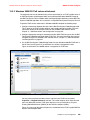
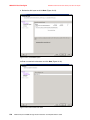
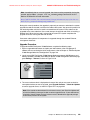
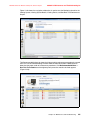
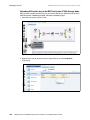
Activate the Zoneset
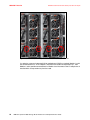
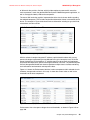
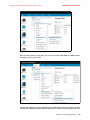
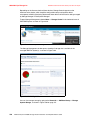
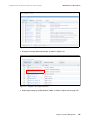
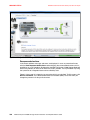
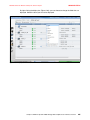
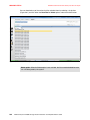
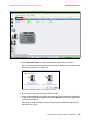
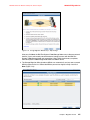
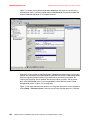
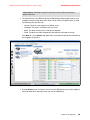
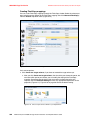
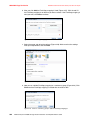
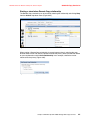
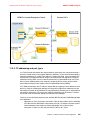
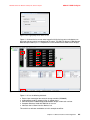
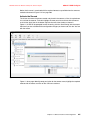
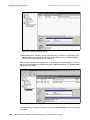
The aliases and zones have been created and placed in the zoneset, all that is required now
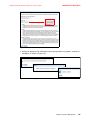
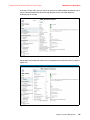
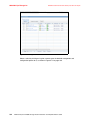
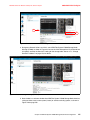
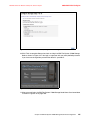
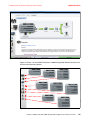
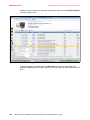
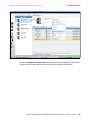
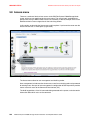
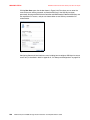
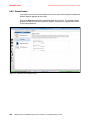
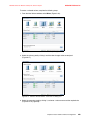
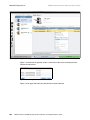
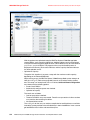
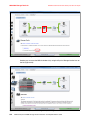
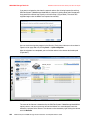
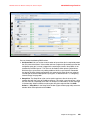
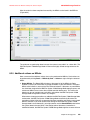
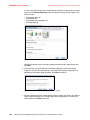
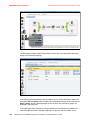
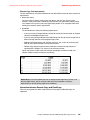
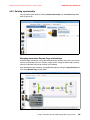
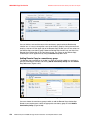
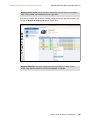
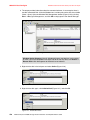
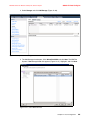
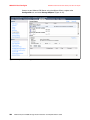
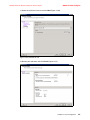
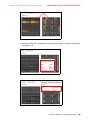
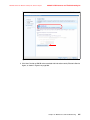
is to activate the zoneset. To do this highlight the zone you wish to activate with the mouse
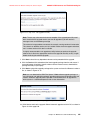
and click the ‘Apply’ box in the bottom right hand corner of the window as shown in
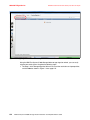
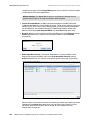
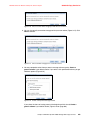
Figure 11-29 You will be prompted to save the zoning, click the ‘Save Zoning’ with the mouse.
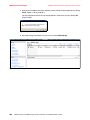
Continue if you are satisfied with the configuration changes you have made, click the ‘Yes’ box
with the mouse.
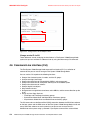
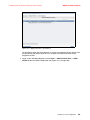
Figure 11-29 Activate zoneset - order of tasks
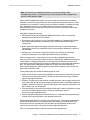
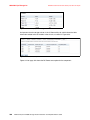
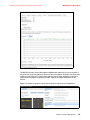
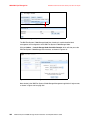
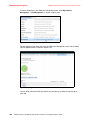
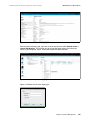
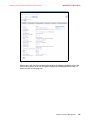
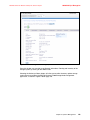
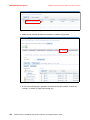
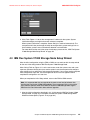
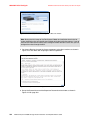
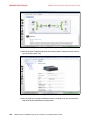
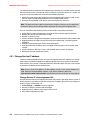
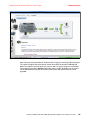
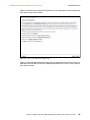
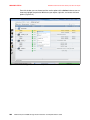
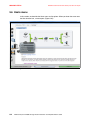
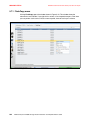
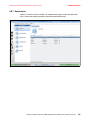
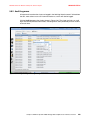
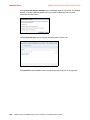
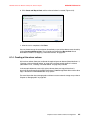
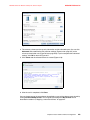
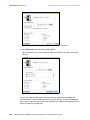
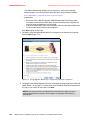
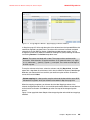
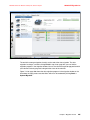
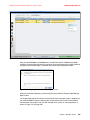
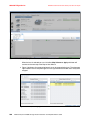
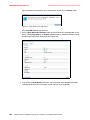
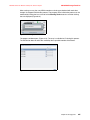
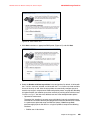
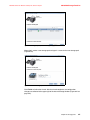
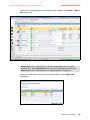
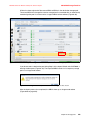
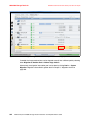
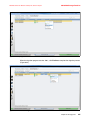
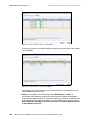
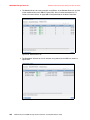
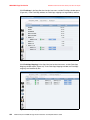
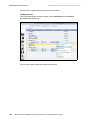
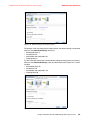
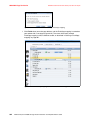
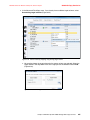
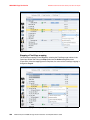
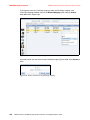
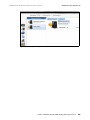
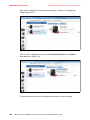
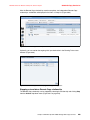
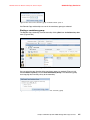
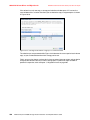
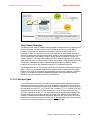
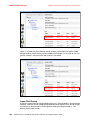
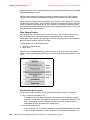
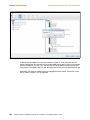
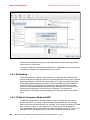
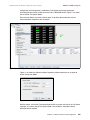
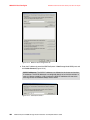
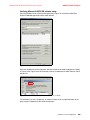
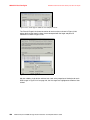
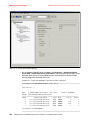
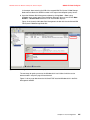
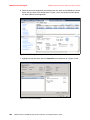
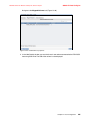
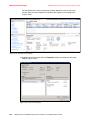
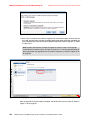
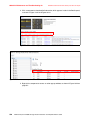
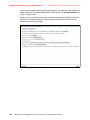
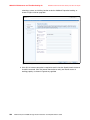
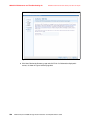
Figure 11-30 on page 468 will prompt you further for the zoneset name, highlight the required
zoneset with the mouse and click on the ‘OK’ box to continue.
Chapter 11. SAN Connections and Configuration
467