1
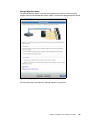
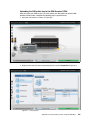
Uploading the SSH public key to the IBM Storwize V3700
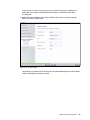
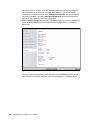
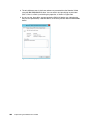
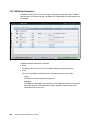
After you create your SSH key pair, you must upload your SSH public key onto the IBM
Storwize V3700 system. Complete the following steps to upload the key:
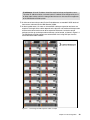
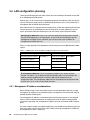
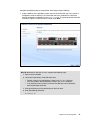
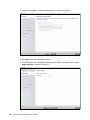
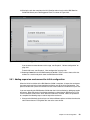
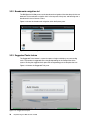
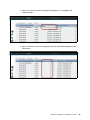
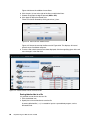
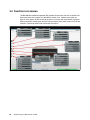
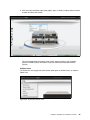
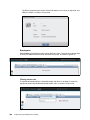
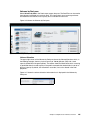
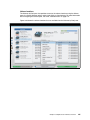
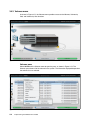
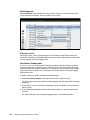
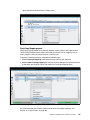
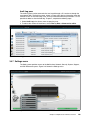
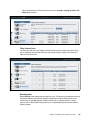
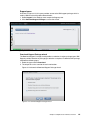
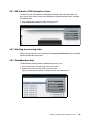
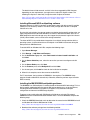
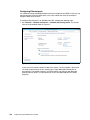
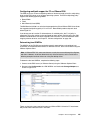
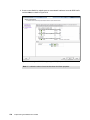
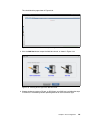
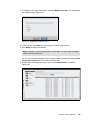
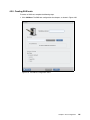
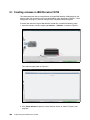
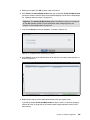
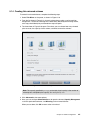
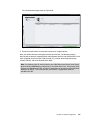
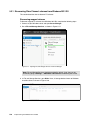
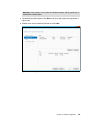
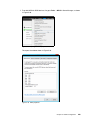
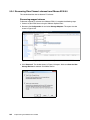
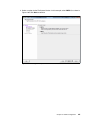
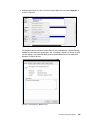
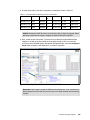
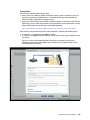
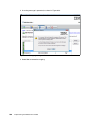
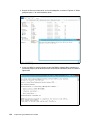
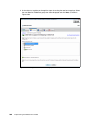
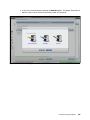
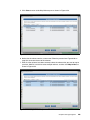
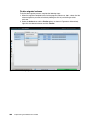
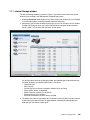
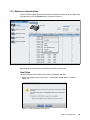
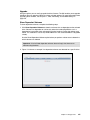
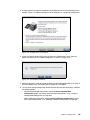
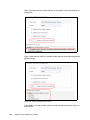
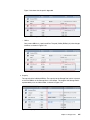
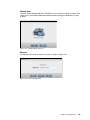
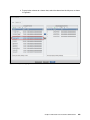
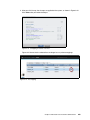
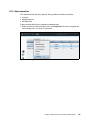
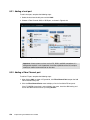
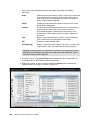
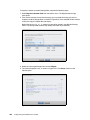
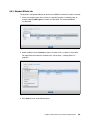
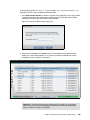
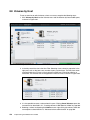
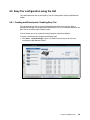
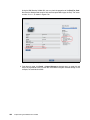
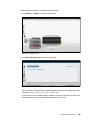
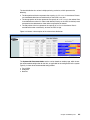
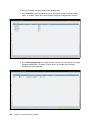
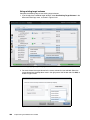
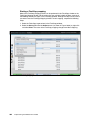
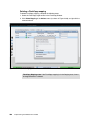
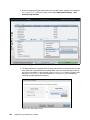
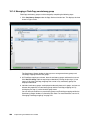
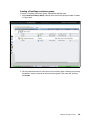
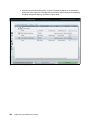
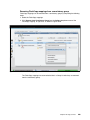
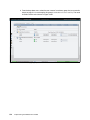
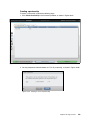
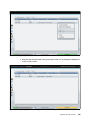
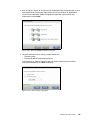
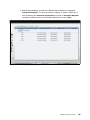
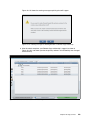
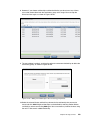
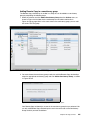
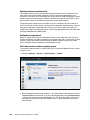
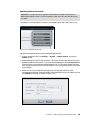
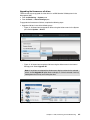
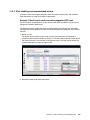
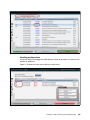
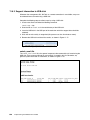
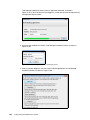
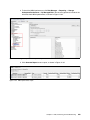
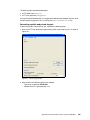
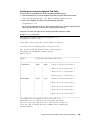
1. Open the user section, as shown in Figure A-6.
Figure A-6 Open user section
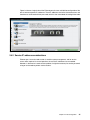
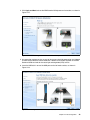
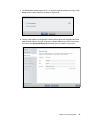
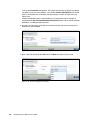
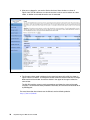
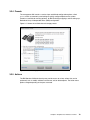
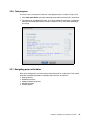
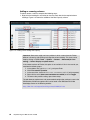
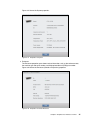
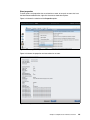
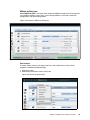
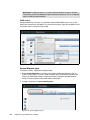
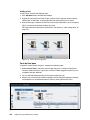
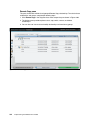
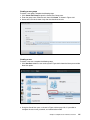
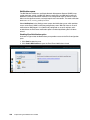
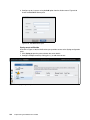
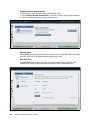
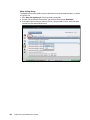
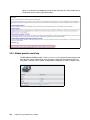
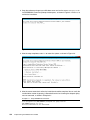
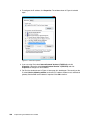
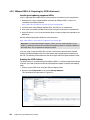
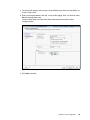
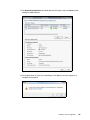
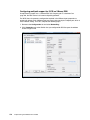
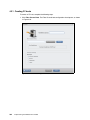
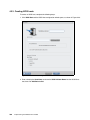
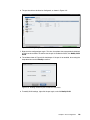
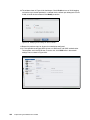
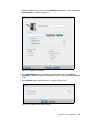
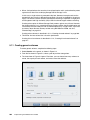
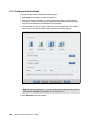
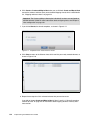
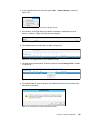
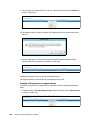
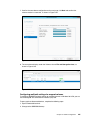
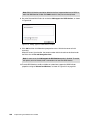
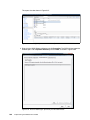
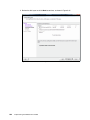
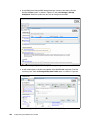
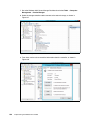
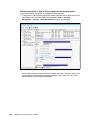
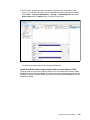
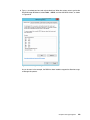
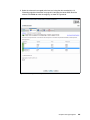
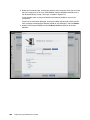
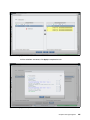
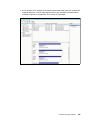
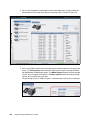
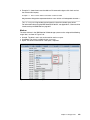
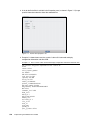
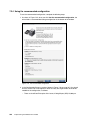
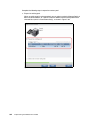
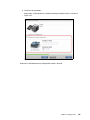
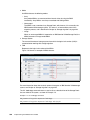
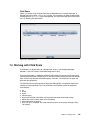
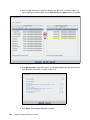
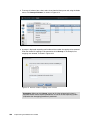
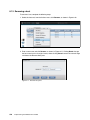
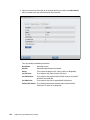
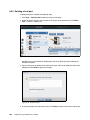
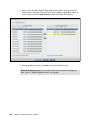
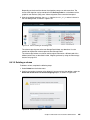
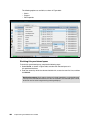
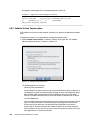
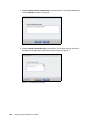
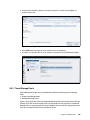
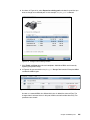
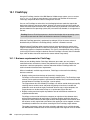
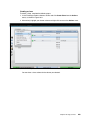
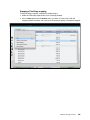
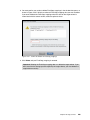
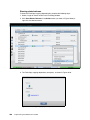
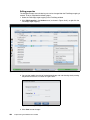
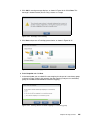
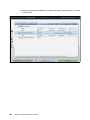
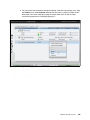
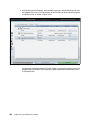
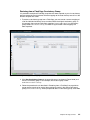
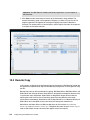
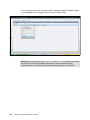
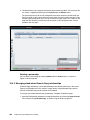
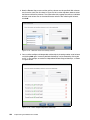
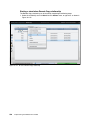
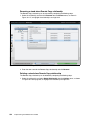
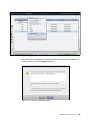
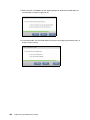
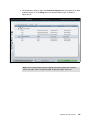
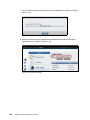
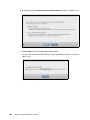
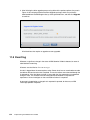
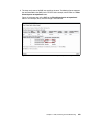
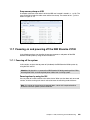
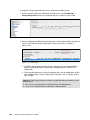
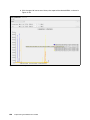
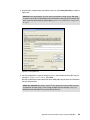
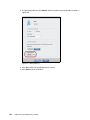
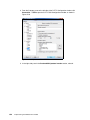
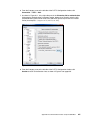
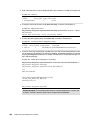
2. Right-click the user you want to upload the key for, and click Properties (Figure A-7).
Figure A-7 User properties
Appendix A. Command-line interface setup and SAN Boot
653