1
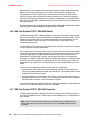
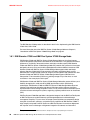
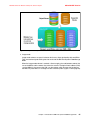
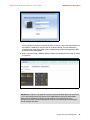
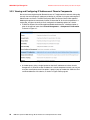
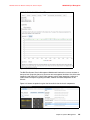
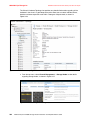
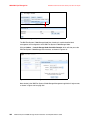
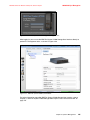
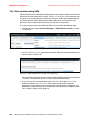
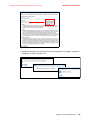
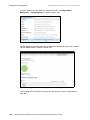
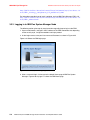
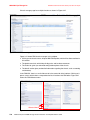
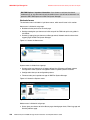
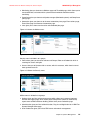
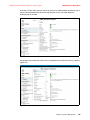
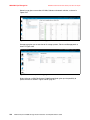
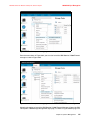
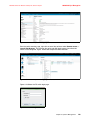
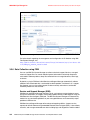
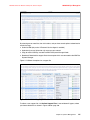
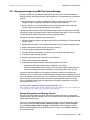
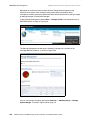
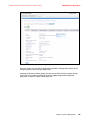
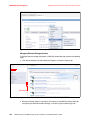
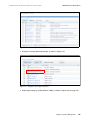
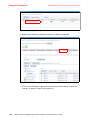
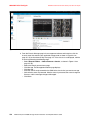
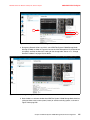
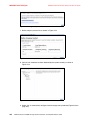
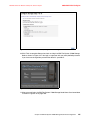
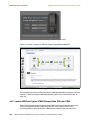
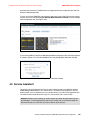
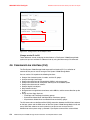
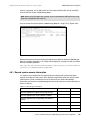
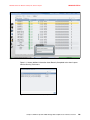
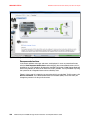
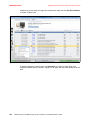
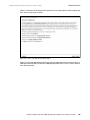
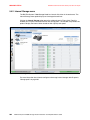
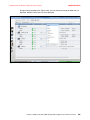
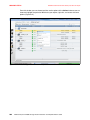
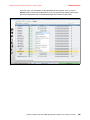
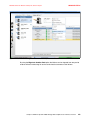
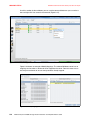
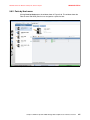
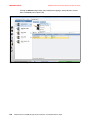
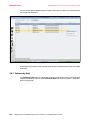
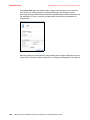
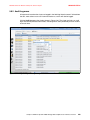
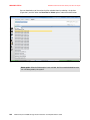
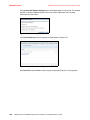
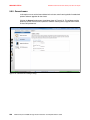
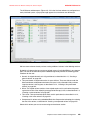
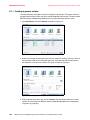
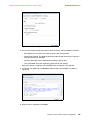
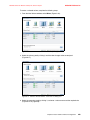
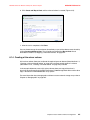
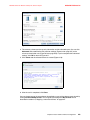
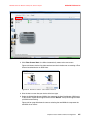
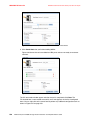
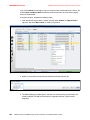
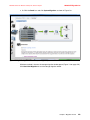
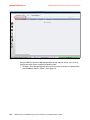
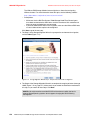
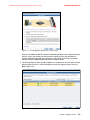
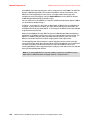
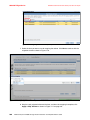
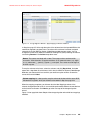
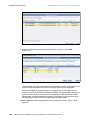
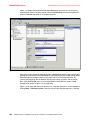
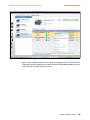
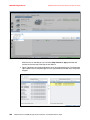
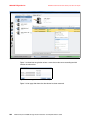
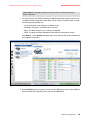
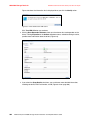
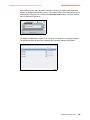
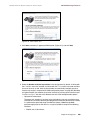
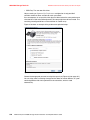
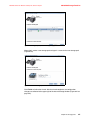
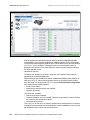
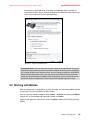
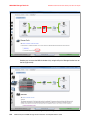
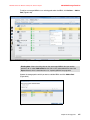
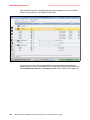
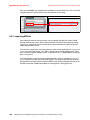
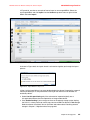
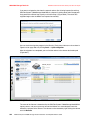
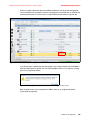
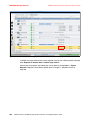
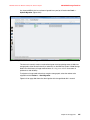
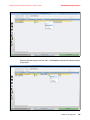
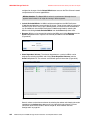
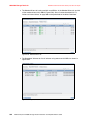
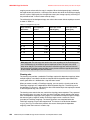
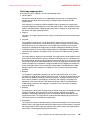
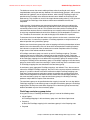
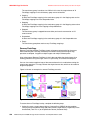
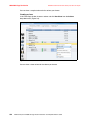
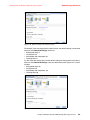
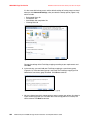
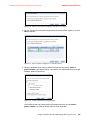
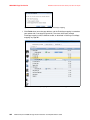
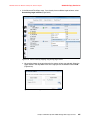
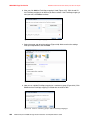
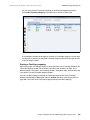
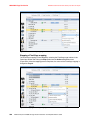
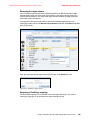
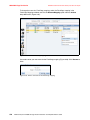
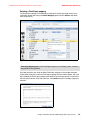
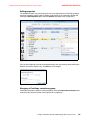
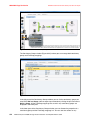
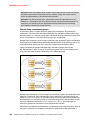
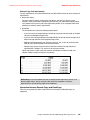
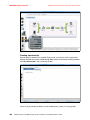
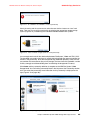
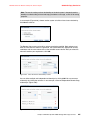
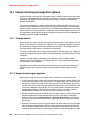
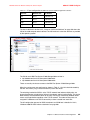
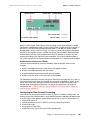
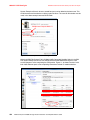
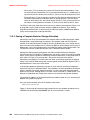
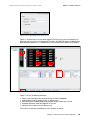
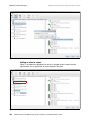
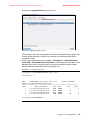
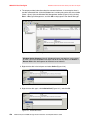
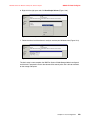
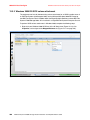
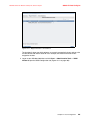
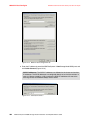
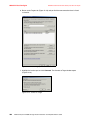
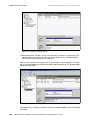
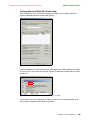
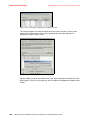
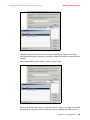
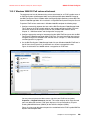
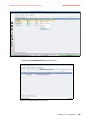
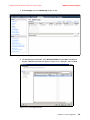
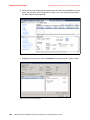
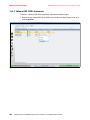
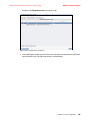
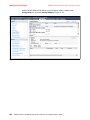
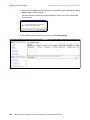
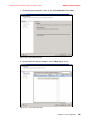
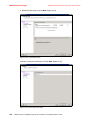
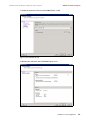
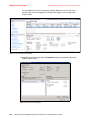
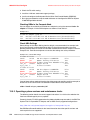
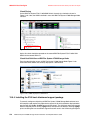
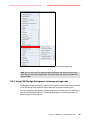
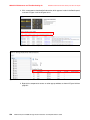
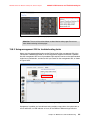
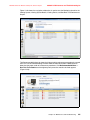
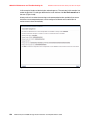
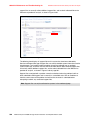
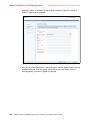
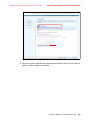
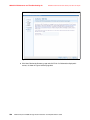
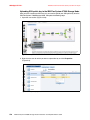
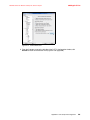
8068ch12-Host Config.fm Draft Document for Review January 29, 2013 12:52 pm 2. Click Start Administrative Tools MPIO, click the Discover Multi-Paths tab, and select the Add support for iSCSI devices check box (Figure 12-15). Figure 12-15 Enable iSCSI MPIO 3. Click Add and confirm the prompt to reboot your host. 4. After the reboot, log on again, click Start Administrative Tools iSCSI Initiator to open the iSCSI Configuration tab, and navigate to the Discovery tab (Figure 12-16 on page 485). 484 IBM Flex System V7000 Storage Node Introduction and Implementation Guide