1
Chapter 1: Building Resources
fancy graphics. For the moment, though, all it has is the standard Rails application structure, which you
should see in your command window after you execute the following command:
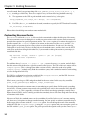
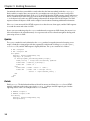
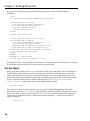
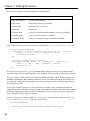
rails -d mysql soupsonline
If you leave off the -d mysql, then your application will be created to use SQLite3, which is the new Rails
default. The database can be changed later in developemnt. In response, Rails will create a standard
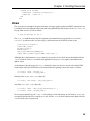
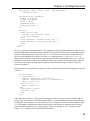
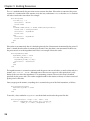
application structure:
create
create
create
create
app/controllers
app/helpers
app/models
[... several creations skipped ...]
create
create
create
create
log/server.log
log/production.log
log/development.log
log/test.log
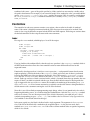
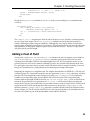
The examples in this book were written and tested against Ruby 1.8.6 and Rails 2.0.2. Ruby 1.9 has not
been released as of this writing, but is expected shortly.
A Recipe for Recipes
There are two useful places to start when planning a Rails application:
❑
You can start from the front-end and move backwards by thinking about what actions or
activities your users will perform in the site.
❑
You can start from the back-end and move forwards by thinking about what kind of data you
will need to be storing.
The two directions feed back and forth on each other, of course, and there’s no particularly correct way
to go about site design. Rails is extremely good at supporting incremental development, so starting in
one small place and gradually increasing functionality is a perfectly valid design process.
For the purposes of the book, I’d like to start with a brief description of user activities, but work in
earnest with the initial data structure and administrative side, catching up with the user activities in
future chapters. For me, at least, since Rails is so good at quick-and-easy data creation support, it feels
more direct to start with that part, get some quick success under my belt, and then start designing the
front end with some actual data to look at.
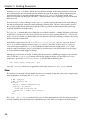
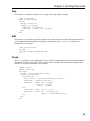
So, here’s a quick description of user activities. Soups OnLine is intended to start as a recipe repository,
where users can upload recipes, find recipes that match various categories or criteria, and comment on
recipes. More advanced uses might include the capability to make and receive recommendations,
information about various techniques or ingredients, and the capability to purchase equipment,
ingredients, or even premade soup.
2