1
BitDefender Total Security 2010
Target
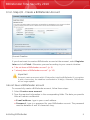
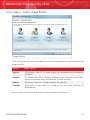
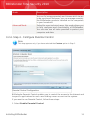
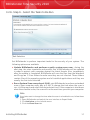
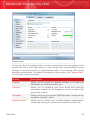
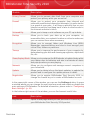
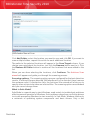
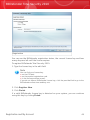
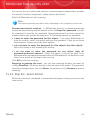
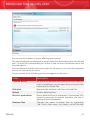
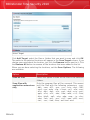
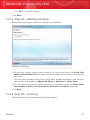
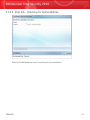
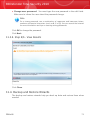
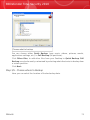
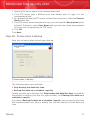
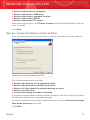
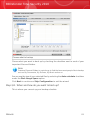
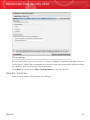
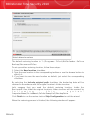
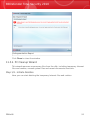
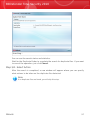
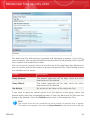
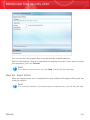
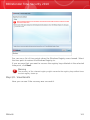
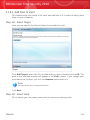
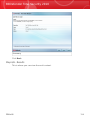
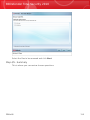
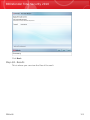
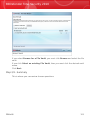
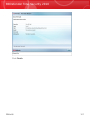
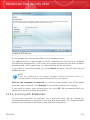
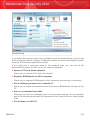
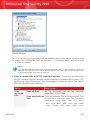
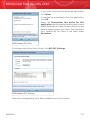
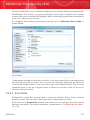
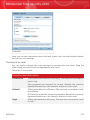
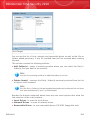
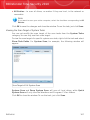
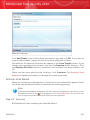
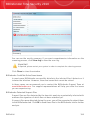
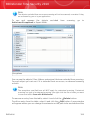
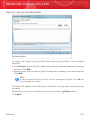
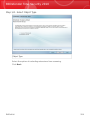
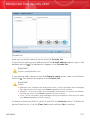
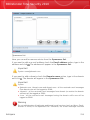
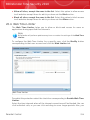
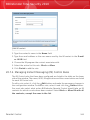
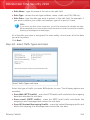
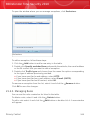
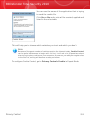
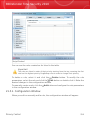
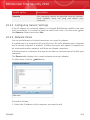
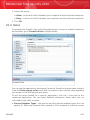
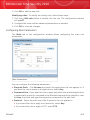
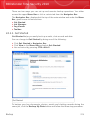
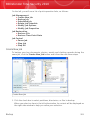
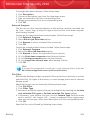
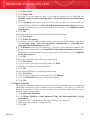
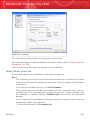
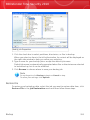
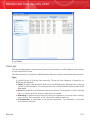
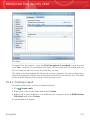
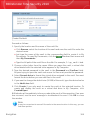
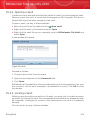
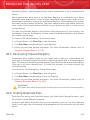
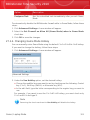
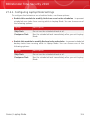
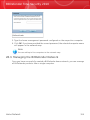
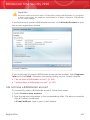
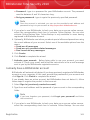
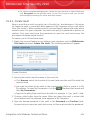
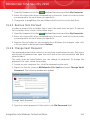
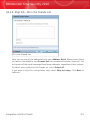
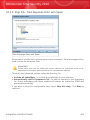
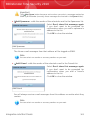
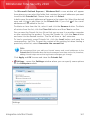
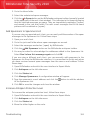
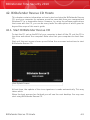
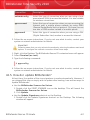
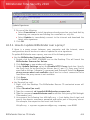
Click Add Target, select the file or folder that you want to delete and click OK. The
path to the selected location will appear in the Path column. If you change your
mind about the location, just click the Remove button next to it.
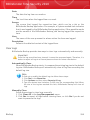
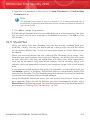
Note
You can select one or several locations.
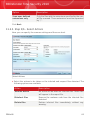
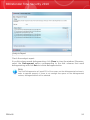
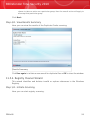
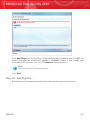
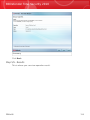
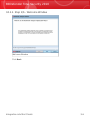
Click Next.
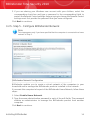
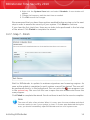
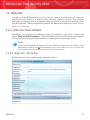
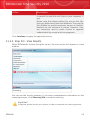
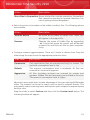
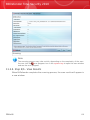
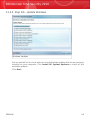
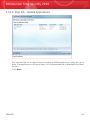
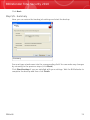
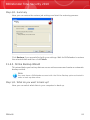
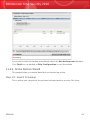
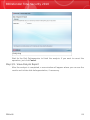
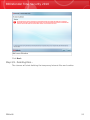
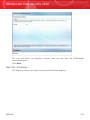
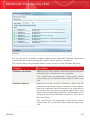
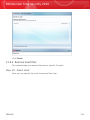
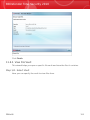
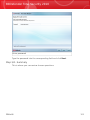
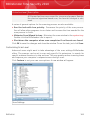
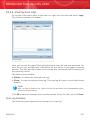
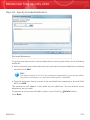
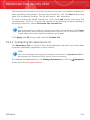
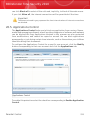
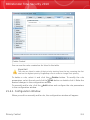
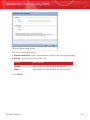
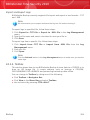
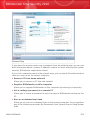
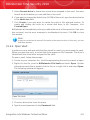
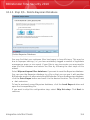
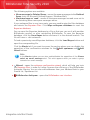
Step 2/3 - Deleting Files...
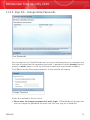
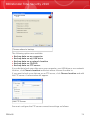
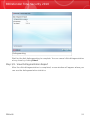
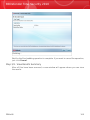
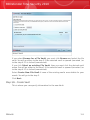
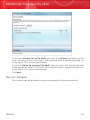
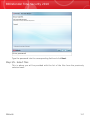
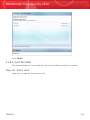
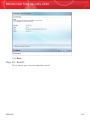
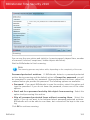
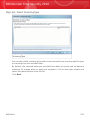
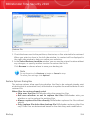
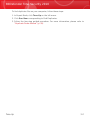
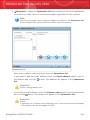
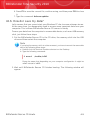
BitDefender will permanently delete the files from the specified locations.
Wizards
107