1
BitDefender Total Security 2010
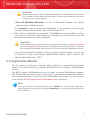
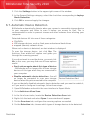
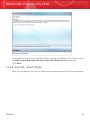
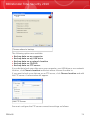
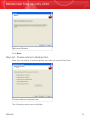
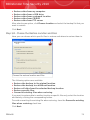
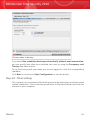
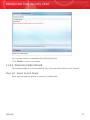
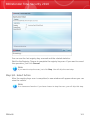
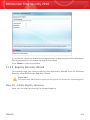
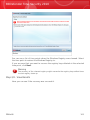
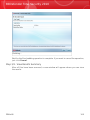
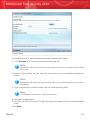
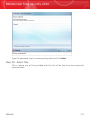
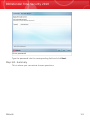
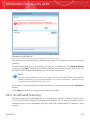
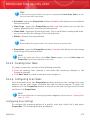
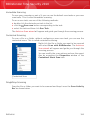
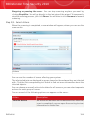
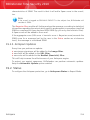
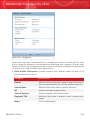
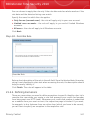
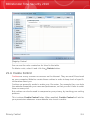
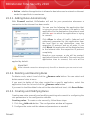
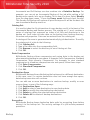
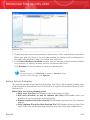
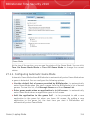
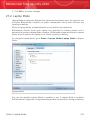
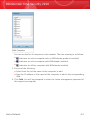
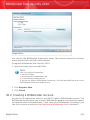
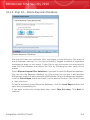
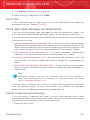
can click Block all to select all the cells and, implicitly, to block all the web access.
If you click Allow all, the internet connections will be permitted all the time.
Important
The boxes coloured in grey represent the time intervals when all internet connections
are blocked.
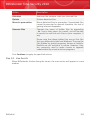
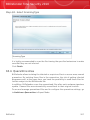
20.5. Applications Control
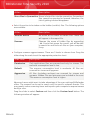
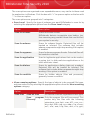
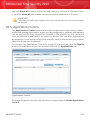
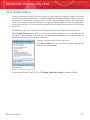
The Applications Control helps you to block any application from running. Games,
media and messaging software, as well as other categories of software and malware
can be blocked this way. Applications blocked in this manner are also protected
from modifications, and cannot be copied or moved. You can block applications
permanently or just during certain time intervals, such as those when your children
should be doing their homework.
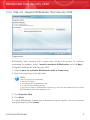
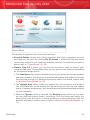
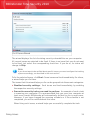
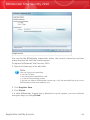
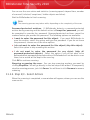
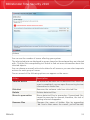
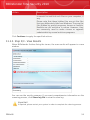
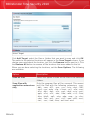
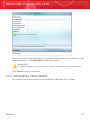
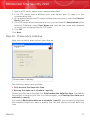
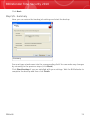
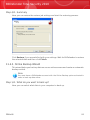
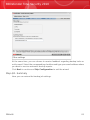
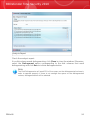
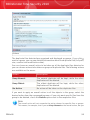
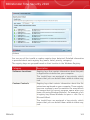
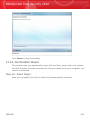
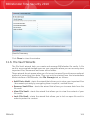
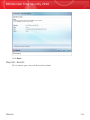
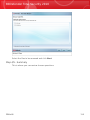
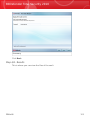
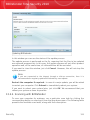
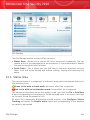
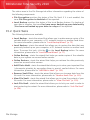
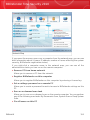
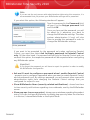
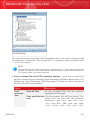
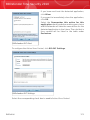
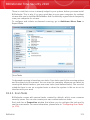
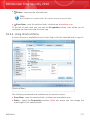
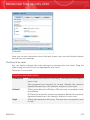
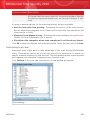
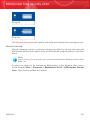
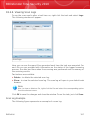
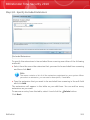
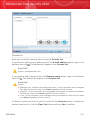
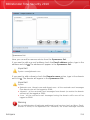
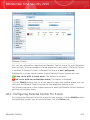
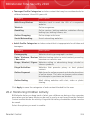
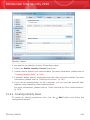
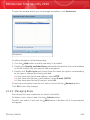
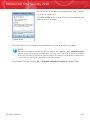
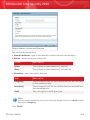
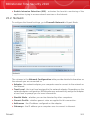
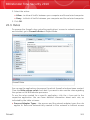
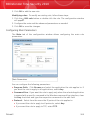
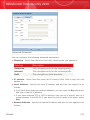
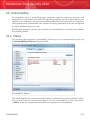
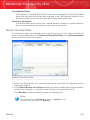
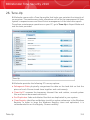
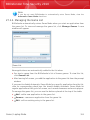
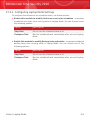
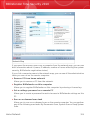
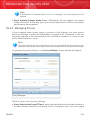
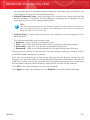
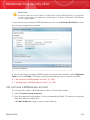
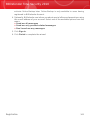
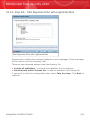
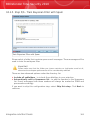
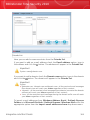
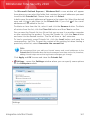
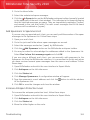
To configure the Applications Control for a specific user account, click the Modify
button corresponding to that user account and click the Applications tab.
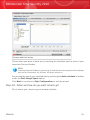
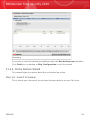
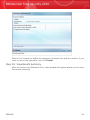
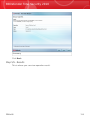
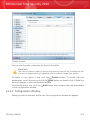
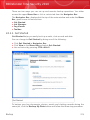
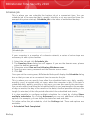
Applications Control
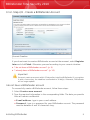
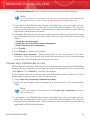
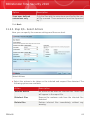
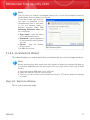
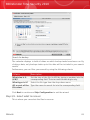
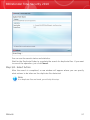
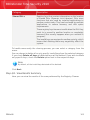
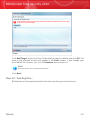
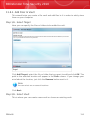
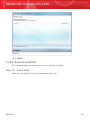
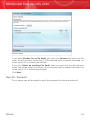
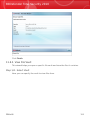
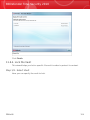
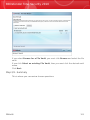
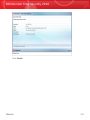
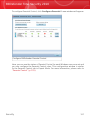
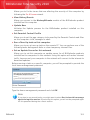
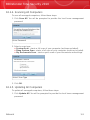
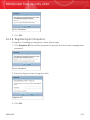
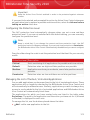
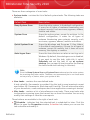
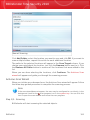
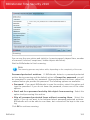
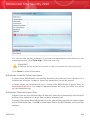
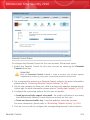
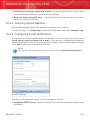
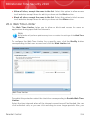
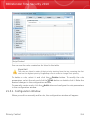
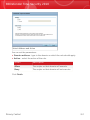
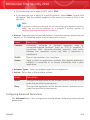
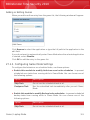
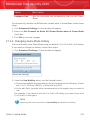
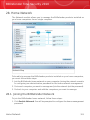
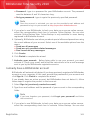
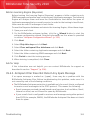
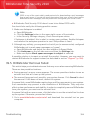
To enable this protection select the check box corresponding to Enable Application
Control.
Parental Control
235