1
BitDefender Total Security 2010
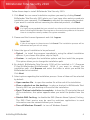
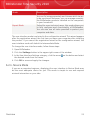
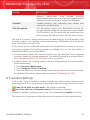
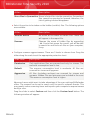
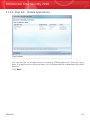
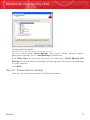
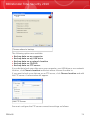
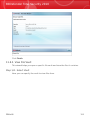
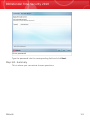
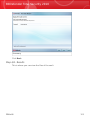
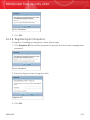
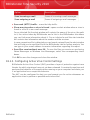
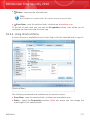
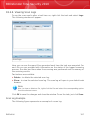
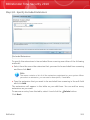
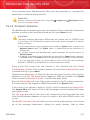
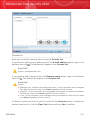
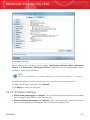
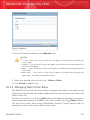
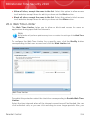
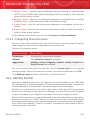
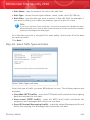
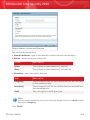
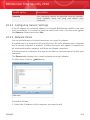
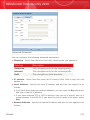
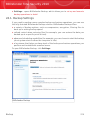
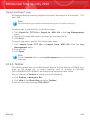
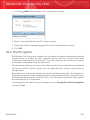
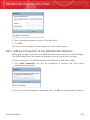
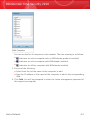
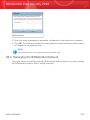
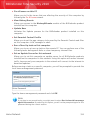
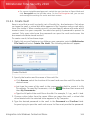
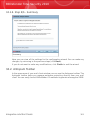
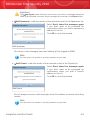
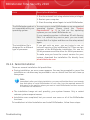
2. Select the action:
⚫ Allow - to allow all traffic between your computer and the selected computer.
⚫ Deny - to block all traffic between your computer and the selected computer.
3. Click OK.
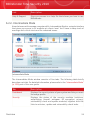
22.3. Rules
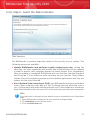
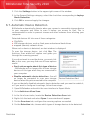
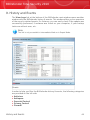
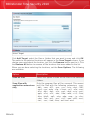
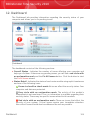
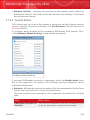
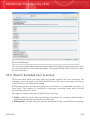
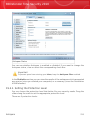
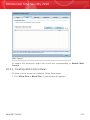
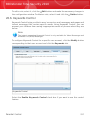
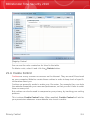
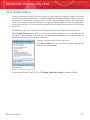
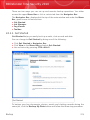
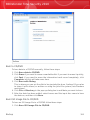
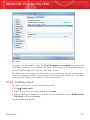
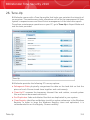
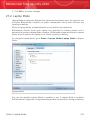
To manage the firewall rules controlling applications' access to network resources
and Internet, go to Firewall>Rules in Expert Mode.
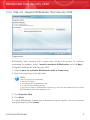
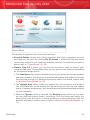
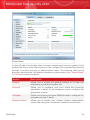
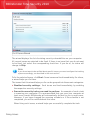
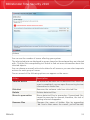
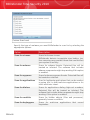
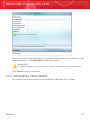
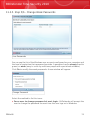
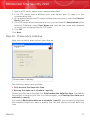
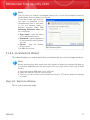
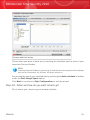
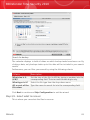
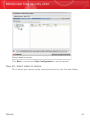
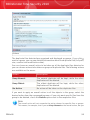
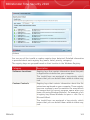
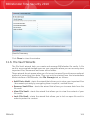
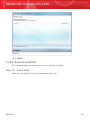
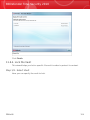
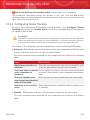
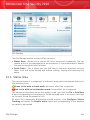
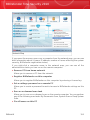
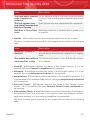
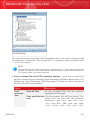
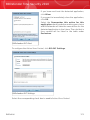
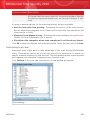
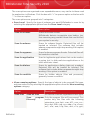
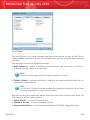
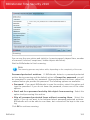
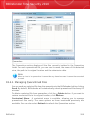
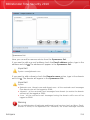
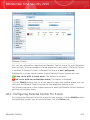
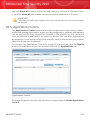
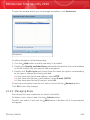
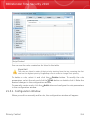
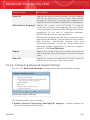
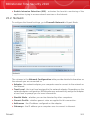
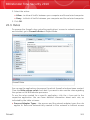
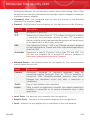
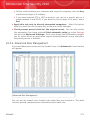
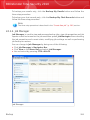
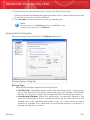
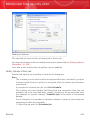
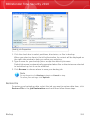
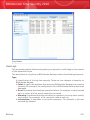
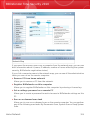
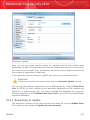
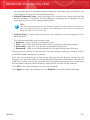
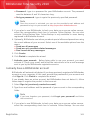
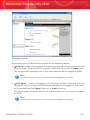
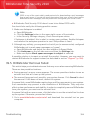
Firewall Rules
You can see the applications (processes) for which firewall rules have been created.
Clear the Hide system rules check box if you want to also see the rules regarding
the system or the BitDefender processes.
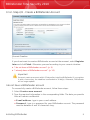
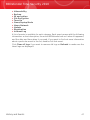
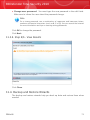
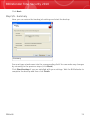
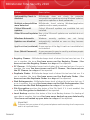
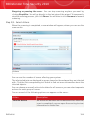
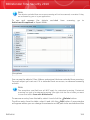
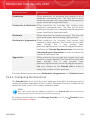
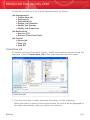
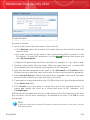
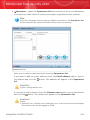
To see the rules created for a specific application, click the + box next to the
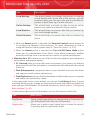
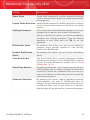
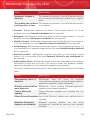
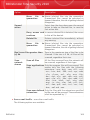
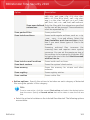
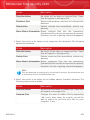
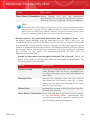
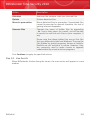
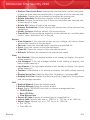
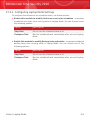
respective application. You can learn detailed information about each rule, as
indicated by the table columns:
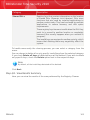
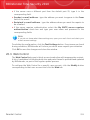
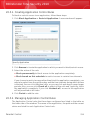
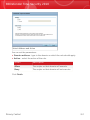
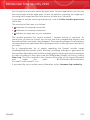
⚫ Process/Adapter Types - the process and the network adapter types the rule
applies to. Rules are automatically created to filter network or Internet access
Firewall
265