1
BitDefender Total Security 2010
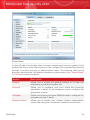
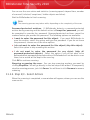
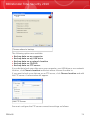
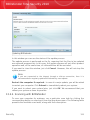
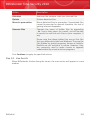
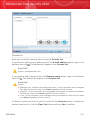
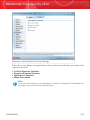
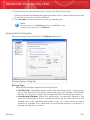
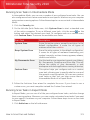
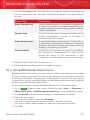
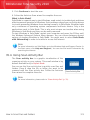
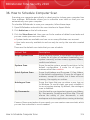
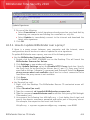
Modify Job Properties
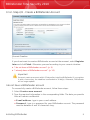
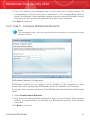
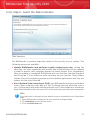
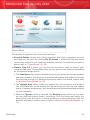
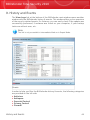
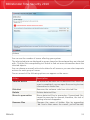
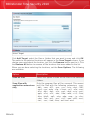
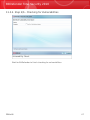
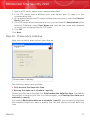
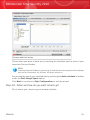
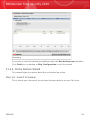
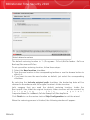
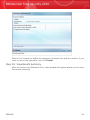
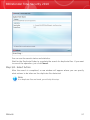
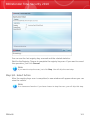
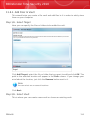
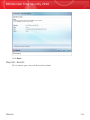
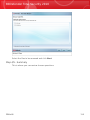
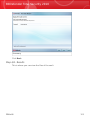
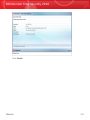
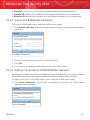
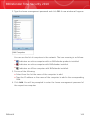
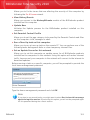
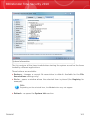
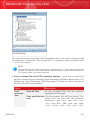
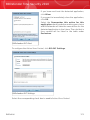
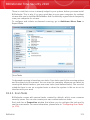
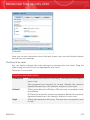
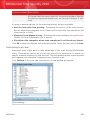
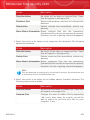
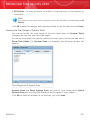
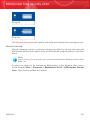
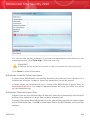
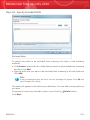
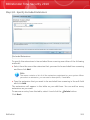
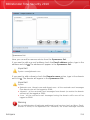
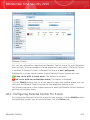
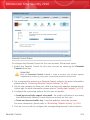
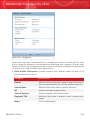
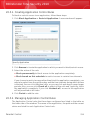
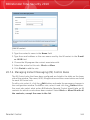
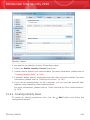
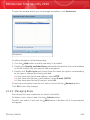
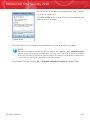
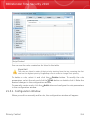
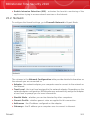
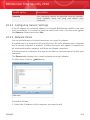
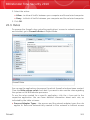
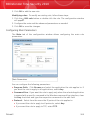
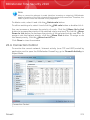
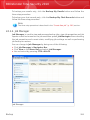
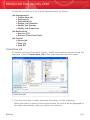
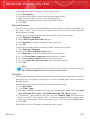
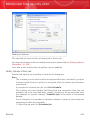
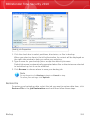
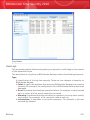
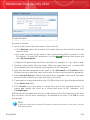
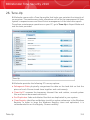
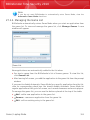
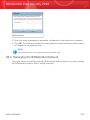
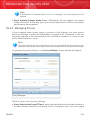
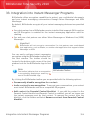
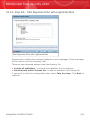
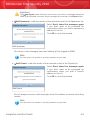
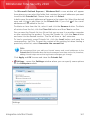
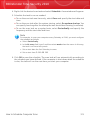
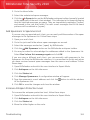
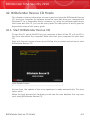
1. Click the check box to select partitions, directories, or files to backup.
When you select an item in the left side window, its content will be displayed on
the right side window to help you refine your selection.
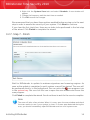
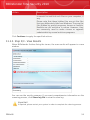
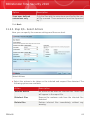
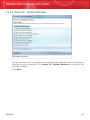
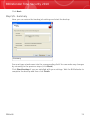
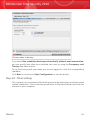
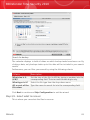
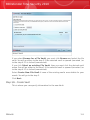
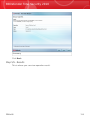
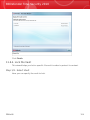
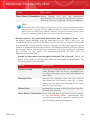
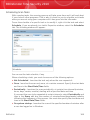
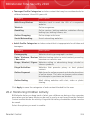
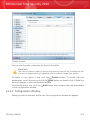
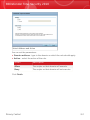
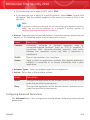
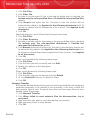
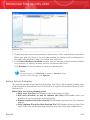
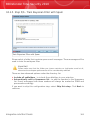
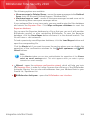
2. Type a name for your backup job or accept the default job name.
Default job name is automatically generated when files or directories are selected
to be backed up, but it can be modified.
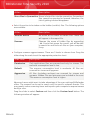
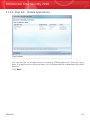
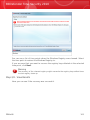
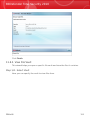
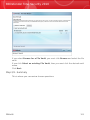
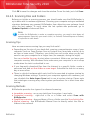
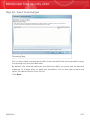
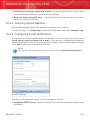
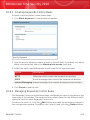
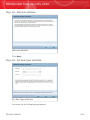
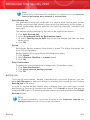
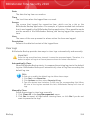
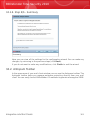
3. Click Browse to choose where to save your backup job.
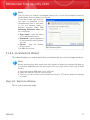
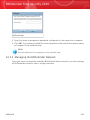
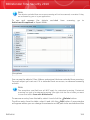
Note
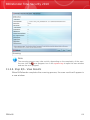
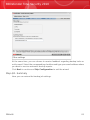
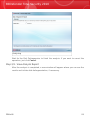
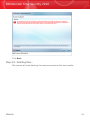
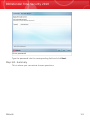
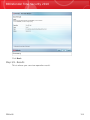
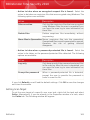
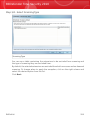
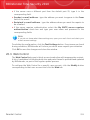
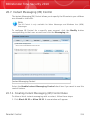
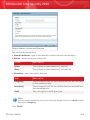
Do not forget to click Backup to begin or Cancel to stop.
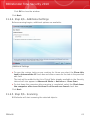
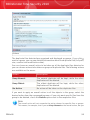
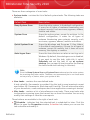
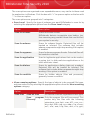
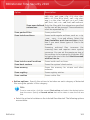
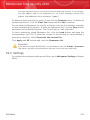
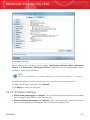
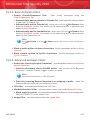
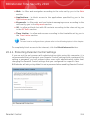
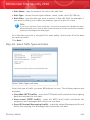
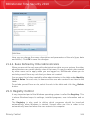
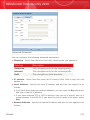
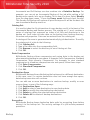
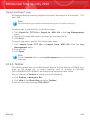
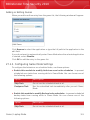
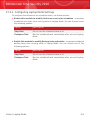
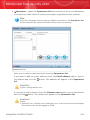
To refine your settings, click Options.
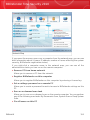
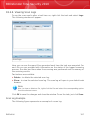
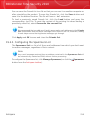
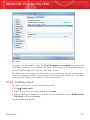
Restore File
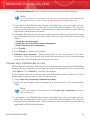
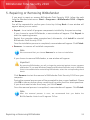
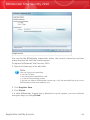
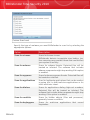
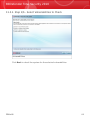
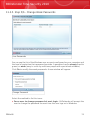
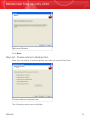
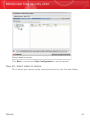
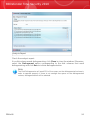
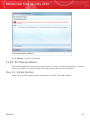
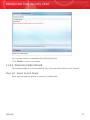
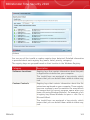
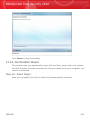
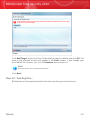
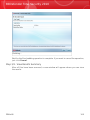
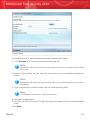
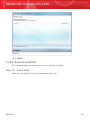
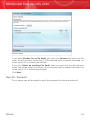
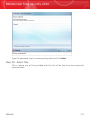
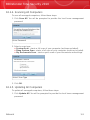
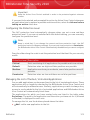
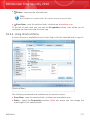
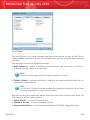
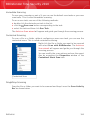
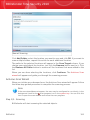
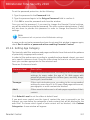
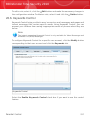
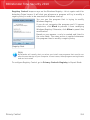
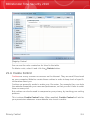
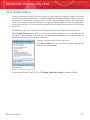
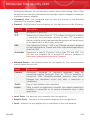
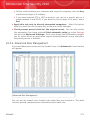
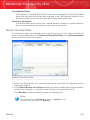
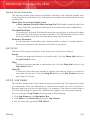
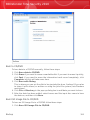
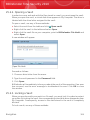
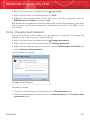
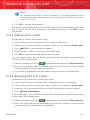
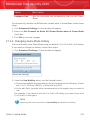
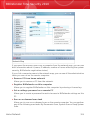
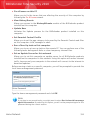
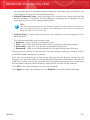
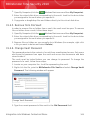
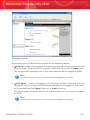
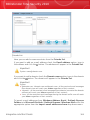
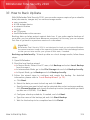
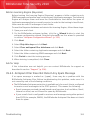
To restore your backed-up data, select the job you want to restore data from, click
Restore File in the Job Restoration menu and then follow these steps.
Backup
293